Kafka源码剖析
Kafka源码剖析之源码阅读环境搭建
首先下载源码:http://archive.apache.org/dist/kafka/1.0.2/kafka-1.0.2-src.tgz
gradle-4.8.1下载地址:https://services.gradle.org/distributions/gradle-4.8.1-bin.zip
Scala-2.12.12下载地址:https://downloads.lightbend.com/scala/2.12.12/scala-2.12.12.msi
安装配置Gradle
解压gradle4.8.-bin.zip到一个目录
配置环境变量,其中GRADLE_HOME指向gradle解压到的根目录,GRADLE_USER_HOME指向gradle的本地仓库位置。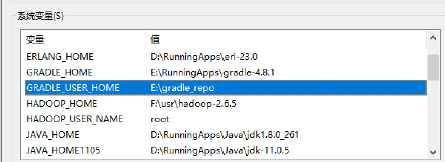
PATH环境变量:
进入GRADLE_USER_HOME目录,添加init.gradle,配置gradle的源:
init.gradle内容:
allprojects {
  repositories {
    maven {
      url 'https://maven.aliyun.com/repository/public/'
    }
    maven {
      url 'https://maven.aliyun.com/nexus/content/repositories/google'
    }
    maven {
      url 'https://maven.aliyun.com/nexus/content/groups/public/'
    }
    maven {
      url 'https://maven.aliyun.com/nexus/content/repositories/jcenter'
    }
    all {
      ArtifactRepository repo ->
      if (repo instanceof MavenArtifactRepository) {
        def url = repo.url.toString()
        if (url.startsWith('https://repo.maven.apache.org/maven2/') || url.startsWith('https://repo.maven.org/maven2') || url.startsWith('https://repo1.maven.org/maven2') || url.startsWith('https://jcenter.bintray.com/')) {
          //project.logger.lifecycle "Repository ${repo.url} replaced by $REPOSITORY_URL."
          remove repo
        }
      }
    }
  }

  buildscript {
    repositories {
      maven {
        url 'https://maven.aliyun.com/repository/public/'
      }
      maven {
        url 'https://maven.aliyun.com/nexus/content/repositories/google'
      }
      maven {
        url 'https://maven.aliyun.com/nexus/content/groups/public/'
      }
      maven {
        url 'https://maven.aliyun.com/nexus/content/repositories/jcenter'
      }
      all {
        ArtifactRepository repo ->
        if (repo instanceof MavenArtifactRepository) {
          def url = repo.url.toString()
          if (url.startsWith('https://repo1.maven.org/maven2') || url.startsWith('https://jcenter.bintray.com/')) {
            //project.logger.lifecycle "Repository ${repo.url} replaced by $REPOSITORY_URL."
            remove repo
          }
        }
      }
    }
  }
}
保存并退出,打开cmd,运行:
gradle -v设置成功。
Scala的安装和配置
双击安装
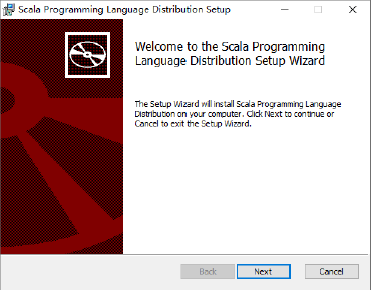
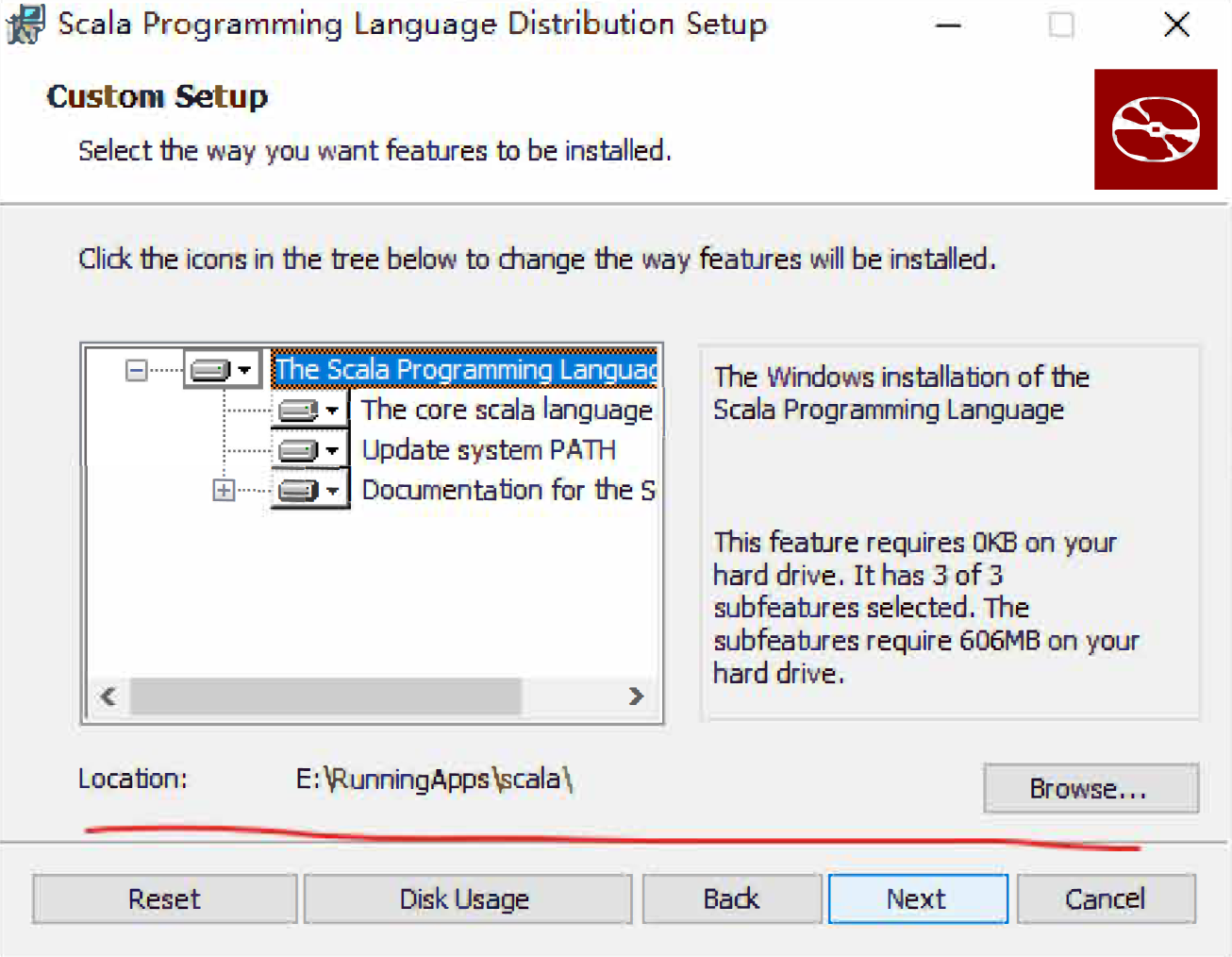
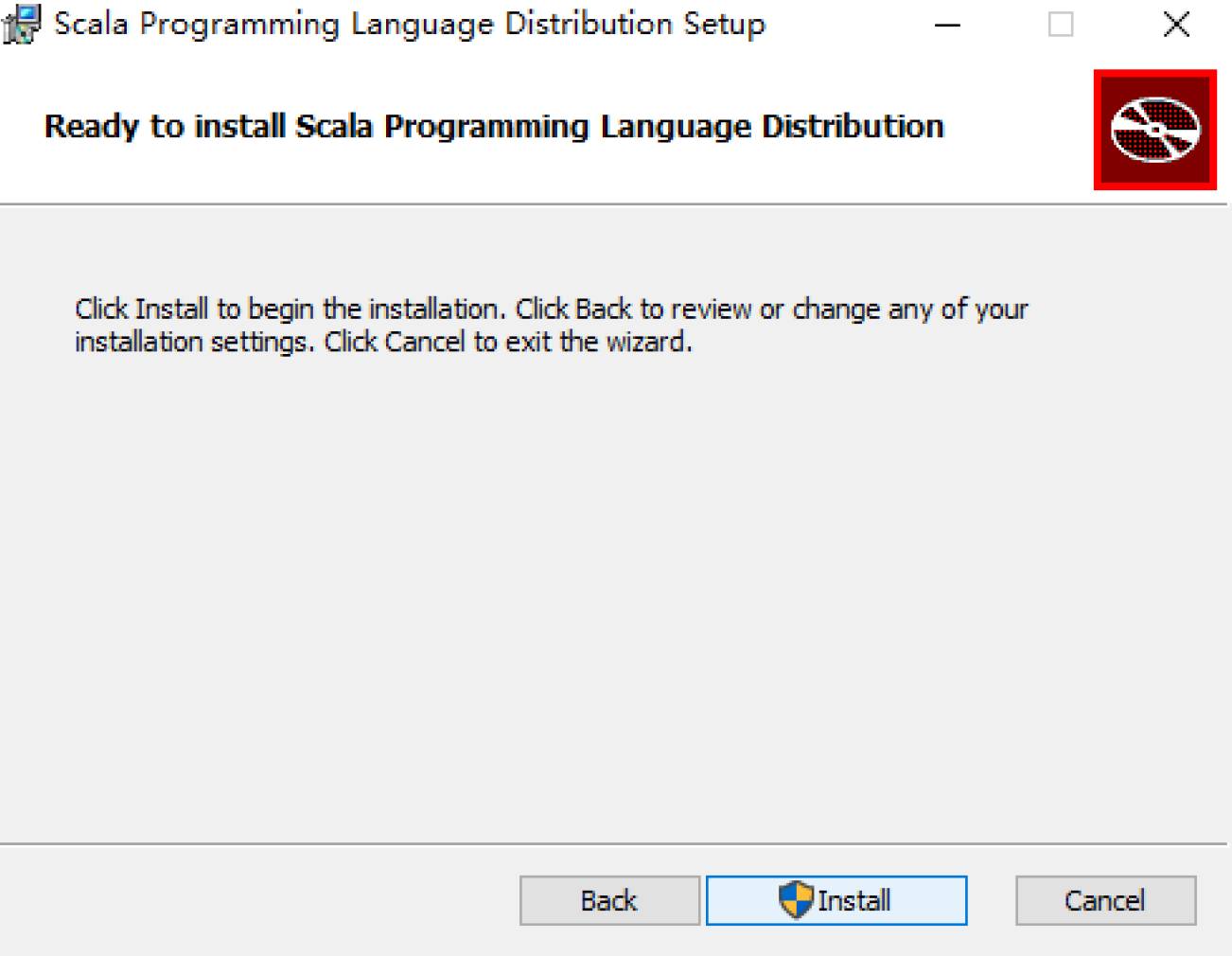
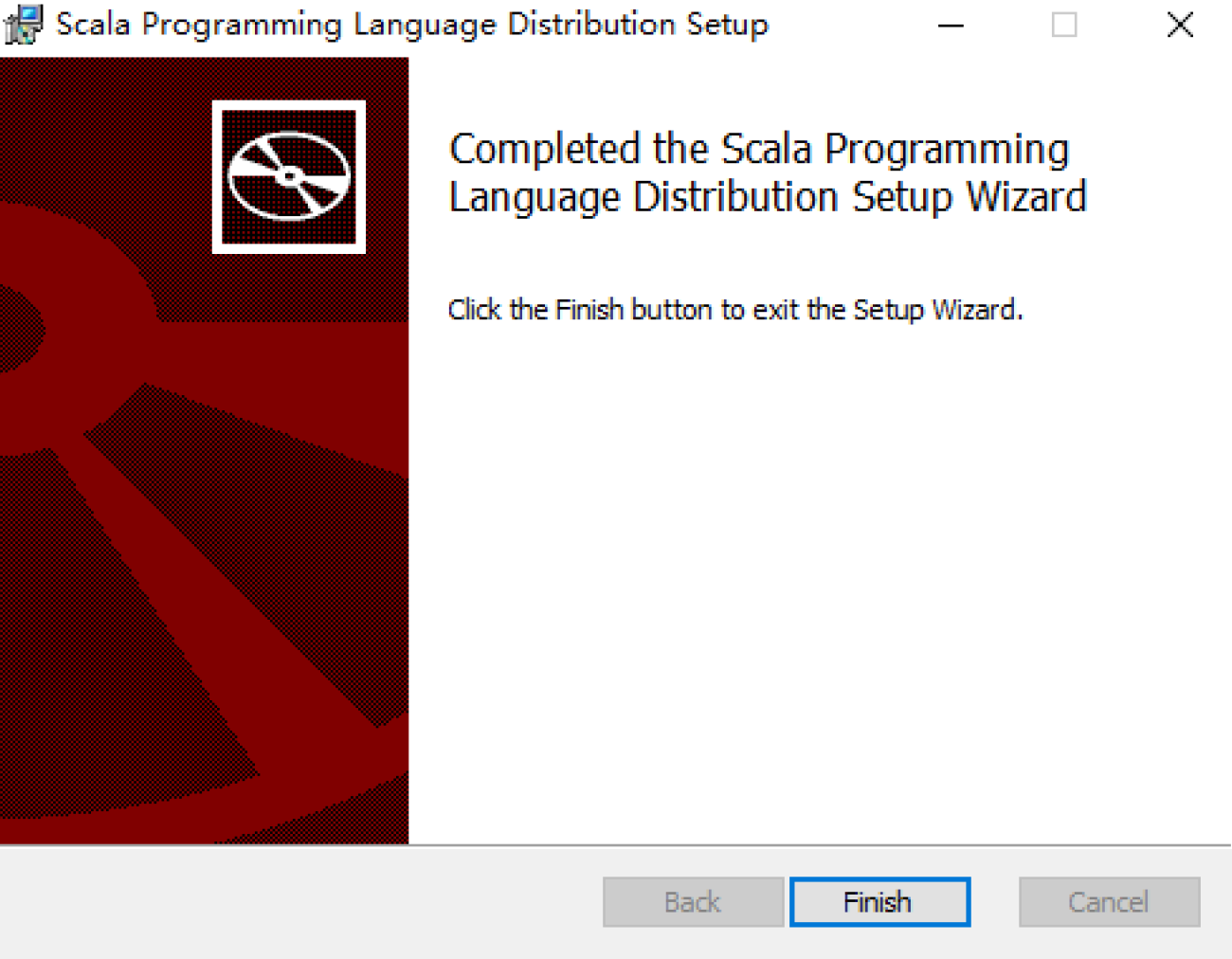
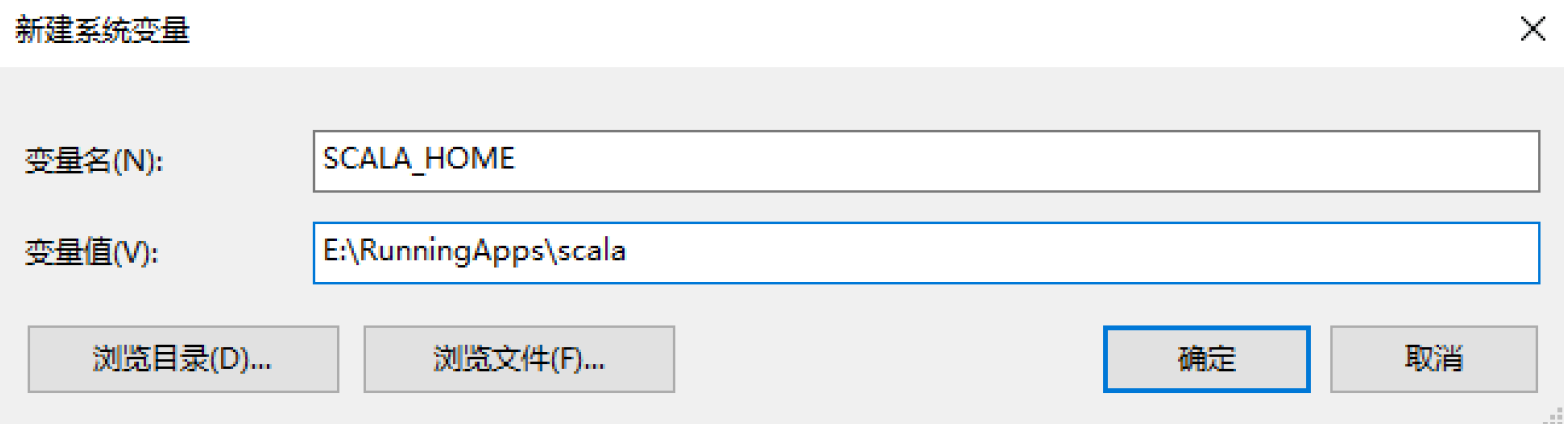
添加gradle的bin目录到PATH中。
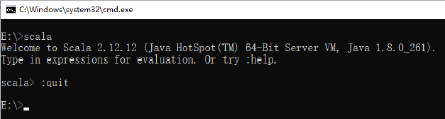
输入:quit退出Scala的交互式环境。
Idea配置
idea安装Scala插件: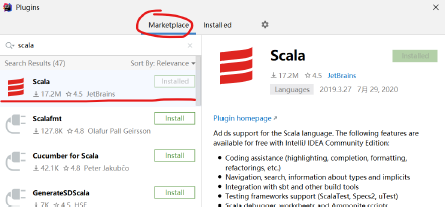
源码操作
解压源码: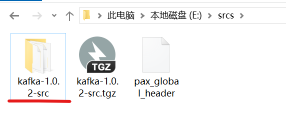
打开CMD,进入kafka-1.0.2-src目录,执行:gradle
结束后,执行gradle idea(注意不要使用生成的gradlew.bat执行操作)
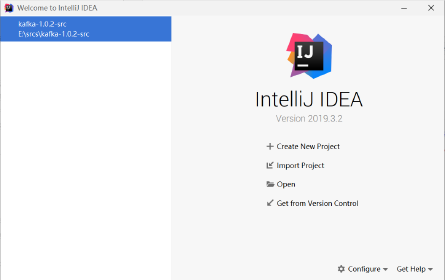
idea导入源码: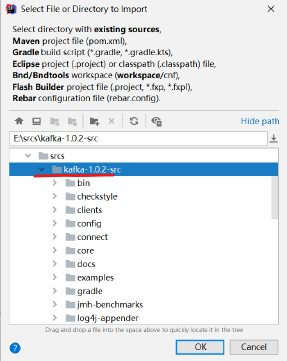
选择Gradle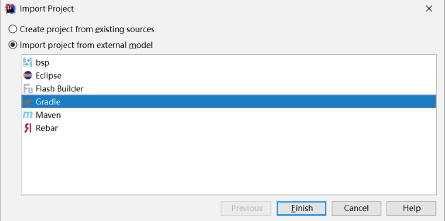
Kafka源码剖析之Broker启动流程
启动kafka
命令如下:
kafka-server-start.sh /opt/kafka_2.12-1.0.2/config/server.propertieskafka-server-start.sh内容如下:
if [ $# -lt 1 ];
then
  echo "USAGE: $0 [-daemon] server.properties [--override property=value]*"
  exit 1
fi
base_dir=$(dirname $0)

if [ "x$KAFKA_LOG4J_OPTS" = "x" ]; then
  export KAFKA_LOG4J_OPTS="-Dlog4j.configuration=file:$base_dir/../config/log4j.properties"
fi

if [ "x$KAFKA_HEAP_OPTS" = "x" ]; then
  export KAFKA_HEAP_OPTS="-Xmx1G -Xms1G"
fi

EXTRA_ARGS=${EXTRA_ARGS-'-name kafkaServer -loggc'}

COMMAND=$1
case $COMMAND in
  -daemon)
    EXTRA_ARGS="-daemon "$EXTRA_ARGS
    shift
    ;;
  *)
    ;;
esac

exec $base_dir/kafka-run-class.sh $EXTRA_ARGS kafka.Kafka "$@"
查看Kafka.Kafka源码
def main(args: Array[String]): Unit = {
  try {
    // 读取启动配置
    val serverProps = getPropsFromArgs(args)
    // 封装KafkaServer
    val kafkaServerStartable = KafkaServerStartable.fromProps(serverProps)
    // register signal handler to log termination due to SIGTERM, SIGHUP and SIGINT (control-c)
    registerLoggingSignalHandler()
    // attach shutdown handler to catch terminating signals as well as normal termination
    // 增加回调监听
    Runtime.getRuntime().addShutdownHook(new Thread("kafka-shutdown-hook"){
      override def run(): Unit = kafkaServerStartable.shutdown()
    })
    // 启动服务
    kafkaServerStartable.startup()
    // 等待
    kafkaServerStartable.awaitShutdown()
  } catch {
    case e: Throwable =>
      fatal(e)
      Exit.exit(1)
    }
  Exit.exit(0)
}
上面的kafkaServerStartabl封装了KafkaServer,最终执行startup的是KafkaServer
class KafkaServerStartable(val serverConfig: KafkaConfig, reporters:Seq[KafkaMetricsReporter]) extends Logging {
  private val server = new KafkaServer(serverConfig, kafkaMetricsReporters = reporters)

  def this(serverConfig: KafkaConfig) = this(serverConfig, Seq.empty)

  // 启动
  def startup() {
    try server.startup()
    catch {
      case _: Throwable =>
      // KafkaServer.startup() calls shutdown() in case of exceptions, so we invoke `exit` to set the status code
      fatal("Exiting Kafka.")
      Exit.exit(1)
    }
  }

  // 关闭
  def shutdown() {
    try server.shutdown()
    catch {
      case _: Throwable =>
      fatal("Halting Kafka.")
      Exit.halt(1)
    }
  }

  def setServerState(newState: byte) {
    server.brokerState.newState(newState)
  }

  def awaitShutdown(): Unit = server.awaitShutdown()
}
下面来看一下KafkaServer的startup方法,启动了很多东西,后面都会用到,代码中也加入了注释
def startup() {
  try {
    info("starting")
    // 是否关闭
    if (isShuttingDown.get)
    throw new IllegalStateException("Kafka server is still shutting down, cannot re-start!")
    // 是否已启动完成
    if (startupComplete.get)
    return
    // 开始启动,并设置已启动变量
    val canStartup = isStartingUp.compareAndSet(false, true)
    if (canStartup) {
      // 设置broker为启动状态
      brokerState.newState(Starting)
      /* start scheduler */
      // 启动定时器
      kafkaScheduler.startup()
      /* setup zookeeper */
      // 初始化zookeeper配置
      zkUtils = initZk()
      /* Get or create cluster_id */
      // 在zookeeper上生成集群Id
      _clusterId = getOrGenerateClusterId(zkUtils)
      info(s"Cluster ID = $clusterId")
      /* generate brokerId */
      // 从配置文件获取brokerId
      val (brokerId, initialOfflineDirs) = getBrokerIdAndOfflineDirs
      config.brokerId = brokerId
      // 日志上下文
      logContext = new LogContext(s"[KafkaServer id=${config.brokerId}]")
      this.logIdent = logContext.logPrefix
      /* create and configure metrics */
      // 通过配置文件中的MetricsReporter的实现类来创建实例
      val reporters = config.getConfiguredInstances(KafkaConfig.MetricReporterClassesProp, classOf[MetricsReporter], Map[String, AnyRef](KafkaConfig.BrokerIdProp ->
      (config.brokerId.toString)).asJava)
      // 默认监控会增加jmx
      reporters.add(new JmxReporter(jmxPrefix))
      val metricConfig = KafkaServer.metricConfig(config)
      // 创建metric对象
      metrics = new Metrics(metricConfig, reporters, time, true)
      /* register broker metrics */
      _brokerTopicStats = new BrokerTopicStats
      // 初始化配额管理服务,对于每个producer或者consumer,可以对他们produce或者consum的速度上限作出限制
      quotaManagers = QuotaFactory.instantiate(config, metrics, time, threadNamePrefix.getOrElse(""))
      // 增加监听器
      notifyClusterListeners(kafkaMetricsReporters ++ reporters.asScala)
      logDirFailureChannel = new LogDirFailureChannel(config.logDirs.size)
      // 创建日志管理组件,创建时会检查log目录下是否有.kafka_cleanshutdown文件,如果没有的话,broker进入RecoveringFrom UncleanShutdown 状态
      /* start log manager */
      logManager = LogManager(config, initialOfflineDirs, zkUtils, brokerState, kafkaScheduler, time, brokerTopicStats, logDirFailureChannel)
      logManager.startup()
      // 创建元数据管理组件
      metadataCache = new MetadataCache(config.brokerId)
      // 创建凭证提供者组件
      credentialProvider = new CredentialProvider(config.saslEnabledMechanisms)
        // Create and start the socket server acceptor threads so that the bound port is known.
      // Delay starting processors until the end of the initialization sequence to ensure
      // that credentials have been loaded before processing authentications.
      // 创建一个sockerServer组件,并启动。该组件启动后,就会开始接收请求
      socketServer = new SocketServer(config, metrics, time, credentialProvider)
      socketServer.startup(startupProcessors = false)
      // 创建一个副本管理组件,并启动该组件
      /* start replica manager */
      replicaManager = createReplicaManager(isShuttingDown)
      replicaManager.startup()
      // 创建kafka控制器,并启动。该控制器启动后broker会尝试去zk创建节点竞争成为controller
      /* start kafka controller */
      kafkaController = new KafkaController(config, zkUtils, time, metrics, threadNamePrefix)
      kafkaController.startup()
      // 创建一个集群管理组件
      adminManager = new AdminManager(config, metrics, metadataCache, zkUtils)
      // 创建群组协调器,并且启动
      /* start group coordinator */
      // Hardcode Time.SYSTEM for now as some Streams tests fail otherwise, it would be good to fix the underlying issue
      groupCoordinator = GroupCoordinator(config, zkUtils, replicaManager, Time.SYSTEM)
      groupCoordinator.startup()
      // 启动事务协调器,带有单独的后台线程调度程序,用于事务到期和日志加载
      /* start transaction coordinator, with a separate background thread scheduler for transaction expiration and log loading */
      // Hardcode Time.SYSTEM for now as some Streams tests fail otherwise, it would be good to fix the underlying issue
      transactionCoordinator = TransactionCoordinator(config, replicaManager, new KafkaScheduler(threads = 1, threadNamePrefix = "transaction-log-manager-"), zkUtils, metrics, metadataCache, Time.SYSTEM)
      transactionCoordinator.startup()
      // 构造授权器
      /* Get the authorizer and initialize it if one is specified.*/
      authorizer = Option(config.authorizerClassName).filter(_.nonEmpty).map {
        authorizerClassName =>
        val authZ = CoreUtils.createObject[Authorizer]
        (authorizerClassName)
        authZ.configure(config.originals())
        authZ
      }
      // 构造api组件,针对各个接口会处理不同的业务
      /* start processing requests */
      apis = new KafkaApis(socketServer.requestChannel, replicaManager, adminManager, groupCoordinator, transactionCoordinator, kafkaController, zkUtils, config.brokerId, config, metadataCache, metrics, authorizer, quotaManagers, brokerTopicStats, clusterId, time)
      // 请求处理池
      requestHandlerPool = new KafkaRequestHandlerPool(config.brokerId, socketServer.requestChannel, apis, time, config.numIoThreads)
      Mx4jLoader.maybeLoad()
      // 动态配置处理器的相关配置
      /* start dynamic config manager */
      dynamicConfigHandlers = Map[String, ConfigHandler](ConfigType.Topic ->
      new TopicConfigHandler(logManager, config, quotaManagers),
      ConfigType.Client -> new ClientIdConfigHandler(quotaManagers),
      ConfigType.User -> new UserConfigHandler(quotaManagers, credentialProvider),
      ConfigType.Broker -> new BrokerConfigHandler(config, quotaManagers))
      // 初始化动态配置管理器,并启动
      // Create the config manager. start listening to notifications
      dynamicConfigManager = new DynamicConfigManager(zkUtils, dynamicConfigHandlers)
      dynamicConfigManager.startup()
      // 通知监听者
      /* tell everyone we are alive */
      val listeners = config.advertisedListeners.map { endpoint =>
      if (endpoint.port == 0)
      endpoint.copy(port = socketServer.boundPort(endpoint.listenerName)) else
      endpoint
      }
      // kafka健康检查组件
      kafkaHealthcheck = new KafkaHealthcheck(config.brokerId, listeners, zkUtils, config.rack, config.interBrokerProtocolVersion)
      kafkaHealthcheck.startup()
      // 记录一下恢复点
      // Now that the broker id is successfully registered via KafkaHealthcheck, checkpoint it
      checkpointBrokerId(config.brokerId)
      // 修改broker状态
      socketServer.startProcessors()
      brokerState.newState(RunningAsBroker)
      shutdownLatch = new CountDownLatch(1)
      startupComplete.set(true)
      isStartingUp.set(false)
      AppInfoParser.registerAppInfo(jmxPrefix, config.brokerId.toString, metrics)
      info("started")
    }
  }
  catch {
    case e: Throwable =>
    fatal("Fatal error during KafkaServer startup. Prepare to shutdown", e)
    isStartingUp.set(false)
    shutdown()
    throw e
  }
}
Kafka源码剖析之Topic创建流程
Topic创建
有两种创建方式:自动创建、手动创建。在server.properties中配置auto.create.topics.enable=true 时,kafka在发现该topic不存在的时候会按照默认配置自动创建topic,触发自动创建topic有以下两种情况:
- Producer向某个不存在的Topic写入消息
Consumer从某个不存在的Topic读取消息
手动创建
当auto.create.topics.enable=false 时,需要手动创建topic,否则消息会发送失败。手动创建topic的方式如下:
kafka-topics.sh --create --zookeeper localhost:2181 --replication-factor 1 --partitions 10 --topic kafka_test--replication-factor: 副本数目
--partitions: 分区数据
--topic: topic名字查看Topic入口
查看脚本文件kafka-topics.sh
exec $(dirname $0)/kafka-run-class.sh kafka.admin.TopicCommand "$@"最终还是调用的TopicCommand类:首先判断参数是否为空,并且create、list、alter、descibe、delete只允许存在一个,进行参数验证,创建zookeeper 链接,如果参数中包含create则开始创建topic,其他情况类似。
def main(args: Array[String]): Unit = {
val opts = new TopicCommandOptions(args)
// 判断参数长度
if(args.length == 0)
  CommandLineUtils.printUsageAndDie(opts.parser, "Create, delete, describe, or change a topic.")
  // create、list、alter、descibe、delete只允许存在一个
  // should have exactly one action
  val actions = Seq(opts.createOpt, opts.listOpt, opts.alterOpt, opts.describeOpt, opts.deleteOpt).count(opts.options.has _)
  if(actions != 1)
 CommandLineUtils.printUsageAndDie(opts.parser, "Command must include exactly one action: --list, --describe, --create, --alter or --delete")
 // 参数验证
 opts.checkArgs()
 // 初始化zookeeper链接
 val zkUtils = ZkUtils(opts.options.valueOf(opts.zkConnectOpt), 30000, 30000, JaasUtils.isZkSecurityEnabled())
 var exitCode = 0
 try {
   if(opts.options.has(opts.createOpt))
   // 创建topic
   createTopic(zkUtils, opts) else if(opts.options.has(opts.alterOpt))
   // 修改topic
   alterTopic(zkUtils, opts) else if(opts.options.has(opts.listOpt))
   // 列出所有的topic,bin/kafka-topics.sh --list --zookeeper
   localhost:2181
   listTopics(zkUtils, opts) else if(opts.options.has(opts.describeOpt))
   // 查看topic描述,bin/kafka-topics.sh --describe --zookeeper
   localhost:2181
   describeTopic(zkUtils, opts) else if(opts.options.has(opts.deleteOpt))
   // 删除topic
   deleteTopic(zkUtils, opts)
 } catch {
   case e: Throwable =>
     println("Error while executing topic command : " + e.getMessage)
   error(Utils.stackTrace(e))
   exitCode = 1
 } finally {
   zkUtils.close()
   Exit.exit(exitCode)
 }
}
创建Topic
下面我们主要来看一下createTopic 的执行过程:
def createTopic(zkUtils: ZkUtils, opts: TopicCommandOptions) { // 获取topic名称 val topic = opts.options.valueOf(opts.topicOpt) val configs = parseTopicConfigsToBeAdded(opts) val ifNotExists = opts.options.has(opts.ifNotExistsOpt) if (Topic.hasCollisionChars(topic)) println("WARNING: Due to limitations in metric names, topics with a period ('.') or underscore ('_') could collide. To avoid issues it is best to use either, but not both.") try { //如果客户端指定了topic的partition的replicas分配情况,则直接把所有topic的元数据信息持久化写入到zk, // topic的properties写入到/config/topics/{topic}目录, // topic的PartitionAssignment写入到/brokers/topics/{topic}目录 if (opts.options.has(opts.replicaAssignmentOpt)) { val assignment = parseReplicaAssignment(opts.options.valueOf(opts.replicaAssignmentOpt)) AdminUtils.createOrUpdateTopicPartitionAssignmentPathInZK(zkUtils, topic, assignment, configs, update = false) } else { // 否则需要自动生成topic的PartitionAssignment CommandLineUtils.checkRequiredArgs(opts.parser, opts.options, opts.partitionsOpt, opts.replicationFactorOpt) // 分区 val partitions = opts.options.valueOf(opts.partitionsOpt).intValue // 副本集 val replicas = opts.options.valueOf(opts.replicationFactorOpt).intValue // 从0.10.x版本开始,kafka可以支持指定broker的机架信息,如果指定了机架信息则在副本分配时会尽可能地让分区的副本分不到不同的机架上。 // 指定机架信息是通过kafka的配置文件config/server.properties中的broker.rack参数来配置的 val rackAwareMode = if (opts.options.has(opts.disableRackAware)) RackAwareMode.Disabled else RackAwareMode.Enforced AdminUtils.createTopic(zkUtils, topic, partitions, replicas, configs, rackAwareMode) } println("Created topic "%s".".format(topic)) } catch { case e: TopicExistsException => if (!ifNotExists) throw e } }- 如果客户端指定了topic的partition的replicas分配情况,则直接把所有topic的元数据信息持久化写入到zk,topic的properties写到/config/topics/{topic}目录,topic的PartitionAssignment写入到/brokers/topics/{topic}目录
- 根据分区数量、副本集、是否指定机架来自动生成topic的分区数据
下面继续来看AdminUtils.createTopic 方法
def createTopic(zkUtils: ZkUtils, topic: String, partitions: int, replicationFactor: int, topicConfig: Properties = new Properties, rackAwareMode: RackAwareMode = RackAwareMode.Enforced) {
  // 获取集群中每个broker的brokerId和机架信息信息的列表,为下面的
  val brokerMetadatas = getBrokerMetadatas(zkUtils, rackAwareMode)
  // 根据是否禁用指定机架策略来生成分配策略
  val replicaAssignment = AdminUtils.assignReplicasToBrokers(brokerMetadatas, partitions, replicationFactor)
  // 在zookeeper中创建或更新主题分区分配路径
  AdminUtils.createOrUpdateTopicPartitionAssignmentPathInZK(zkUtils, topic, replicaAssignment, topicConfig)
}
下面继续来看AdminUtils.assignReplicasToBrokers方法
def assignReplicasToBrokers(brokerMetadatas: Seq[BrokerMetadata], nPartitions: int, replicationFactor: int, fixedStartIndex: int = -1, startPartitionId: int = -1): Map[int, Seq[int]] = {
if (nPartitions <= 0)
// 分区个数partitions不能小于等于0
throw new InvalidPartitionsException("Number of partitions must be larger than 0.")
if (replicationFactor <= 0)
// 副本个数replicationFactor不能小于等于0
throw new InvalidReplicationFactorException("Replication factor must be larger than 0.")
if (replicationFactor > brokerMetadatas.size)
// 副本个数replicationFactor不能大于broker的节点个数
throw new InvalidReplicationFactorException(s"Replication factor: $replicationFactor larger than available brokers:${brokerMetadatas.size}.")
if (brokerMetadatas.forall(_.rack.isEmpty))
// 没有指定机架信息的情况
assignReplicasToBrokersRackUnaware(nPartitions, replicationFactor, brokerMetadatas.map(_.id), fixedStartIndex, startPartitionId) else {
  // 针对指定机架信息的情况,更加复杂一点
  if (brokerMetadatas.exists(_.rack.isEmpty))
  throw new AdminOperationException("Not all brokers have rack information for replica rack aware assignment.")
  assignReplicasToBrokersRackAware(nPartitions, replicationFactor, brokerMetadatas, fixedStartIndex, startPartitionId)
}
}
未指定机架策略
private def assignReplicasToBrokersRackUnaware(nPartitions: int, replicationFactor: int, brokerList: Seq[int], fixedStartIndex: int, startPartitionId: int): Map[int, Seq[int]] = {
val ret = mutable.Map[int, Seq[int]]()
val brokerArray = brokerList.toArray
val startIndex = if (fixedStartIndex >= 0)
fixedStartIndex else rand.nextint(brokerArray.length)
var currentPartitionId = math.max(0, startPartitionId)
var nextReplicaShift = if (fixedStartIndex >= 0)
fixedStartIndex else rand.nextint(brokerArray.length)
for (_ <- 0 until nPartitions) {
  if (currentPartitionId > 0 && (currentPartitionId % brokerArray.length == 0))
  nextReplicaShift += 1
  val firstReplicaIndex = (currentPartitionId + startIndex) % brokerArray.length
  val replicaBuffer = mutable.ArrayBuffer(brokerArray(firstReplicaIndex))
  for (j <- 0 until replicationFactor - 1)
  replicaBuffer += brokerArray(replicaIndex(firstReplicaIndex, nextReplicaShift, j, brokerArray.length))
  ret.put(currentPartitionId, replicaBuffer)
  currentPartitionId += 1
}
ret
}
遍历每个分区partition然后从brokerArray(brokerId的列表)中选取replicationFactor个brokerId分配给这个partition.
创建一个可变的Map用来存放本方法将要返回的结果,即分区partition和分配副本的映射关系。由于fixedStartIndex为-1,所以startIndex是一个随机数,用来计算
一个起始分配的brokerId,同时由于startPartitionId为-1,所以currentPartitionId的值为0,可见默认创建topic时总是从编号为0的分区依次轮询进行分配。
nextReplicaShift表示下一次副本分配相对于前一次分配的位移量,这个字面上理解有点绕,不如举个例子:假设集群中有3个broker节点,即代码中的brokerArray,创建某topic有3个副本和6个分区,那么首先从partitionId(partition的编号)为0的分区开始进行分配,假设第一次计算(由rand.nextInt(brokerArray.length)随机)到nextReplicaShift为1,第一次随机到的startIndex为2,那么partitionId为0的第一个副本的位置(这里指的是brokerArray的数组下标)firstReplicaIndex = (currentPartitionId + startIndex) % brokerArray.length = (0+2)%3 = 2,第二个副本的位置为replicaIndex(firstReplicaIndex, nextReplicaShift, j, brokerArray.length) = replicaIndex(2, nextReplicaShift+1,0, 3)=?。
继续计算 replicaIndex(2, nextReplicaShift+1,0, 3) = replicaIndex(2, 2,0, 3)= (2+(1+(2+0)%(3-1)))%3=0。继续计算下一个副本的位置replicaIndex(2, 2,1, 3) = (2+(1+(2+1)%(3-1)))%3=1。所以partitionId为0的副本分配位置列表为[2,0,1],如果brokerArray正好是从0开始编号,也正好是顺序不间断的,即brokerArray为[0,1,2]的话,那么当前partitionId为0的副本分配策略为[2,0,1]。如果brokerId不是从零开始,也不是顺序的(有可能之前集群的其中broker几个下线了),最终的brokerArray为[2,5,8],那么partitionId为0的分区的副本分配策略为[8,2,5]。为了便于说明问题,可以简单的假设brokerArray就是[0,1,2]。
同样计算下一个分区,即partitionId为1的副本分配策略。此时nextReplicaShift还是为2,没有满足自增的条件。这个分区的firstReplicaIndex = (1+2)%3=0。第二个副本的位置replicaIndex(0,2,0,3) = (0+(1+(2+0)%(3-1)))%3 = 1,第三个副本的位置replicaIndex(0,2,1,3) = 2,最终partitionId为2的分区分配策略为[0,1,2]
指定机架策略
private def assignReplicasToBrokersRackAware(nPartitions: int, replicationFactor: int, brokerMetadatas: Seq[BrokerMetadata], fixedStartIndex: int, startPartitionId: int): Map[int, Seq[int]] = {
val brokerRackMap = brokerMetadatas.collect { case
BrokerMetadata(id, Some(rack)) =>
id -> rack
}.toMap
val numRacks = brokerRackMap.values.toSet.size
val arrangedBrokerList = getRackAlternatedBrokerList(brokerRackMap)
val numBrokers = arrangedBrokerList.size
val ret = mutable.Map[int, Seq[int]]()
val startIndex = if (fixedStartIndex >= 0)
fixedStartIndex else rand.nextint(arrangedBrokerList.size)
var currentPartitionId = math.max(0, startPartitionId)
var nextReplicaShift = if (fixedStartIndex >= 0)
fixedStartIndex else rand.nextint(arrangedBrokerList.size)
for (_ <- 0 until nPartitions) {
  if (currentPartitionId > 0 && (currentPartitionId % arrangedBrokerList.size == 0))
  nextReplicaShift += 1
  val firstReplicaIndex = (currentPartitionId + startIndex) % arrangedBrokerList.size
  val leader = arrangedBrokerList(firstReplicaIndex)
  val replicaBuffer = mutable.ArrayBuffer(leader)
  val racksWithReplicas = mutable.Set(brokerRackMap(leader))
  val brokersWithReplicas = mutable.Set(leader)
  var k = 0
  for (_ <- 0 until replicationFactor - 1) {
    var done = false
    while (!done) {
      val broker = arrangedBrokerList(replicaIndex(firstReplicaIndex, nextReplicaShift * numRacks, k, arrangedBrokerList.size))
      val rack = brokerRackMap(broker)
      // Skip this broker if
      // 1. there is already a broker in the same rack that has assigned a replica AND there is one or more racks
      // that do not have any replica, or
      // 2. the broker has already assigned a replica AND there is one or more brokers that do not have replica assigned
      if ((!racksWithReplicas.contains(rack) || racksWithReplicas.size == numRacks) && (!brokersWithReplicas.contains(broker) || brokersWithReplicas.size == numBrokers)) {
        replicaBuffer += broker
        racksWithReplicas += rack
        brokersWithReplicas += broker
        done = true
        }
        k += 1
        }
        }
        ret.put(currentPartitionId, replicaBuffer)
        currentPartitionId += 1
        }
        ret
        }
1)assignReplicasToBrokersRackUnaware的执行前提是所有的broker都没有配置机架信息,而assignReplicasToBrokersRackAware的执行前提是所有的broker都配置了机架信息,如果出现部分broker配置了机架信息而另一部分没有配置的话,则会抛出AdminOperationException的异常,如果还想要顺利创建topic的话,此时需加上“--disable-rack-aware”
2)第一步获得brokerId和rack信息的映射关系列表brokerRackMap,之后调用getRackAlternatedBrokerList()方法对brokerRackMap做进一步的处理生成一个brokerId的列表。举例:假设目前有3个机架rack1、rack2和rack3,以及9个broker,分别对应关系如下:
rack1: 0, 1, 2
rack2: 3, 4, 5
rack3: 6, 7, 8
那么经过getRackAlternatedBrokerList()方法处理过后就变成了[0, 3, 6, 1, 4, 7, 2, 5, 8]这样一个列表,显而易见的这是轮询各个机架上的broker而产
生的,之后你可以简单的将这个列表看成是brokerId的列表,对应assignReplicasToBrokersRackUnaware()方法中的brokerArray,但是其中包含了简单的机架分配信息。之后的步骤也和未指定机架信息的算法类似,同样包含startIndex、currentPartiionId, nextReplicaShift的概念,循环为每一个分区分配副本。分配副本时处理第一个副本之外,其余的也调用replicaIndex方法来获得一个broker,但是这里和assignReplicasToBrokersRackUnaware()不同的是,这里不是简单的将这个broker添加到当前分区的副本列表之中,还要经过一层的筛选,满足以下任意一个条件的broker不能被添加到当前分区的副本列表之中:
- 如果此broker所在的机架中已经存在一个broker拥有该分区的副本,并且还有其他的机架中没有任何一个broker拥有该分区的副本。对应代码中的(!racksWithReplicas.contains(rack) || racksWithReplicas.size == numRacks)
- 如果此broker中已经拥有该分区的副本,并且还有其他broker中没有该分区的副本。对应代码中的(!brokersWithReplicas.contains(broker) || brokersWithReplicas.size == numBrokers))
无论是带机架信息的策略还是不带机架信息的策略,上层调用方法AdminUtils.assignReplicasToBrokers()最后都是获得一个[Int, Seq[Int]]类型的副本分配列表,其最后作为kafka zookeeper节点/brokers/topics/{topic-name}节点数据。至此kafka的topic创建就讲解完了,有些同学会感到很疑问,全文通篇(包括上一篇)都是在讲述如何分配副本,最后得到的也不过是个分配的方案,并没有真正创建这些副本的环节,其实这个观点没有任何问题,对于通过kafka提供的kafka-topics.sh脚本创建topic的方法来说,它只是提供一个副本的分配方案,并在kafka zookeeper中创建相应的节点而已。kafka broker的服务会注册监听/brokers/topics/目录下是否有节点变化,如果有新节点创建就会监听到,然后根据其节点中的数据(即topic的分区副本分配方案)来创建对应的副本。
Kafka源码剖析之Producer生产者流程
Producer示例
首先我们先通过一段代码来展示KafkaProducer的使用方法。在下面的示例中,我们使用KafkaProducer实现向kafka发送消息的功能。在示例程序中,首先将KafkaProduce使用的配置写入到Properties中,每项配置的具体含义在注释中进行解释。之后以此Properties对象为参数构造KafkaProducer对象,最后通过send方法完成发送,代码中包含同步发送、异步发送两种情况。
public static void main(String[] args) throws ExecutionException, InterruptedException {
Properties props = new Properties();
// 客户端id
props.put("client.id", "KafkaProducerDemo");
// kafka地址,列表格式为host1:port1,host2:port2,…,无需添加所有的集群地址,kafka会根据提供的地址发现其他的地址(建议多提供几个,以防提供的服务器关闭)
props.put("bootstrap.servers", "localhost:9092");
// 发送返回应答方式
// 0:Producer 往集群发送数据不需要等到集群的返回,不确保消息发送成功。安全性最低但是效率最高。
// 1:Producer 往集群发送数据只要 Leader 应答就可以发送下一条,只确保Leader接收成功。
// -1或者all:Producer 往集群发送数据需要所有的ISR Follower都完成从Leader的同步才会发送下一条,确保Leader发送成功和所有的副本都成功接收。安全性最高,但是效率最低。
props.put("acks", "all");
// 重试次数
props.put("retries", 0);
// 重试间隔时间
props.put("retries.backoff.ms", 100);
// 批量发送的大小
props.put("batch.size", 16384);
// 一个Batch被创建之后,最多过多久,不管这个Batch有没有写满,都必须发送出去
props.put("linger.ms", 10);
// 缓冲区大小
props.put("buffer.memory", 33554432);
// key序列化方式
props.put("key.serializer", "org.apache.kafka.common.serialization.StringSerializer");
// value序列化方式
props.put("value.serializer", "org.apache.kafka.common.serialization.StringSerializer");
// topic
String topic = "test";
Producer<String, String> producer = new KafkaProducer<>(props);
AtomicInteger count = new AtomicInteger();
while (true) {
  int num = count.get();
  String key = Integer.toString(num);
  String value = Integer.toString(num);
  ProducerRecord<String, String> record = new ProducerRecord<>(topic, key, value);
  if (num % 2 == 0) {
    // 偶数异步发送
    // 第一个参数record封装了topic、key、value
    // 第二个参数是一个callback对象,当生产者接收到kafka发来的ACK确认消息时,会调用此CallBack对象的onComplete方法
    producer.send(record, (recordMetadata, e) -> {
      System.out.println("num:" + num + " topic:" +
      recordMetadata.topic() + " offset:" + recordMetadata.offset());
    });
  } else {
    // 同步发送
    // KafkaProducer.send方法返回的类型是Future<RecordMetadata>,通过get方法阻塞当前线程,等待kafka服务端ACK响应
    producer.send(record).get();
  }
  count.incrementAndGet();
  TimeUnit.MILLISECONDS.sleep(100);
}
}
同步发送
KafkaProducer.send方法返回的类型是Future
,通过get方法阻塞当前线程,等待kafka服务端ACK响应 producer.send(record).get()异步发送
- 第一个参数record封装了topic、key、value
第二个参数是一个callback对象,当生产者接收到kafka发来的ACK确认消息时,会调用此CallBack对象的onComplete方法
producer.send(record, (recordMetadata, e) -> {
System.out.println("num:" + num + " topic:" + recordMetadata.topic() + " offset:" + recordMetadata.offset());
});
KafkaProducer实例化
了解了KafkaProducer的基本使用,开始深入了解的KafkaProducer原理和实现,先看一下构造方法核心逻辑
private KafkaProducer(ProducerConfig config, Serializer<K> keySerializer, Serializer<V> valueSerializer) {
try {
  // 获取用户的配置
  Map<String, Object> userProvidedConfigs = config.originals();
  this.producerConfig = config;
  // 系统时间
  this.time = Time.SYSTEM;
  // 获取client.id配置
  String clientId = config.getString(ProducerConfig.CLIENT_ID_CONFIG);
  // 如果client.id为空,设置默认值:producer-1
  if (clientId.length() <= 0)
  clientId = "producer-" + PRODUCER_CLIENT_ID_SEQUENCE.getAndIncrement();
  this.clientId = clientId;
  // 获取事务id,如果没有配置则为null
  String transactionalId = userProvidedConfigs.containsKey(ProducerConfig.TRANSACTIONAL_ID_CONFIG) ? (String) userProvidedConfigs.get(ProducerConfig.TRANSACTIONAL_ID_CONFIG) : null;
  LogContext logContext;
  if (transactionalId == null)
  logContext = new LogContext(String.format("[Producer clientId=%s] ", clientId)); else
  logContext = new LogContext(String.format("[Producer clientId=%s, transactionalId=%s] ", clientId, transactionalId));
  log = logContext.logger(KafkaProducer.class);
  log.trace("Starting the Kafka producer");
  // 创建client-id的监控map
  Map<String, String> metricTags = Collections.singletonMap("client-id", clientId);
  // 设置监控配置,包含样本量、取样时间窗口、记录级别
  MetricConfig metricConfig = new MetricConfig().samples(config.getint(ProducerConfig.METRICS_NUM_SAMPLES_CONFIG))
  .timeWindow(config.getlong(ProducerConfig.METRICS_SAMPLE_WINDOW_MS_CONFIG), TimeUnit.MILLISECONDS)
  .recordLevel(Sensor.RecordingLevel.forName(config.getString(ProducerConfig.METRICS_RECORDING_LEVEL_CONFIG)))
  .tags(metricTags);
  // 监控数据上报类
  List<MetricsReporter> reporters = config.getConfiguredInstances(ProducerConfig.METRIC_REPORTER_CLASSES_CONFIG, MetricsReporter.class);
  reporters.add(new JmxReporter(JMX_PREFIX));
  this.metrics = new Metrics(metricConfig, reporters, time);
  // 生成生产者监控
  ProducerMetrics metricsRegistry = new ProducerMetrics(this.metrics);
  // 分区类
  this.partitioner = config.getConfiguredInstance(ProducerConfig.PARTITIONER_CLASS_CONFIG, Partitioner.class);
  // 重试时间 retry.backoff.ms 默认100ms
  long retryBackoffMs = config.getlong(ProducerConfig.RETRY_BACKOFF_MS_CONFIG);
  if (keySerializer == null) {
    // 反射生成key序列化方式
    this.keySerializer = ensureExtended(config.getConfiguredInstance(ProducerConfig.KEY_SERIALIZER_CLASS_CONFIG, Serializer.class));
    this.keySerializer.configure(config.originals(), true);
  } else {
    config.ignore(ProducerConfig.KEY_SERIALIZER_CLASS_CONFIG);
    this.keySerializer = ensureExtended(keySerializer);
  }
  if (valueSerializer == null) {
    // 反射生成key序列化方式
    this.valueSerializer = ensureExtended(config.getConfiguredInstance(ProducerConfig.VALUE_SERIALIZER_CLASS_CONFIG, Serializer.class));
    this.valueSerializer.configure(config.originals(), false);
  } else {
    config.ignore(ProducerConfig.VALUE_SERIALIZER_CLASS_CONFIG);
    this.valueSerializer = ensureExtended(valueSerializer);
  }
  // load interceptors and make sure they get clientId
  // 确认client.id添加到用户的配置里面
  userProvidedConfigs.put(ProducerConfig.CLIENT_ID_CONFIG, clientId);
  // 获取多个拦截器,为空则不处理
  List<ProducerInterceptor<K, V>> interceptorList = (List) (new ProducerConfig(userProvidedConfigs, false)).getConfiguredInstances(ProducerConfig.INTERCEPTOR_CLASSES_CONFIG, ProducerInterceptor.class);
  this.interceptors = interceptorList.isEmpty() ? null : new ProducerInterceptors<>(interceptorList);
  // 集群资源监听器,在元数据变更时会有通知
  ClusterResourceListeners clusterResourceListeners = configureClusterResourceListeners(keySerializer, valueSerializer, interceptorList, reporters);
  // 生产者每隔一段时间都要去更新一下集群的元数据,默认5分钟
  this.metadata = new Metadata(retryBackoffMs, config.getlong(ProducerConfig.METADATA_MAX_AGE_CONFIG), true, true, clusterResourceListeners);
  // 生产者往服务端发送消息的时候,规定一条消息最大多大?
  // 如果你超过了这个规定消息的大小,你的消息就不能发送过去。
  // 默认是1M,这个值偏小,在生产环境中,我们需要修改这个值。
  // 经验值是10M。但是大家也可以根据自己公司的情况来。
  this.maxRequestSize = config.getint(ProducerConfig.MAX_REQUEST_SIZE_CONFIG);
  //指的是缓存大小
  //默认值是32M,这个值一般是够用,如果有特殊情况的时候,我们可以去修改这个值。
  this.totalMemorySize = config.getlong(ProducerConfig.BUFFER_MEMORY_CONFIG);
  // kafka是支持压缩数据的,可以设置压缩格式,默认是不压缩,支持gzip、snappy、lz4
  // 一次发送出去的消息就更多。生产者这儿会消耗更多的cpu.
  this.compressionType = CompressionType.forName(config.getString(ProducerConfig.COMPRESSION_TYPE_CONFIG));
  // 配置控制了KafkaProducer.send()并将KafkaProducer.partitionsFor()被阻塞多长时间,由于缓冲区已满或元数据不可用,这些方法可能会被阻塞止
  this.maxBlockTimeMs = config.getlong(ProducerConfig.MAX_BLOCK_MS_CONFIG);
  // 控制客户端等待请求响应的最长时间。如果在超时过去之前未收到响应,客户端将 在必要时重新发送请求,或者如果重试耗尽,请求失败
  this.requestTimeoutMs = config.getint(ProducerConfig.REQUEST_TIMEOUT_MS_CONFIG);
  // 事务管理器
  this.transactionManager = configureTransactionState(config, logContext, log);
  // 重试次数
  int retries = configureRetries(config, transactionManager != null, log);
  // 使用幂等性,需要将 enable.idempotence 配置项设置为true。并且它对单个分区的发送,一次性最多发送5条
  int maxInflightRequests = configureInflightRequests(config, transactionManager != null);
  // 如果开启了幂等性,但是用户指定的ack不为 -1,则会抛出异常
  short acks = configureAcks(config, transactionManager != null, log);
  this.apiVersions = new ApiVersions();
  // 创建核心组件:记录累加器
  this.accumulator = new RecordAccumulator(logContext, config.getint(ProducerConfig.BATCH_SIZE_CONFIG), this.totalMemorySize, this.compressionType, config.getlong(ProducerConfig.LINGER_MS_CONFIG), retryBackoffMs, metrics, time, apiVersions, transactionManager);
  // 获取broker地址列表
  List<InetSocketAddress> addresses = ClientUtils.parseAndValidateAddresses(config.getList(ProducerConfig.BOOTSTRAP_SERVERS_CONFIG));
  // 更新元数据
  this.metadata.update(Cluster.bootstrap(addresses), Collections.<String>emptySet(), time.milliseconds());
  // 创建通道,是否需要加密
  ChannelBuilder channelBuilder = ClientUtils.createChannelBuilder(config);
  Sensor throttleTimeSensor = Sender.throttleTimeSensor(metricsRegistry.senderMetrics);
  // 初始化了一个重要的管理网路的组件
  // connections.max.idle.ms: 默认值是9分钟, 一个网络连接最多空闲多久,超过这个空闲时间,就关闭这个网络连接。
  // max.in.flight.requests.per.connection:默认是5, producer向broker发送数据的时候,其实是有多个网络连接。每个网络连接可以忍受 producer端发送给broker 消息然后消息没有响应的个数
  NetworkClient client = new NetworkClient(new Selector(config.getlong(ProducerConfig.CONNECTIONS_MAX_IDLE_MS_CONFIG), this.metrics, time, "producer", channelBuilder, logContext), this.metadata, clientId, maxInflightRequests, config.getlong(ProducerConfig.RECONNECT_BACKOFF_MS_CONFIG), config.getlong(ProducerConfig.RECONNECT_BACKOFF_MAX_MS_CONFIG), config.getint(ProducerConfig.SEND_BUFFER_CONFIG), config.getint(ProducerConfig.RECEIVE_BUFFER_CONFIG), this.requestTimeoutMs, time, true, apiVersions, throttleTimeSensor, logContext);
  // 发送线程
  this.sender = new Sender(logContext, client, this.metadata, this.accumulator, maxInflightRequests == 1, config.getint(ProducerConfig.MAX_REQUEST_SIZE_CONFIG), acks, retries, metricsRegistry.senderMetrics, Time.SYSTEM, this.requestTimeoutMs, config.getlong(ProducerConfig.RETRY_BACKOFF_MS_CONFIG), this.transactionManager, apiVersions);
  // 线程名称
  String ioThreadName = NETWORK_THREAD_PREFIX + " | " + clientId;
  // 启动守护线程
  this.ioThread = new KafkaThread(ioThreadName, this.sender, true);
  this.ioThread.start();
  this.errors = this.metrics.sensor("errors");
  // 把用户配置的参数,但是没有用到的打印出来
  config.logUnused();
  AppInfoParser.registerAppInfo(JMX_PREFIX, clientId, metrics);
  log.debug("Kafka producer started");
}
catch (Throwable t) {
  // call close methods if internal objects are already constructed this is to prevent resource leak. see KAFKA-2121
  close(0, TimeUnit.MILLISECONDS, true);
  // now propagate the exception
  throw new KafkaException("Failed to construct kafka producer", t);
}
}
消息发送过程
Kafka消息实际发送以send方法为入口:
@Override
public Future<RecordMetadata> send(ProducerRecord<K, V> record, Callback callback) {
// intercept the record, which can be potentially modified; this method does not throw exceptions
ProducerRecord<K, V> interceptedRecord = this.interceptors == null ? record : this.interceptors.onSend(record);
return doSend(interceptedRecord, callback);
}
拦截器
首先方法会先进入拦截器集合ProducerInterceptors,onSend方法是遍历拦截器onSend方法,拦截器的目的是将数据处理加工,kafka本身并没有给出默认的拦截器的实现。如果需要使用拦截器功能,必须自己实现ProducerInterceptor接口。
public ProducerRecord<K, V> onSend(ProducerRecord<K, V> record) {
ProducerRecord<K, V> interceptRecord = record;
// 遍历所有拦截器,顺序执行,如果有异常只打印日志,不会向上抛出
for (ProducerInterceptor<K, V> interceptor : this.interceptors) {
  try {
    interceptRecord = interceptor.onSend(interceptRecord);
  }
  catch (Exception e) {
    // do not propagate interceptor exception, log and continue calling other interceptors
    // be careful not to throw exception from here
    if (record != null)
    log.warn("Error executing interceptor onSend callback for topic: {}, partition: {}", record.topic(), record.partition(), e);
    else
    log.warn("Error executing interceptor onSend callback", e);
  }
}
return interceptRecord;
}
拦截器核心逻辑
ProducerInterceptor接口包括三个方法:
- onSend(ProducerRecord):该方法封装进KafkaProducer.send方法中,即它运行在用户主线程中的。Producer确保在消息被序列化以计算分区前调用该方法。用户可以在该方法中对消息做任何操作,但最好保证不要修改消息所属的topic和分区,否则会影响目标分区的计算
- onAcknowledgement(RecordMetadata, Exception):该方法会在消息被应答之前或消息发送失败时调用,并且通常都是在producer回调逻辑触发之前。onAcknowledgement运行在producer的IO线程中,因此不要在该方法中放入很重的逻辑,否则会拖慢producer的消息发送效率
- close:关闭interceptor,主要用于执行一些资源清理工作
拦截器可能被运行在多个线程中,因此在具体实现时用户需要自行确保线程安全。另外倘若指定了多个interceptor,则producer将按照指定顺序调用它们,并仅仅是捕获每个interceptor可能抛出的异常记录到错误日志中而非在向上传递。
发送五步骤
下面仔细来看一下doSend方法的运行过程:
private Future<RecordMetadata> doSend(ProducerRecord<K, V> record, Callback callback) { // 首先创建一个主题分区类 TopicPartition tp = null; try { // first make sure the metadata for the topic is available // 首先确保该topic的元数据可用 ClusterAndWaitTime clusterAndWaitTime = waitOnMetadata(record.topic(), record.partition(), maxBlockTimeMs); long remainingWaitMs = Math.max(0, maxBlockTimeMs - clusterAndWaitTime.waitedOnMetadataMs); Cluster cluster = clusterAndWaitTime.cluster; // 序列化 record 的 key 和 value byte[] serializedKey; try { serializedKey = keySerializer.serialize(record.topic(), record.headers(), record.key()); } catch (ClassCastException cce) { throw new SerializationException("Can't convert key of class" + record.key().getClass().getName() + " to class " + producerConfig.getClass(ProducerConfig.KEY_SERIALIZER_CLASS_CONFIG).getName() + " specified in key.serializer", cce); } byte[] serializedValue; try { serializedValue = valueSerializer.serialize(record.topic(), record.headers(), record.value()); } catch (ClassCastException cce) { throw new SerializationException("Can't convert value of class " + record.value().getClass().getName() + " to class " + producerConfig.getClass(ProducerConfig.VALUE_SERIALIZER_CLASS_CONFIG).getName() + " specified in value.serializer", cce); } // 获取该 record 要发送到的 partition int partition = partition(record, serializedKey, serializedValue, cluster); tp = new TopicPartition(record.topic(), partition); // 给header设置只读 setReadOnly(record.headers()); Header[] headers = record.headers().toArray(); int serializedSize = AbstractRecords.estimateSizeInBytesUpperBound(apiVersions.maxUsableProduceMagic(), compressionType, serializedKey, serializedValue, headers); ensureValidRecordSize(serializedSize); long timestamp = record.timestamp() == null ? time.milliseconds() : record.timestamp(); log.trace("Sending record {} with callback {} to topic {} partition {}", record, callback, record.topic(), partition); // producer callback will make sure to call both 'callback' and interceptor callback Callback interceptCallback = this.interceptors == null ? callback : new InterceptorCallback<>(callback, this.interceptors, tp); if (transactionManager != null && transactionManager.isTransactional()) transactionManager.maybeAddPartitionToTransaction(tp); // 向 accumulator 中追加 record 数据,数据会先进行缓存 RecordAccumulator.RecordAppendResult result = accumulator.append(tp, timestamp, serializedKey, serializedValue, headers, interceptCallback, remainingWaitMs); // 如果追加完数据后,对应的 RecordBatch 已经达到了 batch.size 的大小(或者batch 的剩余空间不足以添加下一条 Record),则唤醒 sender 线程发送数据。 if (result.batchIsFull || result.newBatchCreated) { log.trace("Waking up the sender since topic {} partition {} is either full or getting a new batch", record.topic(), partition); this.sender.wakeup(); } return result.future; // handling exceptions and record the errors; // for API exceptions return them in the future, // for other exceptions throw directly } catch (ApiException e) { log.debug("Exception occurred during message send:", e); if (callback != null) callback.onCompletion(null, e); this.errors.record(); if (this.interceptors != null) this.interceptors.onSendError(record, tp, e); return new FutureFailure(e); } catch (InterruptedException e) { this.errors.record(); if (this.interceptors != null) this.interceptors.onSendError(record, tp, e); throw new InterruptException(e); } catch (BufferExhaustedException e) { this.errors.record(); this.metrics.sensor("buffer-exhausted-records").record(); if (this.interceptors != null) this.interceptors.onSendError(record, tp, e); throw e; } catch (KafkaException e) { this.errors.record(); if (this.interceptors != null) this.interceptors.onSendError(record, tp, e); throw e; } catch (Exception e) { // we notify interceptor about all exceptions, since onSend is called before anything else in this method if (this.interceptors != null) this.interceptors.onSendError(record, tp, e); throw e; } }- Producer通过waitOnMetadata()方法来获取对应topic的metadata信息,需要先该topic是可用的
- Producer端对record的key和value值进行序列化操作,在Consumer端再进行相应的反序列化
- 获取partition值,具体分为下面几种情况:
1)指明partition的情况下,直接将指明的值直接作为partiton值
2)没有指明partition值但有key的情况下,将key的hash值与topic的partition数进行取余得到partition值
3)既没有partition值又没有key值的情况下,第一次调用时随机生成一个整数(后面每次调用在这个整数上自增),将这个值与topic可用的partition总数取余得到partition值,也就是常说的round-robin算法
4)Producer默认使用的partitioner是org.apache.kafka.clients.producer.internals.DefaultPartitioner - 向accumulator写数据,先将record写入到buffer中,当达到一个batch.size的大小时,再唤起sender线程去发送RecordBatch,这里仔细分析一下Producer是如何向buffer写入数据的
1)获取该topic-partition对应的queue,没有的话会创建一个空的queue
2)向queue中追加数据,先获取queue中最新加入的那个RecordBatch,如果不存在或者存在但剩余空余不足以添加本条record则返回null,成功写入的话直接返回结果,写入成功
3)创建一个新的RecordBatch,初始化内存大小根据max(batch.size, Records.LOG_OVERHEAD + Record.recordSize(key, value))来确定(防止单条record过大的情况)
4)向新建的RecordBatch写入record,并将RecordBatch添加到queue中,返回结果,写入成功 发送RecordBatch,当record写入成功后,如果发现RecordBatch已满足发送的条件(通常是queue中有多个batch,那么最先添加的那些batch肯定是可以发送了),那么就会唤醒sender线程,发送RecordBatch。sender线程对RecordBatch的处理是在run()方法中进行的,该方法具体实现如下:
1)获取那些已经可以发送的RecordBatch对应的nodes
2)如果与node没有连接(如果可以连接,同时初始化该连接),就证明该node暂时不能发送数据,暂时移除该node
3)返回该node对应的所有可以发送的RecordBatch组成的batches(key是node.id),并将RecordBatch从对应的queue中移除
4)将由于元数据不可用而导致发送超时的RecordBatch移除
5)发送RecordBatchMetaData更新机制
- metadata.requestUpdate()将metadata的needUpdate变量设置为true(强制更新),并返回当前的版本号(version),通过版本号来判断metadata是否完成更新
- sender.wakeup()唤醒sender线程,sender线程又会去唤醒NetworkClient线程去更新
- metadata.awaitUpdate(version, remainingWaitMs)等待metadata的更新
- 所以,每次Producer请求更新metadata时,会有以下几种情况:
1)如果node可以发送请求,则直接发送请求
2)如果该node正在建立连接,则直接返回
3)如果该node还没建立连接,则向broker初始化链接 NetworkClient的poll方法中判断是否需要更新meta数据,handleCompletedReceives处理metadata的更新,最终是调用的DefaultMetadataUpdater中的handleCompletedMetadataResponse方法处理
Kafka源码剖析之Consumer消费者流程
Consumer示例
KafkaConsumer
消费者的根本目的是从Kafka服务端拉取消息,并交给业务逻辑进行处理。
开发人员不必关心与Kafka服务端之间网络连接的管理、心跳检测、请求超时重试等底层操作也不必关心订阅Topic的分区数量、分区Leader副本的网络拓扑以及消费组的Rebalance等细节,另外还提供了自动提交offset的功能。
案例:
public static void main(String[] args) throws InterruptedException {
  // 是否自动提交
  Boolean autoCommit = false;
  // 是否异步提交
  Boolean isSync = true;
  Properties props = new Properties();
  // kafka地址,列表格式为host1:port1,host2:port2,…,无需添加所有的集群地址,kafka会根据提供的地址发现其他的地址(建议多提供几个,以防提供的服务器关闭)
  props.put("bootstrap.servers", "localhost:9092");
  // 消费组
  props.put("group.id", "test");
  // 开启自动提交offset
  props.put("enable.auto.commit", autoCommit.toString());
  // 1s自动提交
  props.put("auto.commit.interval.ms", "1000");
  // 消费者和群组协调器的最大心跳时间,如果超过该时间则认为该消费者已经死亡或者故障,需要踢出消费者组
  props.put("session.timeout.ms", "60000");
  // 一次poll间隔最大时间
  props.put("max.poll.interval.ms", "1000");
  // 当消费者读取偏移量无效的情况下,需要重置消费起始位置,默认为latest(从消费者启动后生成的记录),另外一个选项值是 earliest,将从有效的最小位移位置开始消费
  props.put("auto.offset.reset", "latest");
  // consumer端一次拉取数据的最大字节数
  props.put("fetch.max.bytes", "1024000");
  // key序列化方式
  props.put("key.deserializer", "org.apache.kafka.common.serialization.StringDeserializer");
  // value序列化方式
  props.put("value.deserializer", "org.apache.kafka.common.serialization.StringDeserializer");
  KafkaConsumer<String, String> consumer = new KafkaConsumer<>(props);
  String topic = "test";
  // 订阅topic列表
  consumer.subscribe(Arrays.asList(topic));
  while (true) {
    // 消息拉取
    ConsumerRecords<String, String> records = consumer.poll(100);
    for (ConsumerRecord<String, String> record : records) {
      System.out.printf("offset = %d, key = %s, value = %s%n", record.offset(), record.key(), record.value());
    }
    if (!autoCommit) {
      if (isSync) {
        // 处理完成单次消息以后,提交当前的offset,如果失败会一直重试直至成功
        consumer.commitSync();
      } else {
        // 异步提交
        consumer.commitAsync((offsets, exception) -> {
          exception.printStackTrace();
          System.out.println(offsets.size());
        }
        );
      }
    }
    TimeUnit.SECONDS.sleep(3);
  }
}
Kafka服务端并不会记录消费者的消费位置,而是由消费者自己决定如何保存如何记录其消费的offset。在Kafka服务端中添加了一个名为“__consumer_offsets"的内部topic来保存消费者提交的offset,当出现消费者上、下线时会触发Consumer Group进行Rebalance操作,对分区进行重新分配,待Rebalance操作完成后。消费者就可以读取该topic中记录的offset,并从此offset位置继续消费。当然,使用该topic记录消费者的offset只是默认选项,开发人员可以根据业务需求将offset记录在别的存储中。
在消费者消费消息的过程中,提交offset的时机非常重要,因为它决定了消费者故障重启后的消费位置。在上面的示例中,我们通过将enable.auto.commit选项设置为true可以起到自动提交offset的功能,auto.commit.interval.ms选项则设置了自动提交的时间间隔。每次在调用KafkaConsumer.poll()方法时都会检测是否需要自动提交,并提交上次poll()方法返回的最后一个消息的offset。为了避免消息丢失,建议poll()方法之前要处理完上次poll()方法拉取的全部消息。
KafkaConsumer中还提供了两个手动提交offset的方法,分别是commitSync()和commitAsync(),它们都可以指定提交的offset值,区别在于前者是同步提交,后者是异步提交。
KafkaConsumer实例化
了解了KafkaConsumer的基本使用,开始深入了解KafkaConsumer原理和实现,先看一下构造方法核心逻辑
private KafkaConsumer(ConsumerConfig config, Deserializer<K> keyDeserializer, Deserializer<V> valueDeserializer) {
  try {
    // 获取client.id,如果为空则默认生成一个,默认:consumer-1
    String clientId = config.getString(ConsumerConfig.CLIENT_ID_CONFIG);
    if (clientId.isEmpty())
    clientId = "consumer-" + CONSUMER_CLIENT_ID_SEQUENCE.getAndIncrement();
    this.clientId = clientId;
    // 获取消费组名
    String groupId = config.getString(ConsumerConfig.GROUP_ID_CONFIG);
    LogContext logContext = new LogContext("[Consumer clientId=" + clientId + ", groupId=" + groupId + "] ");
    this.log = logContext.logger(getClass());
    log.debug("Initializing the Kafka consumer");
    this.requestTimeoutMs = config.getint(ConsumerConfig.REQUEST_TIMEOUT_MS_CONFIG);
    int sessionTimeOutMs = config.getint(ConsumerConfig.SESSION_TIMEOUT_MS_CONFIG);
    int fetchMaxWaitMs = config.getint(ConsumerConfig.FETCH_MAX_WAIT_MS_CONFIG);
    if (this.requestTimeoutMs <= sessionTimeOutMs || this.requestTimeoutMs <= fetchMaxWaitMs)
    throw new ConfigException(ConsumerConfig.REQUEST_TIMEOUT_MS_CONFIG + " should be greater than " + ConsumerConfig.SESSION_TIMEOUT_MS_CONFIG + " and " + ConsumerConfig.FETCH_MAX_WAIT_MS_CONFIG);
    this.time = Time.SYSTEM;
    // 与生产者逻辑相同
    Map<String, String> metricsTags = Collections.singletonMap("client-id", clientId);
    MetricConfig metricConfig = new MetricConfig().samples(config.getint(ConsumerConfig.METRICS_NUM_SAMPLES_CONFIG))
      .timeWindow(config.getlong(ConsumerConfig.METRICS_SAMPLE_WINDOW_MS_CONFIG),TimeUnit.MILLISECONDS)
      .recordLevel(Sensor.RecordingLevel.forName(config.getString(ConsumerConfig.METRICS_RECORDING_LEVEL_CONFIG)))
      .tags(metricsTags);
    List<MetricsReporter> reporters = config.getConfiguredInstances(ConsumerConfig.METRIC_REPORTER_CLASSES_CONFIG, MetricsReporter.class);
    reporters.add(new JmxReporter(JMX_PREFIX));
    this.metrics = new Metrics(metricConfig, reporters, time);
    this.retryBackoffMs = config.getlong(ConsumerConfig.RETRY_BACKOFF_MS_CONFIG);
    // 消费者拦截器
    // load interceptors and make sure they get clientId
    Map<String, Object> userProvidedConfigs = config.originals();
    userProvidedConfigs.put(ConsumerConfig.CLIENT_ID_CONFIG, clientId);
    List<ConsumerInterceptor<K, V>> interceptorList = (List) (new ConsumerConfig(userProvidedConfigs, false)).getConfiguredInstances(ConsumerConfig.INTERCEPTOR_CLASSES_CONFIG, ConsumerInterceptor.class);
    this.interceptors = interceptorList.isEmpty() ? null : new ConsumerInterceptors<>(interceptorList);
    // key反序列化
    if (keyDeserializer == null) {
      this.keyDeserializer = config.getConfiguredInstance(ConsumerConfig.KEY_DESERIALIZER_CLASS_CONFIG, Deserializer.class);
      this.keyDeserializer.configure(config.originals(), true);
    } else {
      config.ignore(ConsumerConfig.KEY_DESERIALIZER_CLASS_CONFIG);
      this.keyDeserializer = keyDeserializer;
    }
    // value反序列化
    if (valueDeserializer == null) {
      this.valueDeserializer = config.getConfiguredInstance(ConsumerConfig.VALUE_DESERIALIZER_CLASS_CONFIG, Deserializer.class);
      this.valueDeserializer.configure(config.originals(), false);
    } else {
      config.ignore(ConsumerConfig.VALUE_DESERIALIZER_CLASS_CONFIG);
      this.valueDeserializer = valueDeserializer;
    }
    ClusterResourceListeners clusterResourceListeners = configureClusterResourceListeners(keyDeserializer, valueDeserializer, reporters, interceptorList);
    this.metadata = new Metadata(retryBackoffMs, config.getlong(ConsumerConfig.METADATA_MAX_AGE_CONFIG), true, false, clusterResourceListeners);
    List<InetSocketAddress> addresses = ClientUtils.parseAndValidateAddresses(config.getList(ConsumerConfig.BOOTSTRAP_SERVERS_CONFIG));
    this.metadata.update(Cluster.bootstrap(addresses), Collections.<String>emptySet(), 0);
    String metricGrpPrefix = "consumer";
    ConsumerMetrics metricsRegistry = new ConsumerMetrics(metricsTags.keySet(), "consumer");
    ChannelBuilder channelBuilder = ClientUtils.createChannelBuilder(config);
    // 事务隔离级别
    IsolationLevel isolationLevel = IsolationLevel.valueOf(config.getString(ConsumerConfig.ISOLATION_LEVEL_CONFIG).toUpperCase(Locale.ROOT));
    Sensor throttleTimeSensor = Fetcher.throttleTimeSensor(metrics,metricsRegistry.fetcherMetrics);
    // 网络组件
    NetworkClient netClient = new NetworkClient(new Selector(
      config.getlong(ConsumerConfig.CONNECTIONS_MAX_IDLE_MS_CONFIG),
      metrics, time, metricGrpPrefix, channelBuilder, logContext), this.metadata, clientId,
      //a fixed large enough value will suffice for max in-flight requests
      100,
      config.getlong(ConsumerConfig.RECONNECT_BACKOFF_MS_CONFIG),
      config.getlong(ConsumerConfig.RECONNECT_BACKOFF_MAX_MS_CONFIG),
      config.getint(ConsumerConfig.SEND_BUFFER_CONFIG),
      config.getint(ConsumerConfig.RECEIVE_BUFFER_CONFIG),
      config.getint(ConsumerConfig.REQUEST_TIMEOUT_MS_CONFIG),
      time, true, new ApiVersions(), throttleTimeSensor, logContext);
    // 客户端
    this.client = new ConsumerNetworkClient(logContext, netClient, metadata, time, retryBackoffMs, config.getint(ConsumerConfig.REQUEST_TIMEOUT_MS_CONFIG));
    // offset重置策略,默认是自动提交
    OffsetResetStrategy offsetResetStrategy = OffsetResetStrategy.valueOf(config.getString(ConsumerConfig.AUTO_OFFSET_RESET_CONFIG).toUpperCase(Locale.ROOT));
    this.subscriptions = new SubscriptionState(offsetResetStrategy);
    this.assignors = config.getConfiguredInstances(ConsumerConfig.PARTITION_ASSIGNMENT_STRATEGY_CONFIG, PartitionAssignor.class);
    // offset协调者
    this.coordinator = new ConsumerCoordinator(logContext, this.client, groupId,
      config.getint(ConsumerConfig.MAX_POLL_INTERVAL_MS_CONFIG),
      config.getint(ConsumerConfig.SESSION_TIMEOUT_MS_CONFIG),
      config.getint(ConsumerConfig.HEARTBEAT_INTERVAL_MS_CONFIG),
      assignors, this.metadata, this.subscriptions, metrics, metricGrpPrefix, this.time, retryBackoffMs,
      config.getBoolean(ConsumerConfig.ENABLE_AUTO_COMMIT_CONFIG),
      config.getint(ConsumerConfig.AUTO_COMMIT_INTERVAL_MS_CONFIG),
      this.interceptors,
      config.getBoolean(ConsumerConfig.EXCLUDE_INTERNAL_TOPICS_CONFIG),
      config.getBoolean(ConsumerConfig.LEAVE_GROUP_ON_CLOSE_CONFIG));
    // 拉取器
    this.fetcher = new Fetcher<>(
      logContext, this.client,
      config.getint(ConsumerConfig.FETCH_MIN_BYTES_CONFIG),
      config.getint(ConsumerConfig.FETCH_MAX_BYTES_CONFIG),
      config.getint(ConsumerConfig.FETCH_MAX_WAIT_MS_CONFIG),
      config.getint(ConsumerConfig.MAX_PARTITION_FETCH_BYTES_CONFIG),
      config.getint(ConsumerConfig.MAX_POLL_RECORDS_CONFIG),
      config.getBoolean(ConsumerConfig.CHECK_CRCS_CONFIG),
      this.keyDeserializer, this.valueDeserializer, this.metadata, this.subscriptions, metrics, metricsRegistry.fetcherMetrics, this.time, this.retryBackoffMs, isolationLevel);
    // 打印用户设置,但是没有使用的配置项
    config.logUnused();
    AppInfoParser.registerAppInfo(JMX_PREFIX, clientId, metrics);
    log.debug("Kafka consumer initialized");
  }
  catch (Throwable t) {
    // call close methods if internal objects are already constructed
    // this is to prevent resource leak. see KAFKA-2121
    close(0, true);
    // now propagate the exception
    throw new KafkaException("Failed to construct kafka consumer", t);
  }
}- 初始化参数配置
client.id、group.id、消费者拦截器、key/value序列化、事务隔离级别 - 初始化网络客户端NetworkClient
- 初始化消费者网络客户端ConsumerNetworkClient
- 初始化offset提交策略,默认自动提交
- 初始化消费者协调器ConsumerCoordinator
初始化拉取器Fetcher
订阅Topic
下面我们先来看一下subscribe方法都有哪些逻辑:
public void subscribe(Collection<String> topics, ConsumerRebalanceListener listener) { // 轻量级锁 acquireAndEnsureOpen(); try { if (topics == null) { throw new IllegalArgumentException("Topic collection to subscribe to cannot be null"); } else if (topics.isEmpty()) { // topics为空,则开始取消订阅的逻辑 this.unsubscribe(); } else { // topic合法性判断,包含null或者空字符串直接抛异常 for (String topic : topics) { if (topic == null || topic.trim().isEmpty()) throw new IllegalArgumentException("Topic collection to subscribe to cannot contain null or empty topic"); } // 如果没有消费协调者直接抛异常 throwIfNoAssignorsConfigured(); log.debug("Subscribed to topic(s): {}", Utils.join(topics, ", ")); // 开始订阅 this.subscriptions.subscribe(new HashSet<>(topics), listener); // 更新元数据,如果metadata当前不包括所有的topics则标记强制更新 metadata.setTopics(subscriptions.groupSubscription()); } } finally { release(); } } public void subscribe(Set<String> topics, ConsumerRebalanceListener listener) { if (listener == null) throw new IllegalArgumentException("RebalanceListener cannot be null"); // 按照指定的Topic名字进行订阅,自动分配分区 setSubscriptionType(SubscriptionType.AUTO_TOPICS); // 监听 this.listener = listener; // 修改订阅信息 changeSubscription(topics); } private void changeSubscription(Set<String> topicsToSubscribe) { if (!this.subscription.equals(topicsToSubscribe)) { // 如果使用AUTO_TOPICS或AUTO_PARTITION模式,则使用此集合记录所有订阅的Topic this.subscription = topicsToSubscribe; // Consumer Group中会选一个Leader,Leader会使用这个集合记录Consumer Group中所有消费者订阅的Topic,而其他的Follower的这个集合只会保存自身订阅的Topic this.groupSubscription.addAll(topicsToSubscribe); } }- KafkaConsumer不是线程安全类,开启轻量级锁,topics为空抛异常,topics是空集合开始取消订阅,再次判断topics集合中是否有非法数据,判断消费者协调者是否为空。开始订阅对应topic。listener默认为NoOpConsumerRebalanceListener,一个空操作
轻量级锁:分别记录了当前使用KafkaConsumer的线程id和重入次数,KafkaConsumer的acquire()和release()方法实现了一个”轻量级锁“,它并非真正的锁,仅是检测是否有多线程并发操作KafkaConsumer而已 - 每一个KafkaConsumer实例内部都拥有一个SubscriptionState对象,subscribe内部调用了subscribe方法,subscribe方法订阅信息记录到SubscriptionState,多次订阅会覆盖旧数据。
更新metadata,判断如果metadata中不包含当前groupSubscription,开始标记更新(后面会有更新的逻辑),并且消费者侧的topic不会过期
消息消费过程
下面KafkaConsumer的核心方法poll是如何拉取消息的,先来看一下下面的代码:
poll
public ConsumerRecords<K, V> poll(long timeout) { // 使用轻量级锁检测kafkaConsumer是否被其他线程使用 acquireAndEnsureOpen(); try { // 超时时间小于0抛异常 if (timeout < 0) throw new IllegalArgumentException("Timeout must not be negative"); // 订阅类型为NONE抛异常,表示当前消费者没有订阅任何topic或者没有分配分区 if (this.subscriptions.hasNoSubscriptionOrUserAssignment()) throw new IllegalStateException("Consumer is not subscribed to any topics or assigned any partitions"); // poll for new data until the timeout expires long start = time.milliseconds(); long remaining = timeout; do { // 核心方法,拉取消息 Map<TopicPartition, List<ConsumerRecord<K, V>>> records = pollOnce(remaining); if (!records.isEmpty()) { // before returning the fetched records, we can send off the next round of fetches // and avoid block waiting for their responses to enable pipelining while the user // is handling the fetched records. // // NOTE: since the consumed position has already been updated, we must not allow // wakeups or any other errors to be triggered prior to returning the fetched records. // 如果拉取到了消息,发送一次消息拉取的请求,不会阻塞不会被中断 // 在返回数据之前,发送下次的 fetch 请求,避免用户在下次获取数据时线程 block if (fetcher.sendFetches() > 0 || client.hasPendingRequests()) client.pollNoWakeup(); // 经过拦截器处理后返回 if (this.interceptors == null) return new ConsumerRecords<>(records); else return this.interceptors.onConsume(new ConsumerRecords<>(records)); } long elapsed = time.milliseconds() - start; // 拉取超时就结束 remaining = timeout - elapsed; } while (remaining > 0); return ConsumerRecords.empty(); } finally { release(); } }- 使用轻量级锁检测kafkaConsumer是否被其他线程使用
- 检查超时时间是否小于0,小于0抛出异常,停止消费
- 检查这个consumer是否订阅的相应的topic-partition
- 调用pollOnce()方法获取相应的records
- 在返回获取的records前,发送下一次的fetch请求,避免用户在下次请求时线程block在pollOnce()方法中
- 如果在给定的时间(timeout)内获取不到可用的records,返回空数据
这里可以看出,poll方法的真正实现是在pollOnce方法中,poll方法通过pollOnce方法获取可用的数据
pollOnce
// 除了获取新数据外,还会做一些必要的 offset-commit和reset-offset的操作
private Map<TopicPartition, List<ConsumerRecord<K, V>>> pollOnce(long timeout) {
  client.maybeTriggerWakeup();
  // 1. 获取 GroupCoordinator 地址并连接、加入 Group、sync Group、自动commit, join 及 sync 期间 group 会进行 rebalance
  coordinator.poll(time.milliseconds(), timeout);
  // 2. 更新订阅的 topic-partition 的 offset(如果订阅的 topic-partition list 没有有效的 offset 的情况下)
  if (!subscriptions.hasAllFetchPositions())
    updateFetchPositions(this.subscriptions.missingFetchPositions());
  // 3. 获取 fetcher 已经拉取到的数据
  Map<TopicPartition, List<ConsumerRecord<K, V>>> records = fetcher.fetchedRecords();
  if (!records.isEmpty())
    return records;
  // 4. 发送 fetch 请求,会从多个 topic-partition 拉取数据(只要对应的 topicpartition没有未完成的请求)
  fetcher.sendFetches();
  long now = time.milliseconds();
  long pollTimeout = Math.min(coordinator.timeToNextPoll(now), timeout);
  // 5. 调用 poll 方法发送请求(底层发送请求的接口)
  client.poll(pollTimeout, now, new PollCondition() {
    @Override
    public Boolean shouldBlock() {
      // since a fetch might be completed by the background thread, we need this poll condition
      // to ensure that we do not block unnecessarily in poll()
      return !fetcher.hasCompletedFetches();
    }
  });
  // 6. 如果 group 需要 rebalance,直接返回空数据,这样更快地让 group 进行稳定状态
  if (coordinator.needRejoin())
    return Collections.emptyMap();
  // 获取到请求的结果
  return fetcher.fetchedRecords();
}
pollOnce可以简单分为6步来看,其作用分别如下:
coordinator.poll()
获取GroupCoordinator的地址,并建立相应tcp连接,发送join-group、sync-group,之后才真正加入到了一个group中,这时会获取其要消费的topic-partition 列表,如果设置了自动commit,也会在这一步进行commit。总之,对于一个新建的group,group状态将会从Empty–>PreparingRebalance–>AwaiSync–>Stable;
- 获取GroupCoordinator的地址,并建立相应tcp连接;
- 发送join-group请求,然后group将会进行rebalance;
- 发送sync-group请求,之后才正在加入到了一个group中,这时会通过请求获取其要消费的topic-partition列表;
如果设置了自动commit,也会在这一步进行commit offset
updateFetchPositions()
这个方法主要是用来更新这个consumer实例订阅的topic-partition列表的fetch-offset信息。目的就是为了获取其订阅的每个topic-partition对应的position,这样Fetcher才知道从哪个offset开始去拉取这个topic-partition的数据
private void updateFetchPositions(Set<TopicPartition> partitions) {
  // 先重置那些调用 seekToBegin 和 seekToEnd 的 offset 的 tp,设置其 the fetch position 的 offset
  fetcher.resetOffsetsIfNeeded(partitions);
  if (!subscriptions.hasAllFetchPositions(partitions)) {
 // 获取所有分配 tp 的 offset, 即 committed offset, 更新到TopicPartitionState 中的 committed offset 中
 coordinator.refreshCommittedOffsetsIfNeeded();
 // 如果 the fetch position 值无效,则将上步获取的 committed offset 设置为 the fetch position
 fetcher.updateFetchPositions(partitions);
  }
}
在Fetcher中,这个consumer实例订阅的每个topic-partition都会有一个对应的TopicPartitionState 对象,在这个对象中会记录以下这些内容:
private static class TopicPartitionState {
  // Fetcher 下次去拉取时的 offset,Fecher 在拉取时需要知道这个值
  // last consumed position
  private long position;
  // 最后一次获取的高水位标记
  // the high watermark from last fetch
  private long highWatermark;
  private long lastStableOffset;
  // consumer 已经处理完的最新一条消息的 offset,consumer 主动调用 offsetcommit 时会更新这个值;
  // last committed position
  private OffsetAndMetadata committed;
  // 是否暂停
  // whether this partition has been paused by the user
  private Boolean paused;
  // 这 topic-partition offset 重置的策略,重置之后,这个策略就会改为 null,防止再次操作
  // the strategy to use if the offset needs resetting
  private OffsetResetStrategy resetStrategy;
}
fetcher.fetchedRecords()
返回其fetched records,并更新其fetch-position offset,只有在offset-commit时(自动commit时,是在第一步实现的),才会更新其committed offset;
public Map<TopicPartition, List<ConsumerRecord<K, V>>> fetchedRecords() {
  Map<TopicPartition, List<ConsumerRecord<K, V>>> fetched = new HashMap<>();
  // 在 max.poll.records 中设置单词最大的拉取条数
  int recordsRemaining = maxPollRecords;
  try {
 while (recordsRemaining > 0) {
   if (nextInLineRecords == null || nextInLineRecords.isFetched) {
     // 从队列中获取但不移除此队列的头;如果此队列为空,返回null
     CompletedFetch completedFetch = completedFetches.peek();
     if (completedFetch == null) break;
     // 获取下一个要处理的 nextInLineRecords
     nextInLineRecords = parseCompletedFetch(completedFetch);
     completedFetches.poll();
   } else {
     // 拉取records,更新 position
     List<ConsumerRecord<K, V>> records = fetchRecords(nextInLineRecords, recordsRemaining);
     TopicPartition partition = nextInLineRecords.partition;
     if (!records.isEmpty()) {
       List<ConsumerRecord<K, V>> currentRecords = fetched.get(partition);
       if (currentRecords == null) {
         fetched.put(partition, records);
       } else {
         List<ConsumerRecord<K, V>> newRecords = new ArrayList<>(records.size() + currentRecords.size());
         newRecords.addAll(currentRecords);
         newRecords.addAll(records);
         fetched.put(partition, newRecords);
       }
       recordsRemaining -= records.size();
     }
   }
 }
  }
  catch (KafkaException e) {
 if (fetched.isEmpty())
 throw e;
  }
  return fetched;
}

private List<ConsumerRecord<K, V>> fetchRecords(PartitionRecords partitionRecords, int maxRecords) {
  if (!subscriptions.isAssigned(partitionRecords.partition)) {
 log.debug("Not returning fetched records for partition {} since it is no longer assigned", partitionRecords.partition);
  } else {
 long position = subscriptions.position(partitionRecords.partition);
 // 这个 tp 不能来消费了,比如调用 pause方法暂停消费
 if (!subscriptions.isFetchable(partitionRecords.partition)) {
   log.debug("Not returning fetched records for assigned partition {} since it is no longer fetchable", partitionRecords.partition);
 } else if (partitionRecords.nextFetchOffset == position) {
   // 获取该 tp 对应的records,并更新 partitionRecords 的 fetchOffset(用于判断是否顺序)
   List<ConsumerRecord<K, V>> partRecords = partitionRecords.fetchRecords(maxRecords);
   long nextOffset = partitionRecords.nextFetchOffset;
   log.trace("Returning fetched records at offset {} for assigned partition {} and update position to {}", position, partitionRecords.partition, nextOffset);
   // 更新消费的到 offset( the fetch position)
   subscriptions.position(partitionRecords.partition, nextOffset);
   // 获取 Lag(即 position与 hw 之间差值),hw 为 null 时,才返回null
   long partitionLag = subscriptions.partitionLag(partitionRecords.partition, isolationLevel);
   if (partitionLag != null)
   this.sensors.recordPartitionLag(partitionRecords.partition, partitionLag);
   return partRecords;
 } else {
   log.debug("Ignoring fetched records for {} at offset {} since the current position is {}", partitionRecords.partition, partitionRecords.nextFetchOffset, position);
 }
  }
  partitionRecords.drain();
  return emptyList();
}
fetcher.sendFetches()
只要订阅的topic-partition list没有未处理的fetch请求,就发送对这个topic-partition的fetch请求,在真正发送时,还是会按node级别去发送,leader是同一个node的topic-partition会合成一个请求去发送;
// 向订阅的所有 partition (只要该 leader 暂时没有拉取请求)所在 leader 发送 fetch 请求 public int sendFetches() { // 1. 创建 Fetch Request Map<Node, FetchRequest.Builder> fetchRequestMap = createFetchRequests(); for (Map.Entry<Node, FetchRequest.Builder> fetchEntry : fetchRequestMap.entrySet()) { final FetchRequest.Builder request = fetchEntry.getValue(); final Node fetchTarget = fetchEntry.getKey(); log.debug("Sending {} fetch for partitions {} to broker {}", isolationLevel, request.fetchData().keySet(), fetchTarget); // 2 发送 Fetch Request client.send(fetchTarget, request).addListener(new RequestFutureListener<ClientResponse>(){ @Override public void onSuccess(ClientResponse resp) { FetchResponse response = (FetchResponse) resp.responseBody(); if (!matchesRequestedPartitions(request, response)) { log.warn("Ignoring fetch response containing partitions {} since it does not match the requested partitions {}", response.responseData().keySet(), request.fetchData().keySet()); return; } Set<TopicPartition> partitions = new HashSet<>(response.responseData().keySet()); FetchResponseMetricAggregator metricAggregator = new FetchResponseMetricAggregator(sensors, partitions); for (Map.Entry<TopicPartition, FetchResponse.PartitionData> entry : response.responseData().entrySet()) { TopicPartition partition = entry.getKey(); long fetchOffset = request.fetchData().get(partition).fetchOffset; FetchResponse.PartitionData fetchData = entry.getValue(); log.debug("Fetch {} at offset {} for partition {} returned fetch data {}", isolationLevel, fetchOffset, partition, fetchData); completedFetches.add(new CompletedFetch(partition, fetchOffset, fetchData, metricAggregator, resp.requestHeader().apiVersion())); } sensors.fetchLatency.record(resp.requestLatencyMs()); } @Override public void onFailure(RuntimeException e) { log.debug("Fetch request {} to {} failed", request.fetchData(), fetchTarget, e); } }); } return fetchRequestMap.size(); }- createFetchRequests():为订阅的所有topic-partition list创建fetch请求(只要该topicpartition没有还在处理的请求),创建的fetch请求依然是按照node级别创建的;
- client.send():发送fetch请求,并设置相应的Listener,请求处理成功的话,就加入到completedFetches中,在加入这个completedFetches集合时,是按照topic-partition级别去加入,这样也就方便了后续的处理。
从这里可以看出,在每次发送fetch请求时,都会向所有可发送的topic-partition发送fetch请求,调用一次fetcher.sendFetches,拉取到的数据,可需要多次pollOnce循环才能处理完,因为Fetcher线程是在后台运行,这也保证了尽可能少地阻塞用户的处理线程,因为如果Fetcher中没有可处理的数据,用户的线程是会阻塞在poll方法中的
client.poll()
调用底层NetworkClient提供的接口去发送相应的请求;
coordinator.needRejoin()
如果当前实例分配的topic-partition列表发送了变化,那么这个consumer group就需要进行rebalance
自动提交
最简单的提交方式是让悄费者自动提交偏移量。如果enable.auto.commit被设为true,消费者会自动把从poll()方法接收到的最大偏移量提交上去。提交时间间隔由auto.commit.interval.ms控制,默认值是5s。与消费者里的其他东西一样,自动提交也是在轮询(poll())里进行的。消费者每次在进行轮询时会检查是否该提交偏移量了,如果是,那么就会提交从上一次轮询返回的偏移量。
不过,这种简便的方式也会带来一些问题,来看一下下面的例子:
假设我们仍然使用默认的5s提交时间间隔,在最近一次提交之后的3s发生了再均衡,再均衡之后,消费者从最后一次提交的偏移量位置开始读取消息。这个时候偏移量已经落后了3s,所以在这3s内到达的消息会被重复处理。可以通过修改提交时间间隔来更频繁地提交偏移量,减小可能出现重复消息的时间窗,不过这种情况是无也完全避免的
手动提交
同步提交
取消自动提交,把auto.commit.offset设为false,让应用程序决定何时提交偏移量。使用commitSync()提交偏移量最简单也最可靠。这个API会提交由poll()方法返回的最新偏移量,提交成功后马上返回,如果提交失败就抛出异常
while (true) {
  // 消息拉取
  ConsumerRecords<String, String> records = consumer.poll(100);
  for (ConsumerRecord<String, String> record : records) {
    System.out.printf("offset = %d, key = %s, value = %s%n", record.offset(), record.key(), record.value());
  }
  // 处理完成单次消息以后,提交当前的offset,如果提交失败就抛出异常
  consumer.commitSync();
}
异步提交
同步提交有一个不足之处,在broker对提交请求作出回应之前,应用程序会一直阻塞,这样会限制应用程序的吞吐量。我们可以通过降低提交频率来提升吞吐量,但如果发生了再均衡,会增加重复消息的数量。这个时候可以使用异步提交 API。我们只管发送提交请求,无需等待broker的响应。
while (true) {
  // 消息拉取
  ConsumerRecords<String, String> records = consumer.poll(100);
  for (ConsumerRecord<String, String> record : records) {
    System.out.printf("offset = %d, key = %s, value = %s%n", record.offset(), record.key(), record.value());
  }
  // 异步提交
  consumer.commitAsync((offsets, exception) -> {
    exception.printStackTrace();
    System.out.println(offsets.size());
  }
  );
}
Kafka源码剖析之消息存储机制
log.dirs/
首先查看Kafka如何处理生产的消息: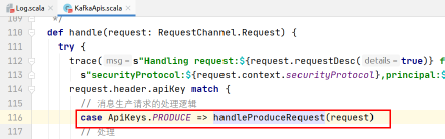
调用副本管理器,将记录追加到分区的副本中。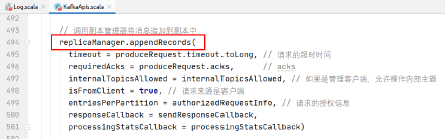
将数据追加到本地的Log日志中: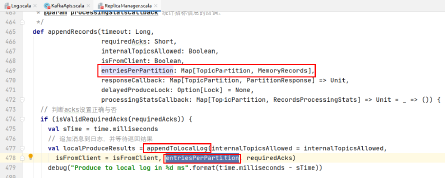
追加消息的实现: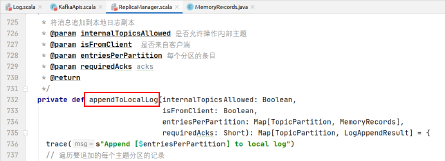
遍历需要追加的每个主题分区的消息:
调用partition的方法将记录追加到该分区的leader分区中:
如果在本地找到了该分区的leader: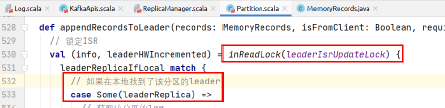
执行下述逻辑将消息追加到leader分区:
// 获取该分区的log
val log = leaderReplica.log.get
// 获取最小ISR副本数
val minIsr = log.config.minInSyncReplicas
// 计算同步副本的个数
val inSyncSize = inSyncReplicas.size
// 如果同步副本的个数小于要求的最小副本数,并且acks设置的是-1,则不追加消息
if (inSyncSize < minIsr && requiredAcks == -1) {
  throw new NotEnoughReplicasException("Number of insync replicas for partition %s is [%d], below required minimum [%d]".format(topicPartition, inSyncSize, minIsr))
}
// 追加消息到leader
val info = log.appendAsLeader(records, leaderEpoch = this.leaderEpoch, isFromClient)
// 尝试锁定follower获取消息的请求,因为此时leader正在更新LEO。
replicaManager.tryCompleteDelayedFetch(TopicPartitionOperationKey(this.topic, this.partitionId))
// 如果ISR只有一个元素的话,需要HW+1
(info, maybeIncrementLeaderHW(leaderReplica))
log.appendAsLeader(records, leaderEpoch = this.leaderEpoch, isFromClient)的实现: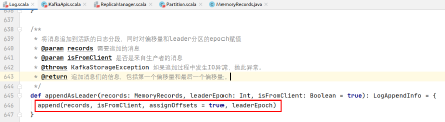
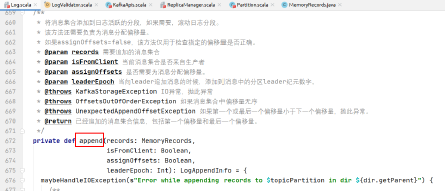
具体代码实现:
/**
* 验证如下信息:
* 每条消息与其CRC是否匹配
* 每条消息的字节数是否匹配
* 传入记录批的序列号与现有状态以及彼此之间是否一致。
* 同时计算如下值:
* 消息批中第一个偏移量
* 消息批中最后一个偏移量
* 消息个数
* 正确字节的个数
* 偏移量是否单调递增
* 是否使用了压缩编码解码器(如果使用了压缩编解码器,则给出最后一个)
*/
val appendInfo = analyzeAndValidateRecords(records, isFromClient = isFromClient)
// 如果没有消息需要追加或该消息集合与上一个消息集合重复,则返回
if (appendInfo.shallowCount == 0)
  return appendInfo
// 在向磁盘日志追加之前剔除不正确的字节或剔除不完整的消息
var validRecords = trimInvalidBytes(records, appendInfo)
// 消息集合剩余的正确部分,插入到日志中
lock synchronized {
  // 检查日志的MMap是否关闭了,如果关闭无法进行写操作,抛异常
  checkIfMemoryMappedBufferClosed()
  if (assignOffsets) {
    // 如果需要给消息添加偏移量
    val offset = new LongRef(nextOffsetMetadata.messageOffset)
    appendInfo.firstOffset = offset.value
    val now = time.milliseconds
    val validateAndOffsetAssignResult = try {
    // 校验消息和赋值给消息的偏移量是否正确无误
    LogValidator.validateMessagesAndAssignOffsets(validRecords,
      offset,
      time,
      now,
      appendInfo.sourceCodec,
      appendInfo.targetCodec,
      config.compact,
      config.messageFormatVersion.messageFormatVersion.value,
      config.messageTimestampType,
      config.messageTimestampDifferenceMaxMs,
      leaderEpoch,
      isFromClient)
    } catch {
      case e: IOException => throw new KafkaException("Error in validating messages while appending to log '%s'".format(name), e)
    }
    // 正确的消息集合,此时处于内存中
    validRecords = validateAndOffsetAssignResult.validatedRecords
    // 要追加消息的最大时间戳
    appendInfo.maxTimestamp = validateAndOffsetAssignResult.maxTimestamp
    // 要追加的消息的最大时间戳对应的偏移量
    appendInfo.offsetOfMaxTimestamp = validateAndOffsetAssignResult.shallowOffsetOfMaxTimestamp
    // 最后一个偏移量是偏移量的值-1
    appendInfo.lastOffset = offset.value - 1
    appendInfo.recordsProcessingStats = validateAndOffsetAssignResult.recordsProcessingStats
    if (config.messageTimestampType == TimestampType.LOG_APPEND_TIME)
    // 如果消息时间戳的类型是日志追加的时间,则需要赋值当前系统时间
      appendInfo.logAppendTime = now
    // 需要重新验证消息的大小,以防消息发生改变,如重新压缩或者转换了消息格式
    if (validateAndOffsetAssignResult.messageSizeMaybeChanged) {
      for (batch <- validRecords.batches.asScala) {
        // 如果消息集合的字节数大于配置的消息最大字节数,抛异常
        if (batch.sizeInBytes > config.maxMessageSize) {
          // we record the original message set size instead of the trimmed size
          // to be consistent with pre-compression bytesRejectedRate recording
          brokerTopicStats.topicStats(topicPartition.topic).bytesRejectedRate.mark(records.sizeInBytes)
          brokerTopicStats.allTopicsStats.bytesRejectedRate.mark(records.sizeInBytes)
          throw new RecordTooLargeException("Message batch size is %d bytes which exceeds the maximum configured size of %d.".format(batch.sizeInBytes, config.maxMessageSize))
        }
      }
    }
  } else {
  // 如果不需要分配消息偏移量,则使用给定的消息偏移量
    if (!appendInfo.offsetsMonotonic)
    // 如果偏移量不是单调递增的,抛异常
    throw new OffsetsOutOfOrderException(s"Out of order offsets found in append to $topicPartition: " + records.records.asScala.map(_.offset))
    // 如果消息批的第一个偏移量小于分区leader日志中下一条记录的偏移量,抛异常。
    if (appendInfo.firstOffset < nextOffsetMetadata.messageOffset) {
      // we may still be able to recover if the log is empty
      // one example: fetching from log start offset on the leader which is not batch aligned,
      // which may happen as a result of AdminClient#deleteRecords()
      // appendInfo.firstOffset maybe either first offset or last offset of the first batch.
      // get the actual first offset, which may require decompressing the data
      val firstOffset = records.batches.asScala.head.baseOffset()
      throw new UnexpectedAppendOffsetException(s"Unexpected offset in append to $topicPartition. First offset or last offset of the first batch " + s"${appendInfo.firstOffset} is less than the next offset ${nextOffsetMetadata.messageOffset}. " + s"First 10 offsets in append: ${records.records.asScala.take(10).map(_.offset)}, last offset in" + s" append: ${appendInfo.lastOffset}. Log start offset = $logStartOffset", firstOffset, appendInfo.lastOffset)
    }
  }
  // 使用leader给消息赋值的epoch值更新缓存的epoch值。
  validRecords.batches.asScala.foreach {
    batch =>
      if (batch.magic >= RecordBatch.MAGIC_VALUE_V2)
        // 需要在epoch中记录leader的epoch值和消息集合的起始偏移量
        leaderEpochCache.assign(batch.partitionLeaderEpoch, batch.baseOffset)
  }
  // 检查消息批的字节大小是否大于日志分段的最大值,如果是,则抛异常
  if (validRecords.sizeInBytes > config.segmentSize) {
    throw new RecordBatchTooLargeException("Message batch size is %d bytes which exceeds the maximum configured segment size of %d.".format(validRecords.sizeInBytes, config.segmentSize))
  }
  // 消息批的消息都正确,偏移量也都赋值了,时间戳也更新了
  // 此时需要验证生产者的幂等性/事务状态,并收集一些元数据
  val (updatedProducers, completedTxns, maybeDuplicate) = analyzeAndValidateProducerState(validRecords, isFromClient)
  // 如果是重复的消息批,则直接返回被重复的消息批的appendInfo
  maybeDuplicate.foreach {
    duplicate =>
    appendInfo.firstOffset = duplicate.firstOffset
    appendInfo.lastOffset = duplicate.lastOffset
    appendInfo.logAppendTime = duplicate.timestamp
    appendInfo.logStartOffset = logStartOffset
    return appendInfo
  }
  // 如果当前日志分段写满了,则滚动日志分段
  val segment = maybeRoll(messagesSize = validRecords.sizeInBytes,
    maxTimestampInMessages = appendInfo.maxTimestamp,
    maxOffsetInMessages = appendInfo.lastOffset)
  val logOffsetMetadata = LogOffsetMetadata(
    messageOffset = appendInfo.firstOffset,
    segmentBaseOffset = segment.baseOffset,
    relativePositionInSegment = segment.size)
  // 日志片段中追加消息
  segment.append(firstOffset = appendInfo.firstOffset,
    largestOffset = appendInfo.lastOffset,
    largestTimestamp = appendInfo.maxTimestamp,
    shallowOffsetOfMaxTimestamp = appendInfo.offsetOfMaxTimestamp,
    records = validRecords)
  // 更新生产者状态
  for ((producerId, producerAppendInfo) <- updatedProducers) {
    producerAppendInfo.maybeCacheTxnFirstOffsetMetadata(logOffsetMetadata)
    producerStateManager.update(producerAppendInfo)
  }
  // update the transaction index with the true last stable offset. The last offset visible
  // to consumers using READ_COMMITTED will be limited by this value and the high watermark.
  for (completedTxn <- completedTxns) {
    val lastStableOffset = producerStateManager.completeTxn(completedTxn)
    segment.updateTxnIndex(completedTxn, lastStableOffset)
  }
  // always update the last producer id map offset so that the snapshot reflects the current offset
  // even if there isn't any idempotent data being written
  producerStateManager.updateMapEndOffset(appendInfo.lastOffset + 1)
  // leader的LEO+1
  updateLogEndOffset(appendInfo.lastOffset + 1)
  // update the first unstable offset (which is used to compute LSO)
  updateFirstUnstableOffset()
  trace(s"Appended message set to log with last offset ${appendInfo.lastOffset} " + s"first offset: ${appendInfo.firstOffset}, " + s"next offset: ${nextOffsetMetadata.messageOffset}, " + s"and messages: $validRecords")
  // 如果未刷盘的消息个数大于配置的消息个数,刷盘
  if (unflushedMessages >= config.flushInterval)
  // 刷盘
  flush()
  appendInfo
}
}
Kafka源码剖析之SocketServer
线程模型:
- 当前broker上配置了多少个listener,就有多少个Acceptor,用于新建连接。
- 每个Acceptor对应N个线程的处理器(Processor),用于接收客户端请求。
- 处理器们对应M个线程的处理程序(Handler),处理用户请求,并将响应发送给等待给客户写响应的处理器线程。
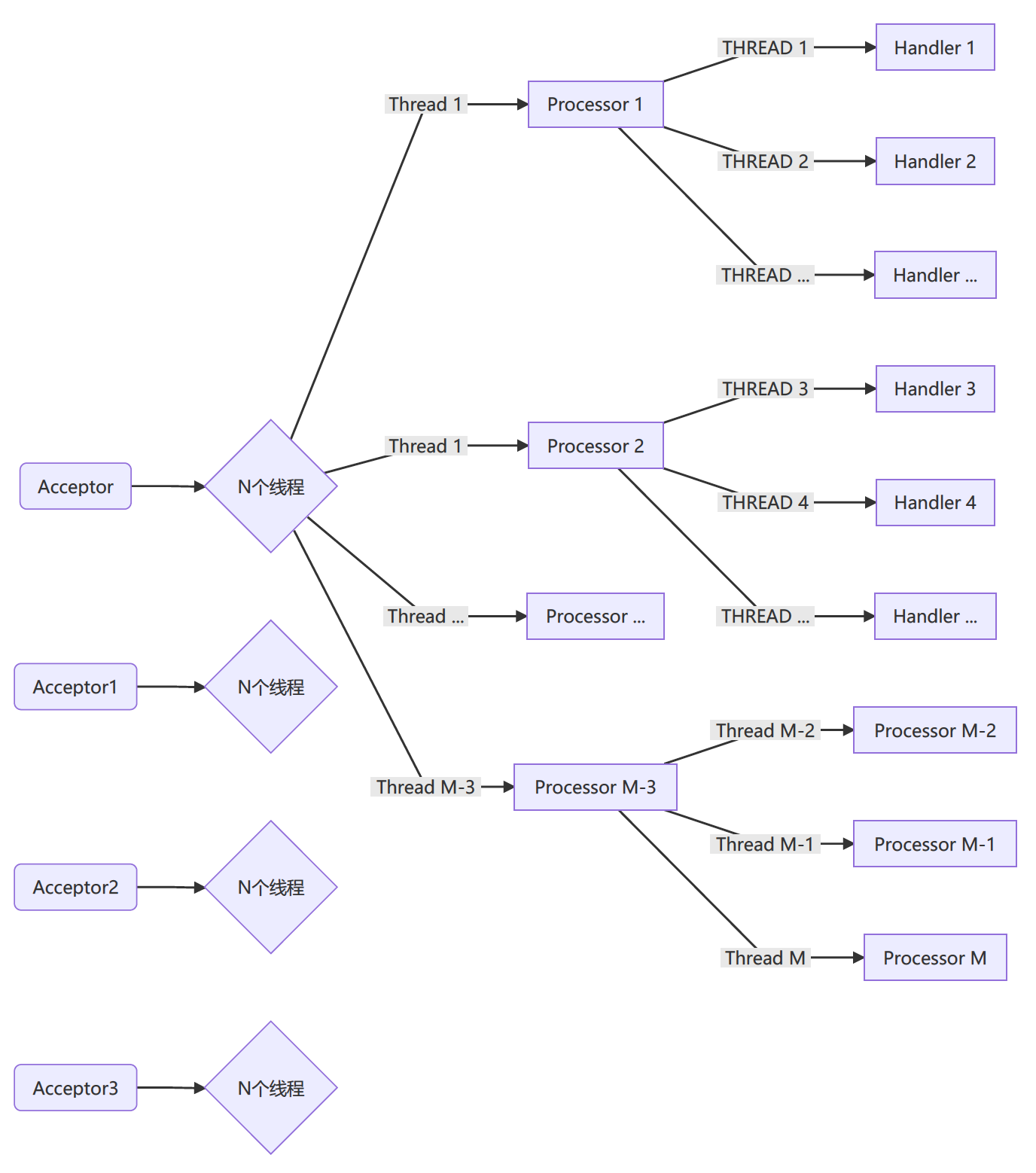
在启动KakfaServer的startup方法中启动SocketServer: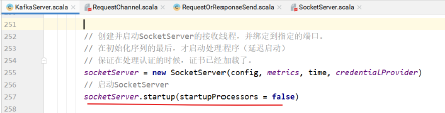
每个listener就是一个端点,每个端点创建多个处理程序。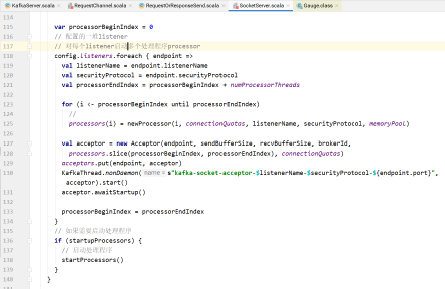
究竟启动多少个处理程序?
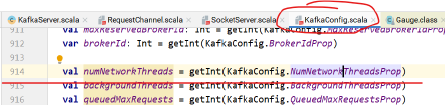
processor个数为numProcessorThreads个。上图中for循环为从processorBeginIndex到prodessorEndIndex(不包括)。
numProcessorThread为: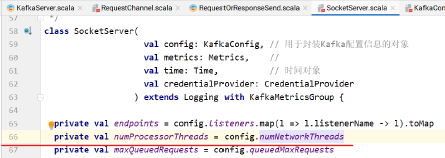


acceptor的启动过程:
KafkaThread: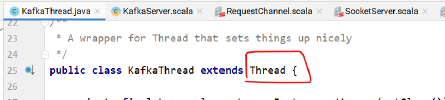
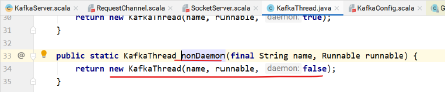
调用Thread的构造器:

KafkaThread的start方法即是Thread的start方法,此时调用的是acceptor的run方法:
/**
* 使用Java的NIO
* 循环检查是否有新的连接尝试
* 轮询的方式将请求交给各个processor来处理。
*/
def run() {
  serverChannel.register(nioSelector, SelectionKey.OP_ACCEPT)
  startupComplete()
  try {
    var currentProcessor = 0
    while (isRunning) {
      try {
        val ready = nioSelector.select(500)
        if (ready > 0) {
          val keys = nioSelector.selectedKeys()
          val iter = keys.iterator()
          while (iter.hasNext && isRunning) {
            try {
              val key = iter.next
              iter.remove()
              if (key.isAcceptable)
              // 指定一个processor处理请求
              accept(key, processors(currentProcessor)) else
              throw new IllegalStateException("Unrecognized key state for acceptor thread.")
              // round robin to the next processor thread
              // 通过轮询的方式找到下一个processor线程
              currentProcessor = (currentProcessor + 1) % processors.length
            }
            catch {
              case e: Throwable => error("Error while accepting connection", e)
            }
          }
        }
      }
      catch {
        // We catch all the throwables to prevent the acceptor thread from exiting on exceptions due
        // to a select operation on a specific channel or a bad request. We don't want
        // the broker to stop responding to requests from other clients in these scenarios.
        case e: ControlThrowable => throw e
        case e: Throwable => error("Error occurred", e)
      }
    }
  }
  finally {
    debug("Closing server socket and selector.")
    swallowError(serverChannel.close())
    swallowError(nioSelector.close())
    shutdownComplete()
  }
}
Acceptor建立连接,处理请求:
/*
* Accept a new connection
* 建立一个新连接
*/
def accept(key: SelectionKey, processor: Processor) {
  // 服务端
  val serverSocketChannel = key.channel().asInstanceOf[ServerSocketChannel]
  // 客户端
  val socketChannel = serverSocketChannel.accept()
  try {
    connectionQuotas.inc(socketChannel.socket().getInetAddress)
    // 非阻塞
    socketChannel.configureBlocking(false)
    socketChannel.socket().setTcpNoDelay(true)
    socketChannel.socket().setKeepAlive(true)
    // 设置发送缓冲大小
    if (sendBufferSize != Selectable.USE_DEFAULT_BUFFER_SIZE)
    socketChannel.socket().setSendBufferSize(sendBufferSize)
    debug("Accepted connection from %s on %s and assigned it to processor %d, sendBufferSize [actual|requested]: [%d|%d] recvBufferSize [actual|requested]: [%d|%d]".format(socketChannel.socket.getRemoteSocketAddress,
      socketChannel.socket.getLocalSocketAddress, processor.id,
      socketChannel.socket.getSendBufferSize, sendBufferSize,
      socketChannel.socket.getReceiveBufferSize,
      recvBufferSize))
    // 调用Processor的accept方法,由processor处理请求
    processor.accept(socketChannel)
  }
  catch {
    case e: TooManyConnectionsException =>
     info("Rejected connection from %s, address already has the configured maximum of %d connections.".format(e.ip, e.count))
    close(socketChannel)
  }
}
Processor将连接加入缓冲队列,同时唤醒处理线程: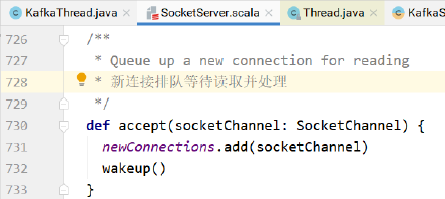
Processor的run方法从newConnections中取出请求的channel,解析封装请求,交给handler处理: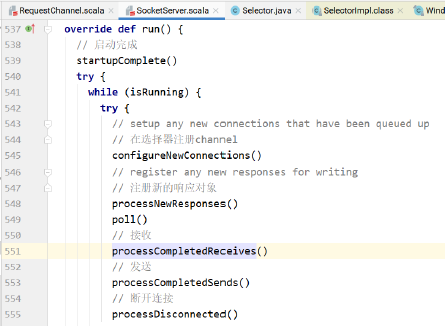
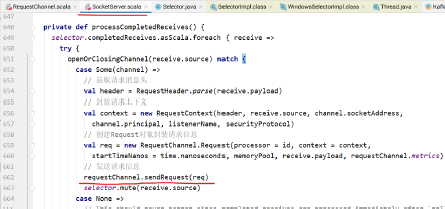
将请求信息放到请求队列中: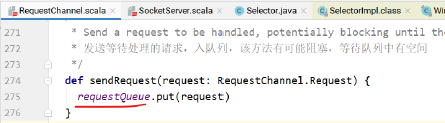
在KafkaServer的startup方法中实例化KafkaRequestHandlerPool,该类会立即初始化numIoThreads个线程用于执行KafkaRequestHandler处理请求的逻辑。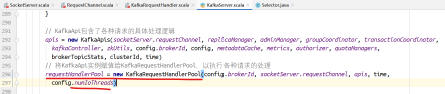
KafkaRequestHandlerPool以多线程的方式启动多个KafkaRequestHandler: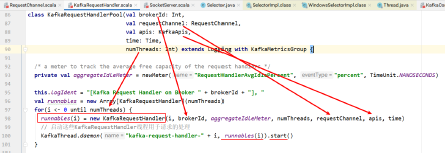
KafkaRequestHandler的run方法中,receiveRequest方法从请求队列获取请求: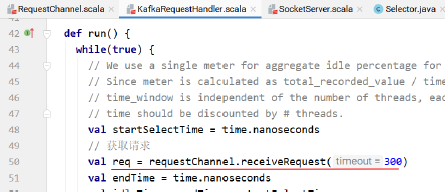
具体实现: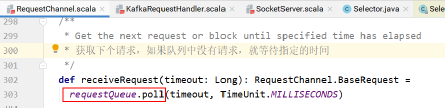
KafkaRequestHandler的run方法中使用模式匹配:
上图中,apis的handle方法处理请求:
/**
* 处理所有请求的顶级方法,使用模式匹配,交给具体的api来处理
*/
def handle(request: RequestChannel.Request) {
  try {
    trace(s"Handling request:${request.requestDesc(true)} from connection ${request.context.connectionId};" + s"securityProtocol:${request.context.securityProtocol},principal:${request.context.principal}")
    request.header.apiKey match {
      case ApiKeys.PRODUCE => handleProduceRequest(request)
      case ApiKeys.FETCH => handleFetchRequest(request)
      case ApiKeys.LIST_OFFSETS => handleListOffsetRequest(request)
      case ApiKeys.METADATA => handleTopicMetadataRequest(request)
      case ApiKeys.LEADER_AND_ISR => handleLeaderAndIsrRequest(request)
      case ApiKeys.STOP_REPLICA => handleStopReplicaRequest(request)
      case ApiKeys.UPDATE_METADATA => handleUpdateMetadataRequest(request)
      case ApiKeys.CONTROLLED_SHUTDOWN => handleControlledShutdownRequest(request)
      case ApiKeys.OFFSET_COMMIT => handleOffsetCommitRequest(request)
      case ApiKeys.OFFSET_FETCH => handleOffsetFetchRequest(request)
      case ApiKeys.FIND_COORDINATOR => handleFindCoordinatorRequest(request)
      case ApiKeys.JOIN_GROUP => handleJoinGroupRequest(request)
      case ApiKeys.HEARTBEAT => handleHeartbeatRequest(request)
      case ApiKeys.LEAVE_GROUP => handleLeaveGroupRequest(request)
      case ApiKeys.SYNC_GROUP => handleSyncGroupRequest(request)
      case ApiKeys.DESCRIBE_GROUPS => handleDescribeGroupRequest(request)
      case ApiKeys.LIST_GROUPS => handleListGroupsRequest(request)
      case ApiKeys.SASL_HANDSHAKE => handleSaslHandshakeRequest(request)
      case ApiKeys.API_VERSIONS => handleApiVersionsRequest(request)
      case ApiKeys.CREATE_TOPICS => handleCreateTopicsRequest(request)
      case ApiKeys.DELETE_TOPICS => handleDeleteTopicsRequest(request)
      case ApiKeys.DELETE_RECORDS => handleDeleteRecordsRequest(request)
      case ApiKeys.INIT_PRODUCER_ID => handleInitProducerIdRequest(request)
      case ApiKeys.OFFSET_FOR_LEADER_EPOCH => handleOffsetForLeaderEpochRequest(request)
      case ApiKeys.ADD_PARTITIONS_TO_TXN => handleAddPartitionToTxnRequest(request)
      case ApiKeys.ADD_OFFSETS_TO_TXN => handleAddOffsetsToTxnRequest(request)
      case ApiKeys.END_TXN => handleEndTxnRequest(request)
      case ApiKeys.WRITE_TXN_MARKERS => handleWriteTxnMarkersRequest(request)
      case ApiKeys.TXN_OFFSET_COMMIT => handleTxnOffsetCommitRequest(request)
      case ApiKeys.DESCRIBE_ACLS => handleDescribeAcls(request)
      case ApiKeys.CREATE_ACLS => handleCreateAcls(request)
      case ApiKeys.DELETE_ACLS => handleDeleteAcls(request)
      case ApiKeys.ALTER_CONFIGS => handleAlterConfigsRequest(request)
      case ApiKeys.DESCRIBE_CONFIGS => handleDescribeConfigsRequest(request)
      case ApiKeys.ALTER_REPLICA_LOG_DIRS => handleAlterReplicaLogDirsRequest(request)
      case ApiKeys.DESCRIBE_LOG_DIRS => handleDescribeLogDirsRequest(request)
      case ApiKeys.SASL_AUTHENTICATE => handleSaslAuthenticateRequest(request)
      case ApiKeys.CREATE_PARTITIONS => handleCreatePartitionsRequest(request)
    }
  } catch {
    case e: FatalExitError => throw e
    case e: Throwable => handleError(request, e)
  } finally {
    request.apiLocalCompleteTimeNanos = time.nanoseconds
  }
}
Kafka源码剖析之KafkaRequestHandlerPool
KafkaRequestHandlerPool的作用是创建numThreads个KafkaRequestHandler实例,使用numThreads个线程启动KafkaRequestHandler。
每个KafkaRequestHandler包含了id,brokerId,线程数,请求的channel,处理请求的api等信息。
只要该类进行实例化,就执行创建KafkaRequestHandler实例并启动的逻辑。
/**
* @param brokerId
* @param requestChannel
* @param apis 处理具体请求和响应的api
* @param time
* @param numThreads 运行KafkaRequestHandler的线程数
*/
class KafkaRequestHandlerPool(val brokerId: int, val requestChannel: RequestChannel, val apis: KafkaApis, time: Time, numThreads: int) extends Logging with KafkaMetricsGroup {
  // 创建包含numThreads个元素的数组
  val runnables = new Array[KafkaRequestHandler](numThreads)
  // 循环numThreads次,初始化KafkaRequestHandler实例numThreads个
  for (i <- 0 until numThreads) {
    // 赋值:每个KafkaRequestHandler中包含了KafkaRequestHandler的id,brokerId,线程数,请求的channel,处理请求的api等。
    runnables(i) = new KafkaRequestHandler(i, brokerId, aggregateIdleMeter, numThreads, requestChannel, apis, time)
    // 启动这些KafkaRequestHandler线程用于请求的处理
    KafkaThread.daemon("kafka-request-handler-" + i, runnables(i)).start()
  }
}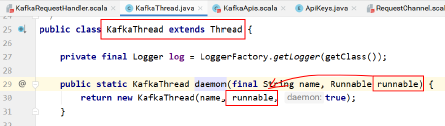
KafkaThread的start方法即是调用Thread的start方法,而start执行run方法,即此处执行的是KafkaThread的run方法:
def run() {
  while(true) {
    // We use a single meter for aggregate idle percentage for the thread pool.
    // Since meter is calculated as total_recorded_value / time_window and
    // time_window is independent of the number of threads, each recorded idle
    // time should be discounted by # threads.
    val startSelectTime = time.nanoseconds
    // 获取请求
    val req = requestChannel.receiveRequest(300)
    val endTime = time.nanoseconds
    val idleTime = endTime - startSelectTime
    aggregateIdleMeter.mark(idleTime / totalHandlerThreads)
    req match {
      case RequestChannel.ShutdownRequest => debug(s"Kafka request handler $id on broker $brokerId received shut down command")
      latch.countDown()
      return
      case request: RequestChannel.Request =>
      try {
        request.requestDequeueTimeNanos = endTime
        trace(s"Kafka request handler $id on broker $brokerId handling request $request")
        // 对于其他请求,直接交给apis来负责处理。
        apis.handle(request)
      } catch {
        case e: FatalExitError => latch.countDown()
        Exit.exit(e.statusCode)
        case e: Throwable => error("Exception when handling request", e)
      } finally {
        request.releaseBuffer()
      }
      // continue
      case null =>
    }
  }
}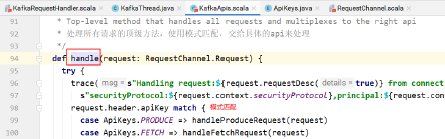
该类包含了关闭KafkaRequestHandler的方法: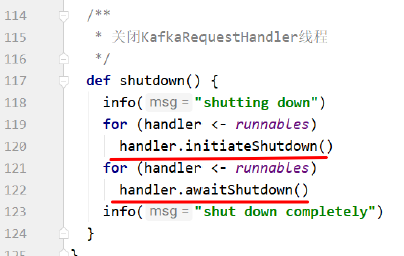
具体的方法: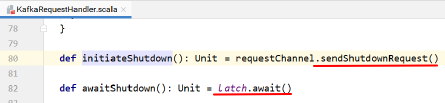
首先发送停止的请求,等待用户请求处理的结束 latch.await()。
优雅停机。
将请求直接放到requestQueue中。
其中处理ShutdownRequest的处理逻辑: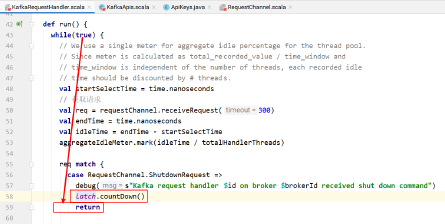
Kafka源码剖析之LogManager
- kafka日志管理子系统的入口。日志管理器负责日志的创建、抽取、和清理。
- 所有的读写操作都代理给具体的Log实例。
- 日志管理器在一个或多个目录维护日志。新的日志创建到拥有最少log的目录中。
- 分区不移动。
- 通过一个后台线程通过定期截断多余的日志段来处理日志保留。
启动Kafka服务器的脚本:
main方法中创建KafkaServerStartable对象: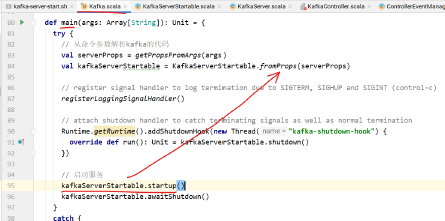
该类中包含KakfaServer对象,startup方法调用的是KafkaServer的startup方法: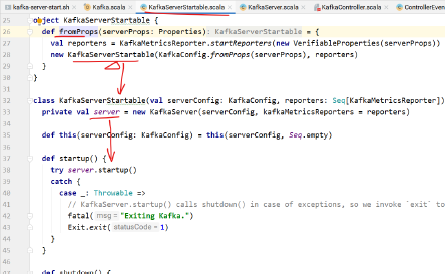
KafkaServer的startup方法中,启动了LogManager:
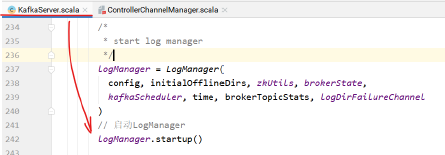
/**
* @param logDirs 主题分区目录的File对象
* @param initialOfflineDirs
* @param topicConfigs 主题配置
* @param defaultConfig 主题的默认配置
* @param cleanerConfig 日志清理器配置
* @param ioThreads IO线程数
* @param flushCheckMs
* @param flushRecoveryOffsetCheckpointMs
* @param flushStartOffsetCheckpointMs
* @param retentionCheckMs 检查日志保留的时间
* @param maxPidExpirationMs
* @param scheduler
* @param brokerState
* @param brokerTopicStats
* @param logDirFailureChannel
* @param time 时间
*/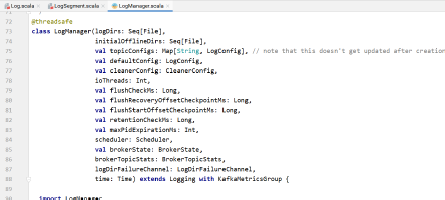
LogManager的startup方法:
/**
* 启动后台线程们用于将日志刷盘以及日志的清理
*/
def startup() {
  if (scheduler != null) {
    info("Starting log cleanup with a period of %d ms.".format(retentionCheckMs))
    // 用于清除日志片段的调度任务,没有压缩,周期性执行
    scheduler.schedule("kafka-log-retention",
      cleanupLogs _,
      delay = InitialTaskDelayMs,
      period = retentionCheckMs,
      TimeUnit.MILLISECONDS)
    info("Starting log flusher with a default period of %d ms.".format(flushCheckMs))
    // 用于日志片段刷盘的调度任务,周期性执行
    scheduler.schedule("kafka-log-flusher",
      flushDirtyLogs _,
      delay = InitialTaskDelayMs,
      period = flushCheckMs,
      TimeUnit.MILLISECONDS)
    // 用于将当前broker上各个分区的恢复点写到文本文件的调度任务,周期性执行
    scheduler.schedule("kafka-recovery-point-checkpoint",
      checkpointLogRecoveryOffsets _,
      delay = InitialTaskDelayMs,
      period = flushRecoveryOffsetCheckpointMs,
      TimeUnit.MILLISECONDS)
    // 用于将当前broker上各个分区起始偏移量写到文本文件的调度任务,周期性执行
    scheduler.schedule("kafka-log-start-offset-checkpoint",
      checkpointLogStartOffsets _,
      delay = InitialTaskDelayMs,
      period = flushStartOffsetCheckpointMs,
      TimeUnit.MILLISECONDS)
    scheduler.schedule("kafka-delete-logs",
      deleteLogs _,
      delay = InitialTaskDelayMs,
      period = defaultConfig.fileDeleteDelayMs,
      TimeUnit.MILLISECONDS)
  }
  // 如果配置了日志的清理,则启动清理任务
  if (cleanerConfig.enableCleaner)
  cleaner.startup()
}
清除日志片段
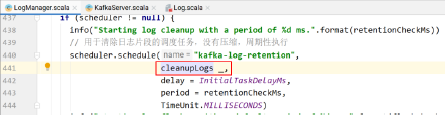
cleanupLogs的具体实现: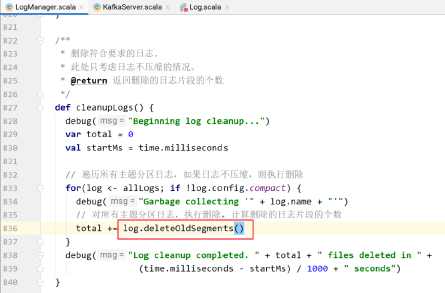
deleteOldSegments()的实现: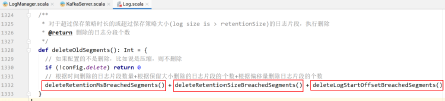
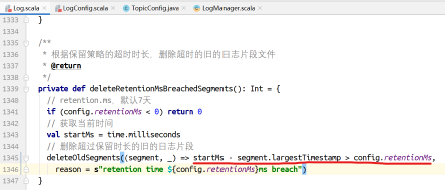
首先找到所有可以删除的日志片段
然后执行删除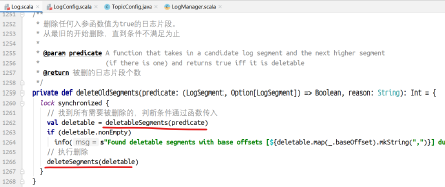
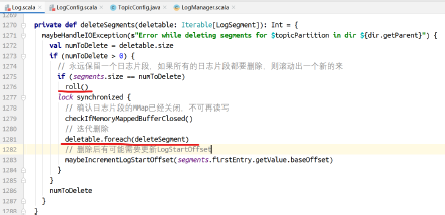
该方法执行日志片段的异步删除。步骤如下:
- 将日志片段的信息从map集合移除,之后再也不读了
- 在日志片段的索引和log文件名称后追加.deleted,加标记而已
- 调度异步删除操作,执行.deleted文件的真正删除。
异步删除允许在读取文件的同时执行删除,而不需要进行同步,避免了在读取一个文件的同时物理删除引起的冲突。
该方法不需要将IOException转换为KafkaStorageException,因为该方法要么在所有日志加载之前调用,要么在使用中由调用者处理IOException。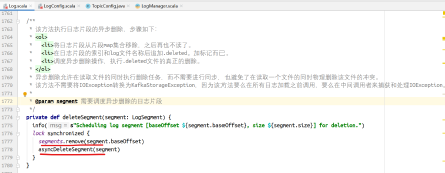
根据日志片段大小进行删除: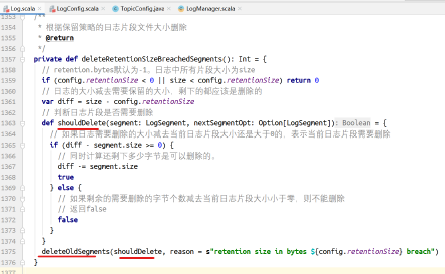
shouldDelete是一个函数,作为deleteOldSegments删除日志片段的判断条件。
根据偏移量删除日志片段:
对于当前日志片段是否需要删除,要看它的下一个日志片段的baseOffset是否小于等于日志对外暴露给消费者的日志偏移量,如果小,消费者不用读取,当前日志片段就可以删除。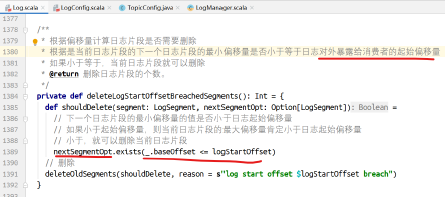
日志片段刷盘
在LogManager的startup中,启动了刷盘的线程:
调用flushDirtyLogs方法进行日志刷盘处理。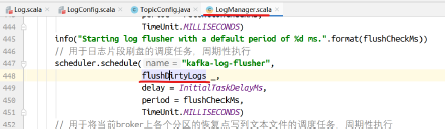
Kafka推荐让操作系统后台进行刷盘,使用副本保证数据高可用,这样效率更高。
因此此种方式不推荐。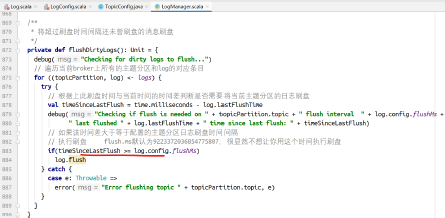
执行刷盘的方法:
/**
* 日志片段刷盘到offset-1的偏移量位置。
*
* @param offset 从上一个恢复点开始刷盘到该偏移量-1的位置。offset偏移量的不刷盘。
* offset是新的恢复点值。
*/
def flush(offset: long) : Unit = {
maybeHandleIOException(s"Error while flushing log for $topicPartition in dir ${dir.getParent} with offset $offset") {
  // 如果偏移量小于等于该日志的恢复点,则不需要刷盘
  if (offset <= this.recoveryPoint)
  return
  debug(s"Flushing log up to offset $offset, last flushed: $lastFlushTime, current time: ${time.milliseconds()}, " + s"unflushed: $unflushedMessages")
  // 遍历需要刷盘的日志片段
  for (segment <- logSegments(this.recoveryPoint, offset))
  // 执行刷盘
  segment.flush()
  lock synchronized {
    // 检查MMAP是否关闭
    checkIfMemoryMappedBufferClosed()
    // 如果偏移量大于恢复点
    if (offset > this.recoveryPoint) {
      // 设置新的恢复点,表示到达这个偏移量位置的消息都已经刷盘了
      this.recoveryPoint = offset
      // 设置当前时间为刷盘的时间
      lastflushedTime.set(time.milliseconds)
    }
  }
}
}
将当前broker上各个分区的恢复点写到文本文件
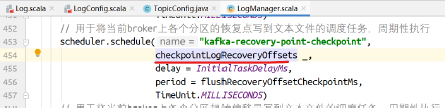
方法实现: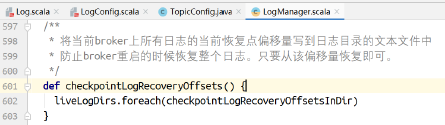
方法实现: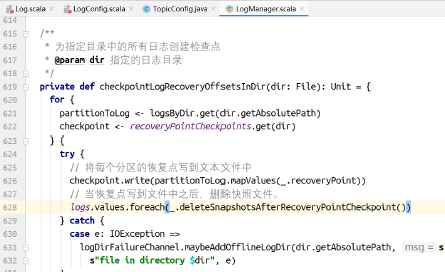
将当前broker上各个分区起始偏移量写到文本文件
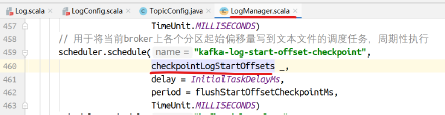
方法实现: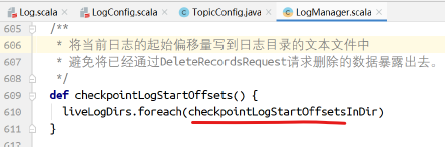
写文本文件: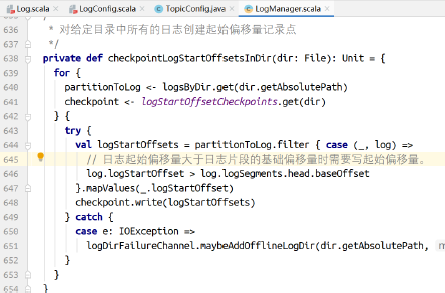
删除日志片段
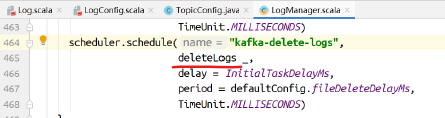
对标记为删除的日志执行删除的动作: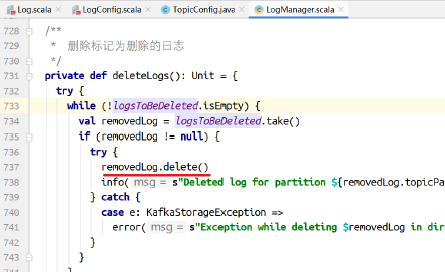
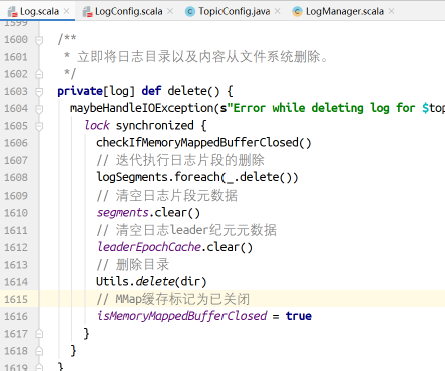
clearner
如果配置了日志清理,则启动清理任务: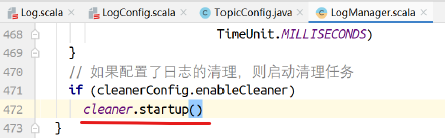
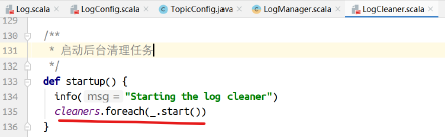
cleaners是多个CleanerThread集合:
最终执行清理的是,压缩: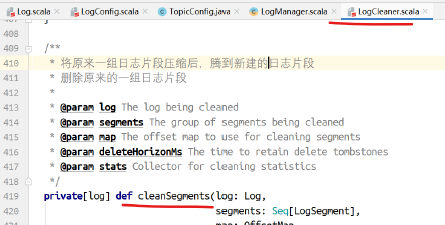
Kafka源码剖析之ReplicaManager
副本管理器的启动和ISR的收缩和扩展
在启动KafkaServer的时候,运行KafkaServer的startup方法。在该方法中实例化ReplicaManager,并调用ReplicaManager的startup方法: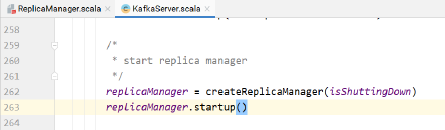
ReplicaManager的startup方法: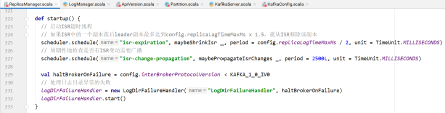
处理ISR收缩的情况:
def maybeShrinkIsr(replicaMaxLagTimeMs: long) {
  val leaderHWIncremented = inWriteLock(leaderIsrUpdateLock) {
    leaderReplicaIfLocal match {
      case Some(leaderReplica) =>
      // 获取ISR中的不同步副本
      val outOfSyncReplicas = getOutOfSyncReplicas(leaderReplica, replicaMaxLagTimeMs)
      // 如果该集合不为空,则需要收缩ISR
      if(outOfSyncReplicas.nonEmpty) {
        // 从ISR中除去非同步副本
        val newInSyncReplicas = inSyncReplicas -- outOfSyncReplicas
        assert(newInSyncReplicas.nonEmpty)
        info("Shrinking ISR from %s to %s".format(inSyncReplicas.map(_.brokerId).mkString(","), newInSyncReplicas.map(_.brokerId).mkString(",")))
        // 在缓存和zk中更新ISR
        updateIsr(newInSyncReplicas)
          // 标记ISR收缩事件
        replicaManager.isrShrinkRate.mark()
        // 由于ISR可能发生变化,变为1,如果ISR发生变化,需要增加HW
        maybeIncrementLeaderHW(leaderReplica)
      } else {
        false
      }
      // 如果leader不在当前broker,则什么都不做
      case None => false
    }
  }
  // 当更新HW之后,尝试完成因ISR收缩而阻塞的操作。
  if (leaderHWIncremented)
    tryCompleteDelayedRequests()
}
对于在ISR集合中的副本,检查有没有需要从ISR中移除的:
两种情况需要从ISR中移除:
- 卡主的Follower:如果副本的LEO经过maxLagMs毫秒还没有更新,则Follower卡主了,需要从ISR移除
- 慢Follower:如果副本从maxLagMs毫秒之前到现在还没有读到leader的LEO,则Follower落后,需要从ISR移除。
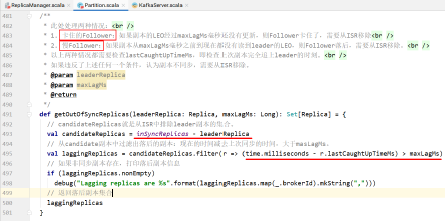
处理ISR变动事件广播:
同时startup方法中周期性地调用maybePropagateIsrChanges()方法:
该函数周期性运行,检查ISR是否需要扩展。两种情况发生ISR的广播: - 有尚未广播的ISR变动
- 最近5s没有发生ISR变动,或者上次ISR广播已经过去60s了。
该方法保证在ISR偶尔发生变动时,几秒之内即可将ISR变动广播出去。
避免了当发生大量ISR变更时压垮controller和其他broker。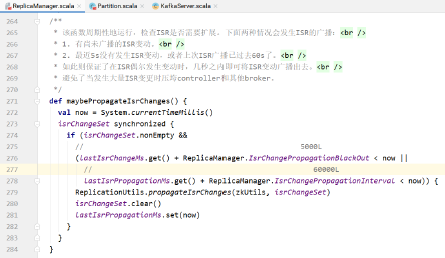 .
.
处理日志目录异常的失败: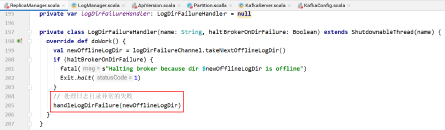
follower副本如何与leader同步消息
副本管理器类: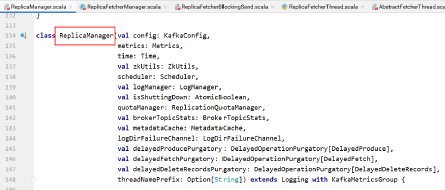
副本管理器类在实例化的时候创建ReplicaFetcherManager对象,该对象是负责从leader拉取消息与leader保持同步的线程管理器:
方法的具体实现:
创建负责从leader拉取消息与leader保持同步的线程管理器: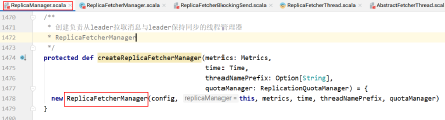
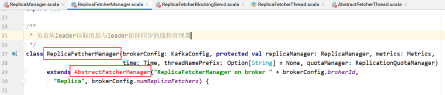
副本拉取管理器中实现了createFetcherThread方法,该方法返回ReplicaFetcherThread对象: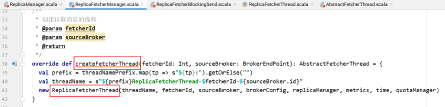
ReplicaFetcherThread线程负责从Leader副本拉取消息进行同步。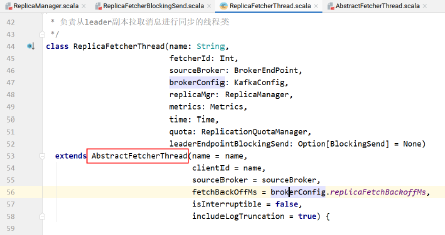
AbstractFetcherManager中的addFetcherForPartitions方法中的嵌套方法addAndStartFetcherThread创建并启动拉取线程:
而其中用到的createFetcherThread方法便是在AbstractFetcherManager的实现类ReplicaFetcherManager中实现的。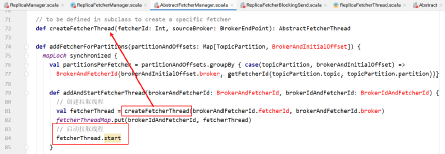
抽象类AbstractFetcherThread从同一个远程broker上为当前broker上的多个分区follower副本拉取消息。
即,在远程同一个broker上有多个leader副本的follower副本在当前broker上。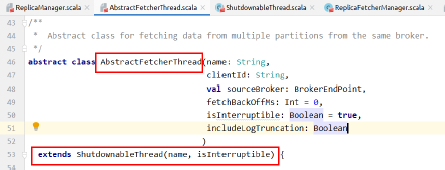
ReplicaFetcherThread的start方法实际上就是AbstractFetcherThread中的start方法。
在AbstractFetcherThread中没有start方法,在其父类ShutdownableThread也没有start方法:
但是ShutdownableThread继承自Thread,Thread中有start方法,并且start方法要调用run方法,在ShutdownableThread中有run方法: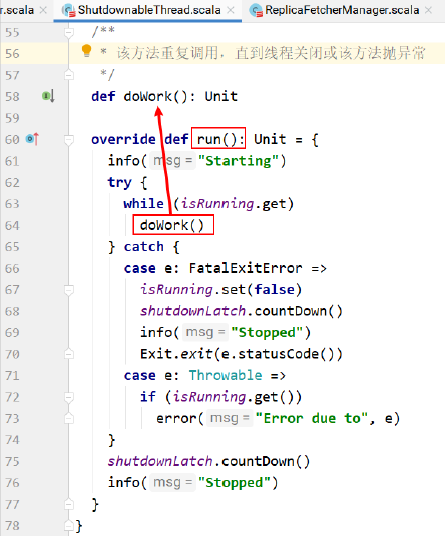
该run方法重复调用doWork方法进行数据的拉取。
doWork方法是抽象方法,没有实现。其实现在ShutdownableThread的实现类AbstractFetcherThread中: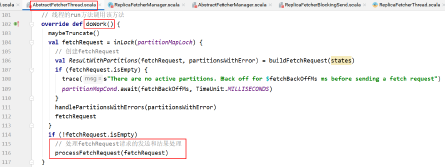
上图中的doWork方法会反复调用,上图中的方法创建拉取请求对象,然后调用processFetchRequest方法进行请求的发送和结果的处理。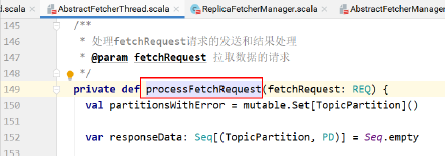

fetch方法的实现在AbstractFetcherThread的子类ReplicaFetcherThread中: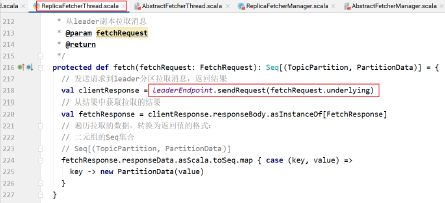
sendRequest方法在ReplicaFetcherBlockingSend中: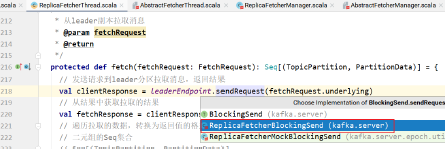
通过NetworkClientUtils发送请求,并等待请求的响应: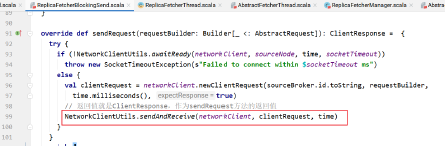
KafkaApis对Fetch的处理: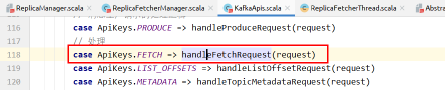
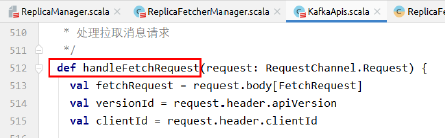
该方法中,Leader从本地日志读取数据,返回: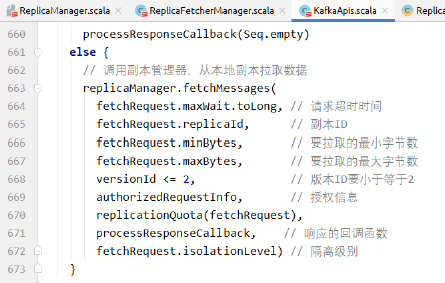
总结:
当KafkaServer启动的时候,会实例化副本管理器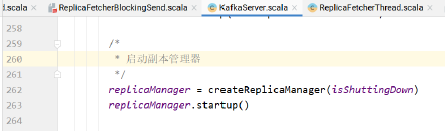
副本管理器实例化的时候会实例化副本拉取器管理器:
副本管理器中有实现createFetcherThread方法,创建副本拉取器对象
拉取线程启动起来之后不断地从leader副本所在的broker拉取消息,以便Follower与leader保持消息的同步。
Kafka源码剖析之OffsetManager
消费者如何提交偏移量?
自动提交
手动提交
同步提交
异步提交
客户端提交偏移量,交给KafkaApis的handle方法,handle方法使用模式匹配,调用handleOffsetCommitRequest方法进行处理: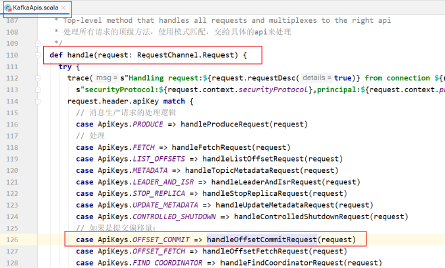
handleOffsetCommitRequest的实现: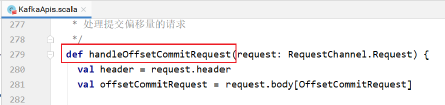
如果apiVersion的值是0,则交给zookeeper保存偏移量信息: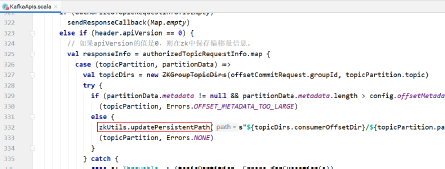
否则调用组协调器负责处理偏移量提交请求: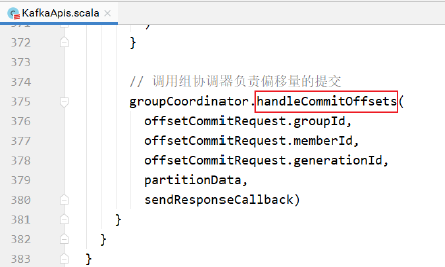
handleCommitOffsets的实现:
首先根据groupId查找消费组元数据。
如果没有找到消费组元数据,则要么该消费组不依赖Kafka进行消费组管理,允许提交;要么提交的偏移量信息是消费组再平衡之前的偏移量,旧请求,拒绝。
正常情况就是最后的分支:
找到了消费组元数据,调用doCommitOffsets处理。偏移量提交的请求。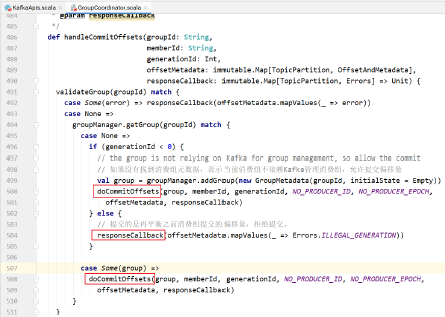
doCommitOffsets的实现:
该方法判断消费组的状态:
- 如果是Dead,则响应错误信息。
- 如果消费组还在等待消费者同步,则响应错误信息
- 如果消费组中没有这个消费者,则响应错误信息
- 如果请求中的纪元数字和消费组当前纪元数字不符,则响应错误信息
- 如果仅使用Kafka存储偏移量,而不需要管理,则直接保存偏移量
- 正常情况下,找到了消费组,消费组中有这个消费者,同时消费组工作正常,则保存偏移量信息
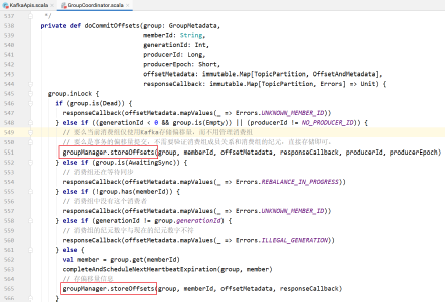
storeOffsets方法的实现: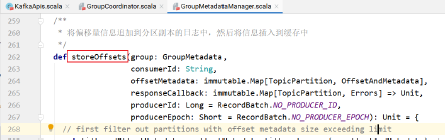
需要先计算当前消费组的偏移量需要提交到 __consumer_offsets主题的哪个分区中。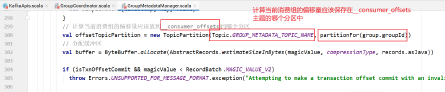
将消息追加到__consumer_offsets主题的指定分区中:
其中计算__consumer_offsets分区的实现:
上图中的函数,计算方式如下:
获取消费组ID的散列值,取绝对值,然后将此绝对值对__consumer_offsets 主题分区个数取模得到。
appendForGroup方法的实现:
调用副本管理器的方法将消息追加到__consumer_offsets 主题的指定分区日志中。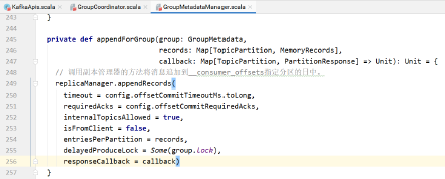
如果偏移量消息追加成功,则调用callback响应客户端:
缓存偏移量信息:
具体实现: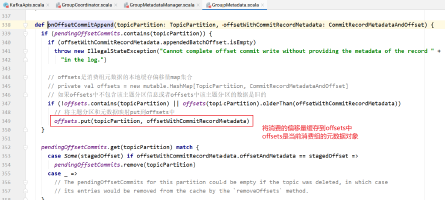
responseCallback最终是KafkaApis中的308行(有可能不是,因为我加注释了,差不多这么多行):
该函数将消费者提交的偏移量追加到日志中并添加到消费组缓存中之后,返回结果给消费者客户端。
消费者提交偏移量:KafkaApis,KafkaApis->GroupCoordinator的方法->GroupMetadata
不仅需要将消费组的偏移量提交到日志中,还需要在内存维护该偏移量信息。
其实对于消费者,获取结果后,也需要在消费者客户端解析该响应,将消费者的偏移量缓存到消费者客户端:
消费者客户端消费消息的方法:KafkaConsumer.poll(1_000);
调用poll方法拉取消息:
该方法调用pollOnce进行消息的拉取: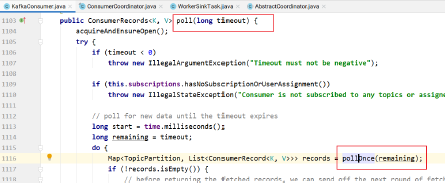
pollOnce方法会调用coordinator的poll方法周期性地提交偏移量: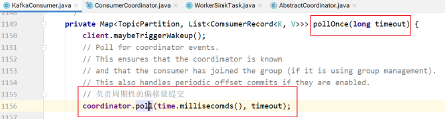
其中poll方法的实现: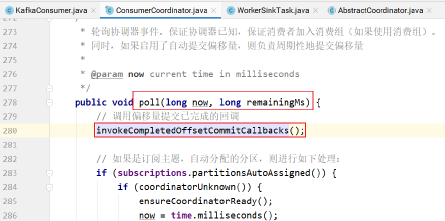
poll方法中,最后会判断是否需要自动提交偏移量:
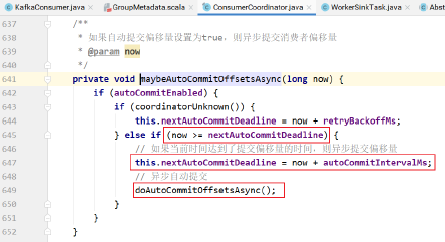
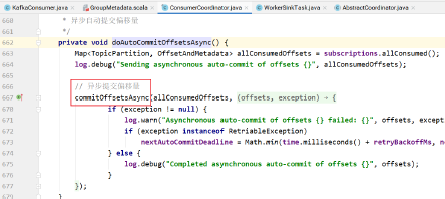
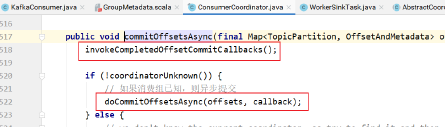
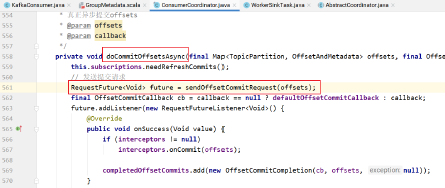
invokeCompletedOffsetCommitCallbacks方法用于轮询偏移量提交后broker端的响应信息: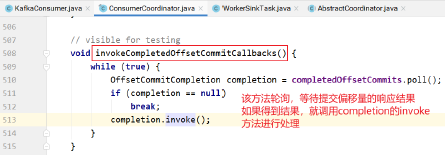
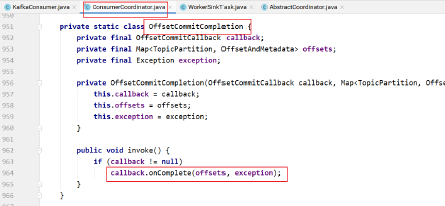
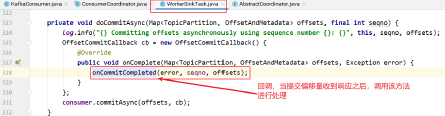
onCommitCompleted的实现: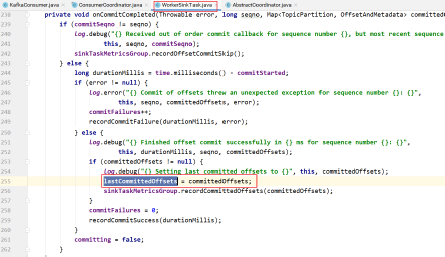
lastCommittedOffsets为:
KafkaConsumer -> Broker -> KafkaApis -handle-> GroupCoordinator -> GroupMetadataManager -> GroupMetadata -> ReplicaManager -> log-> KafkaConsumer -> lastCommittedOffsets集合。
在Kafka 1.0.2之前的版本中有一个OffsetManager负责偏移量的处理。
OffsetManager主要提供对offset的保存和读取,kafka管理topic的偏移量有2种方式:
- zookeeper,即把偏移量提交至zk上;
kafka,即把偏移量提交至kafka内部,主要由offsets.storage参数决定。1.0.2版本中默认是kafka。也就是说如果配置offsets.storage= kafka,则kafka会把这种offsetcommit请求转变为一种Producer,保存至topic为__consumer_offsets的log里面。
class OffsetManager(val config: OffsetManagerConfig, replicaManager: ReplicaManager, zkClient: ZkClient, scheduler: Scheduler) extends Logging with KafkaMetricsGroup {
  //通过offsetsCache提供对GroupTopicPartition的查询
  private val offsetsCache = new Pool[GroupTopicPartition, OffsetAndMetadata]
  //把过时的偏移量刷入磁盘,因为这些偏移量长时间没有被更新,意味着消费者可能不再消费了,也就不需要了,因此刷入到磁盘
  scheduler.schedule(name = "offsets-cache-compactor",
 fun = compact,
 period = config.offsetsRetentionCheckIntervalMs,
 unit = TimeUnit.MILLISECONDS)
主要完成2件事情:
- 提供对topic偏移量的查询
将偏移量消息刷入
__consumer_offsets主题的log中。Kafka源码剖析之KafkaApis
当启动KafkaServer的时候,在其startup方法中实例化了KafkaApi,并赋值给KafkaRequestHandlerPool用于执行具体的请求处理逻辑:

KafkaApi主构造器参数: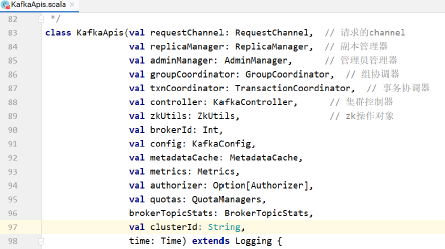
各种请求的处理逻辑入口: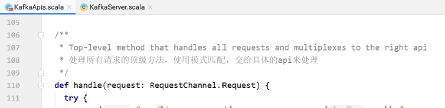
使用模式匹配:case ApiKeys.PRODUCE => handleProduceRequest(request) case ApiKeys.FETCH => handleFetchRequest(request) case ApiKeys.LIST_OFFSETS => handleListOffsetRequest(request) case ApiKeys.METADATA => handleTopicMetadataRequest(request) case ApiKeys.LEADER_AND_ISR => handleLeaderAndIsrRequest(request) case ApiKeys.STOP_REPLICA => handleStopReplicaRequest(request) case ApiKeys.UPDATE_METADATA => handleUpdateMetadataRequest(request) case ApiKeys.CONTROLLED_SHUTDOWN => handleControlledShutdownRequest(request) case ApiKeys.OFFSET_COMMIT => handleOffsetCommitRequest(request) case ApiKeys.OFFSET_FETCH => handleOffsetFetchRequest(request) case ApiKeys.FIND_COORDINATOR => handleFindCoordinatorRequest(request) case ApiKeys.JOIN_GROUP => handleJoinGroupRequest(request) case ApiKeys.HEARTBEAT => handleHeartbeatRequest(request) case ApiKeys.LEAVE_GROUP => handleLeaveGroupRequest(request) case ApiKeys.SYNC_GROUP => handleSyncGroupRequest(request) case ApiKeys.DESCRIBE_GROUPS => handleDescribeGroupRequest(request) case ApiKeys.LIST_GROUPS => handleListGroupsRequest(request) case ApiKeys.SASL_HANDSHAKE => handleSaslHandshakeRequest(request) case ApiKeys.API_VERSIONS => handleApiVersionsRequest(request) case ApiKeys.CREATE_TOPICS => handleCreateTopicsRequest(request) case ApiKeys.DELETE_TOPICS => handleDeleteTopicsRequest(request) case ApiKeys.DELETE_RECORDS => handleDeleteRecordsRequest(request) case ApiKeys.INIT_PRODUCER_ID => handleInitProducerIdRequest(request) case ApiKeys.OFFSET_FOR_LEADER_EPOCH => handleOffsetForLeaderEpochRequest(request) case ApiKeys.ADD_PARTITIONS_TO_TXN => handleAddPartitionToTxnRequest(request) case ApiKeys.ADD_OFFSETS_TO_TXN => handleAddOffsetsToTxnRequest(request) case ApiKeys.END_TXN => handleEndTxnRequest(request) case ApiKeys.WRITE_TXN_MARKERS => handleWriteTxnMarkersRequest(request) case ApiKeys.TXN_OFFSET_COMMIT => handleTxnOffsetCommitRequest(request) case ApiKeys.DESCRIBE_ACLS => handleDescribeAcls(request) case ApiKeys.CREATE_ACLS => handleCreateAcls(request) case ApiKeys.DELETE_ACLS => handleDeleteAcls(request) case ApiKeys.ALTER_CONFIGS => handleAlterConfigsRequest(request) case ApiKeys.DESCRIBE_CONFIGS => handleDescribeConfigsRequest(request) case ApiKeys.ALTER_REPLICA_LOG_DIRS => handleAlterReplicaLogDirsRequest(request) case ApiKeys.DESCRIBE_LOG_DIRS => handleDescribeLogDirsRequest(request) case ApiKeys.SASL_AUTHENTICATE => handleSaslAuthenticateRequest(request) case ApiKeys.CREATE_PARTITIONS => handleCreatePartitionsRequest(request)Kafka源码剖析之KafkaController
当前broker被选为新的controller的时候,执行如下操作:
- 注册controller epoch事件监听
- controller epoch +1
- 初始化controller上下文对象,该上下文对象缓存当前所有主题、活跃broker以及所有分区leader的信息
- 启动controller channel manager
- 启动副本状态机
- 启动分区状态机
如果注册为controller的过程中发生了异常,重新注册当前broker为controller,如此则触发新一轮controller选举,以保证永远有一个活跃的controller。
启动Kafka服务器的脚本:
main方法中创建KafkaServerStartable对象: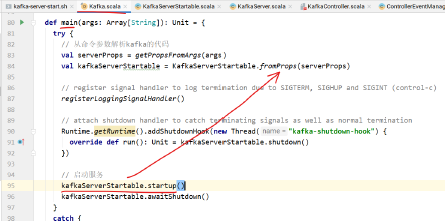
该类中包含KakfaServer对象,startup方法调用的是KafkaServer的startup方法: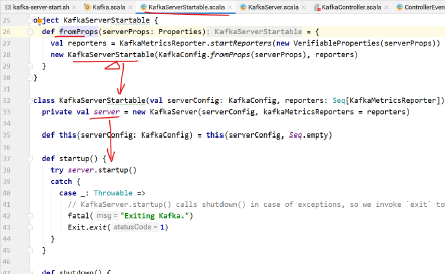
KafkaServer中的startup方法调用了kafkaController的startup方法: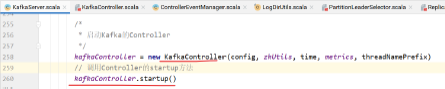
KafkaController的startup方法中,将Startup样例类设置到eventManager中,然后调用eventManager的start方法: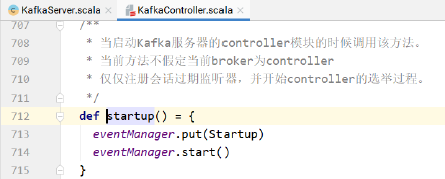
上图中的eventManager.put(Startup)方法实现:
上图中的方法将Startup样例类放到queue中。
queue的实现:
Startup样例类:
其中的process方法执行controller的选举: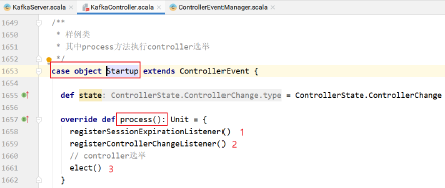
上图中1的代码表示当session超时的时候的处理逻辑,也就是controller到zk连接超时重连,触发该逻辑:
方法的实现:
当Controller到zk的连接过期重连的时候,调用方法: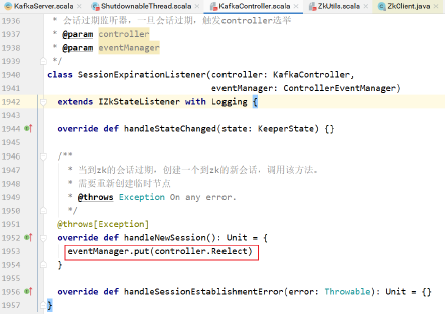
样例类:Reelect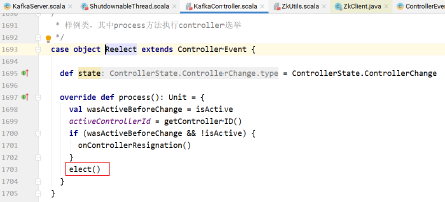
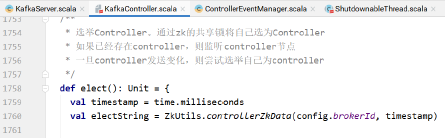
上图中2的代码,表示当controller发生变化的时候的处理逻辑: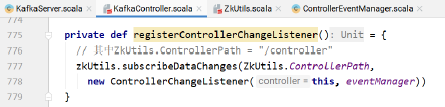
方法的实现:
当controller发生变化的时候的处理逻辑(subscribeDataChanges):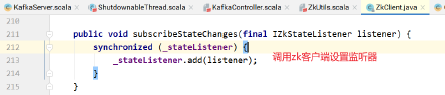
调用: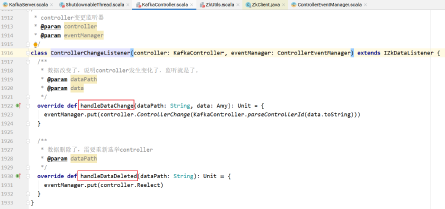
上图中3处的代码表示执行controller的选举: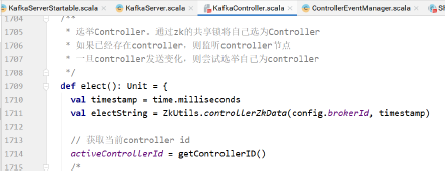
KafkaController的startup方法中,调用eventManager的start方法: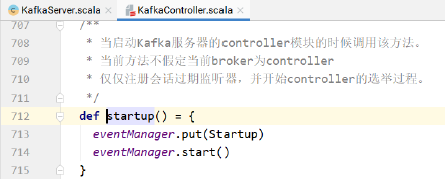
实现: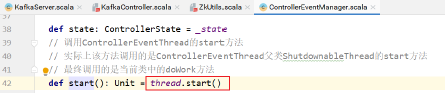
thread是ControllerEventThread对象: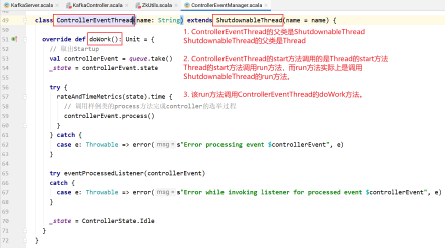
ShutdownableThread的实现:
其中的run方法: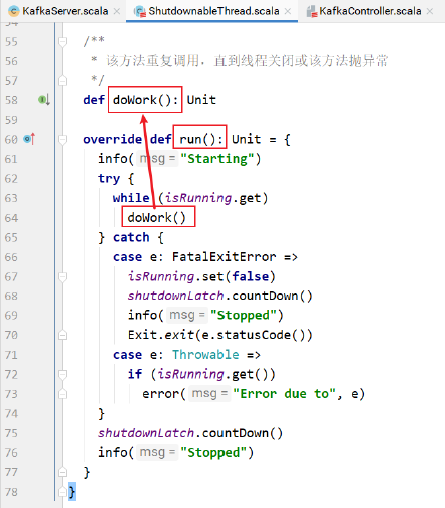
只要系统正常运行,就会不断调用doWork方法: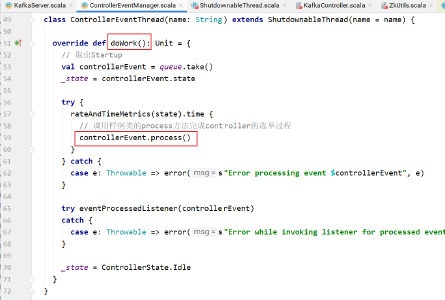
样例类ControllerChange中: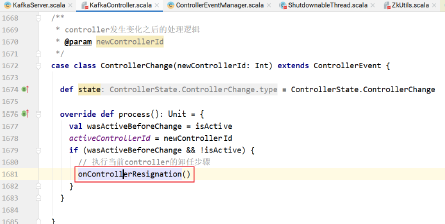
/**
* This callback is invoked by the zookeeper leader elector when the current broker resigns as the controller. This is
* required to clean up internal controller data structures
*/
def onControllerResignation() {
  debug("Resigning")
  // 取消注册ISR变化通知监听器
  deregisterIsrChangeNotificationListener()
  // 取消注册分区重新分配监听器
  deregisterPartitionReassignmentListener()
  // 取消注册带偏向的副本leader选举监听器
  deregisterPreferredReplicaElectionListener()
  // 取消注册log.dirs事件通知监听器
  deregisterLogDirEventNotificationListener()
  // 重置主题删除管理器
  topicDeletionManager.reset()
  // 关闭Kafka的leader再平衡调度器
  kafkaScheduler.shutdown()
  offlinePartitionCount = 0
  preferredReplicaImbalanceCount = 0
  globalTopicCount = 0
  globalPartitionCount = 0
  // 取消注册分区再平衡ISR变化监听器
  deregisterPartitionReassignmentIsrChangeListeners()
  // 关闭分区状态机
  partitionStateMachine.shutdown()
  // 取消注册主题变化监听器
  deregisterTopicChangeListener()
  // 取消注册一堆分区修改监听器
  partitionModificationsListeners.keys.foreach(deregisterPartitionModificationsListener)
  // 取消注册主题删除监听器
  deregisterTopicDeletionListener()
  // 关闭副本状态机
  replicaStateMachine.shutdown()
  // 取消注册broker变化监听器
  deregisterBrokerChangeListener()
  // 重置controller上下文
  resetControllerContext()
  // 日志:controller辞职不干了
  info("Resigned")
}
Kafka源码剖析之KafkaHealthcheck
健康检查的初始化和启动:
在启动KafkaServer的startup方法中,实例化并启动了健康检查:
健康检查的startup方法的执行逻辑: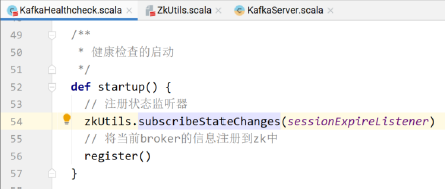
注册状态监听器的具体实现:
subscribeStateChanges(listener)具体实现:
调用zookeeper客户端的方法,该方法将监听器对象添加到_stateListener这个Set集合中: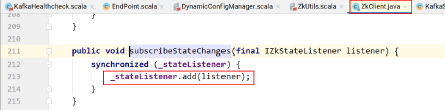
zookeeper客户端的回调方法:
新建会话事件触发监听器: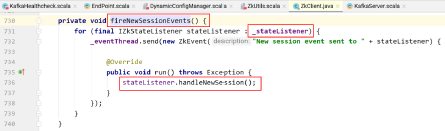
如果发生了zk重连,则需要重新在zk中注册当前borker。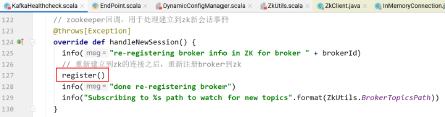
会话建立异常,触发监听器: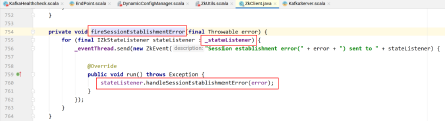
无法建立到zk的连接: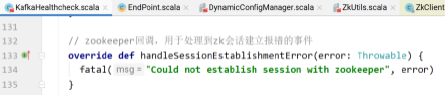
状态改变,触发执行监听器方法: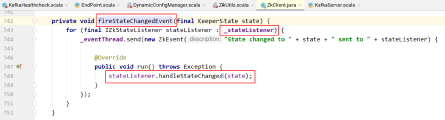
只要状态发生改变,就标记当前事件的发生。用于监控。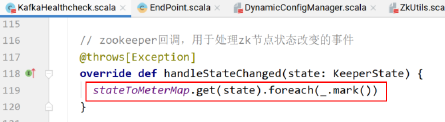
其中register方法具体逻辑:
解决端点的主机名端口号,然后调用zkUtil的方法将当前broker的信息注册到zookeeper中: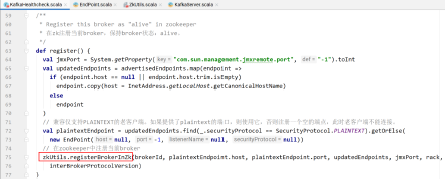
registerBrokerInZk的具体逻辑:
/**
* 如果Kafka的apiVersion不低于0.10.0.X,则使用json v4格式(包含多个端点和机架)注册broker。
* 否则使用json v2格式注册。
*
* json v4格式包含了默认的端点以兼容老客户端。
*
* @param id broker ID
* @param host broker host name
* @param port broker port
* @param advertisedEndpoints broker对外提供服务的端点
* @param jmxPort jmx port
* @param rack broker所在机架
* @param apiVersion Kafka version the broker is running as
*/
def registerBrokerInZk(id: int, host: String, port: int, advertisedEndpoints: Seq[EndPoint], jmxPort: int, rack: Option[String], apiVersion: ApiVersion) {
  // /brokers/ids/<broker.id>
  val brokerIdPath = BrokerIdsPath + "/" + id
  // see method documentation for reason why we do this
  val version = if (apiVersion >= KAFKA_0_10_0_IV1) 4 else 2
  val json = Broker.toJson(version, id, host, port, advertisedEndpoints, jmxPort, rack)
  // 将broker信息注册到指定的路径。该znode的值就是json字符串
  // 默认znode节点是:/broker
  registerBrokerInZk(brokerIdPath, json)
  info("Registered broker %d at path %s with addresses: %s".format(id, brokerIdPath, advertisedEndpoints.mkString(",")))
}
在zk中注册broker的具体实现:
主要是在zk的/brokers/[0...N] 路径上建立该Broker的信息,并且该节点是ZK中的Ephemeral Node,当此Broker离线的时候,zk上对应的节点也就消失了,那么其它Broker可以及时发现该Broker的异常。
class KafkaHealthcheck(private val brokerId: int, private val advertisedHost: String, private val advertisedPort: int, private val zkSessionTimeoutMs: int, private val zkClient: ZkClient) extends Logging {
  val brokerIdPath = ZkUtils.BrokerIdsPath + "/" + brokerId
  val sessionExpireListener = new SessionExpireListener
  def startup() {
    zkClient.subscribeStateChanges(sessionExpireListener)
    register()
  }
  def shutdown() {
    zkClient.unsubscribeStateChanges(sessionExpireListener)
    ZkUtils.deregisterBrokerInZk(zkClient, brokerId)
  }
  def register() {
    val advertisedHostName =
    if(advertisedHost == null || advertisedHost.trim.isEmpty)
    InetAddress.getLocalHost.getCanonicalHostName else
    advertisedHost
    val jmxPort = System.getProperty("com.sun.management.jmxremote.port", "-1").toint
    //在/brokers/ids/路径下存储broker的基本消息,例如端口号,ip地址,时间戳等,以上内容均在Ephemeral Node上,只要该broker和zk失去链接,则zk对应目录的内容被清空
    ZkUtils.registerBrokerInZk(zkClient, brokerId, advertisedHostName, advertisedPort, zkSessionTimeoutMs, jmxPort)
  }
  //该SessionExpireListener的作用就是重建broker的节点,防止短暂的和zk失去链接之后,该broker对应的节点也全部丢失了
  class SessionExpireListener() extends IZkStateListener {
    @throws(classOf[Exception])
    def handleStateChanged(state: KeeperState) {
      // do nothing, since zkclient will do reconnect for us.
    }
    def handleNewSession() {
      info("re-registering broker info in ZK for broker " + brokerId)
        register()
      info("done re-registering broker")
      info("Subscribing to %s path to watch for new topics".format(ZkUtils.BrokerTopicsPath))
    }
  }
}
Kafka源码剖析之DynamicConfigManager
工作流程如下:
配置存储于/config/entityType/entityName,如/config/topics/<topic_name>以及/config/clients/
默认配置存储与各自的
可以使用分级路径同时指定多个实体的名称,如:/config/users/
设置通知路径/config/changes,避免对所有主题进行监控,有事通知。DynamicConfigManager监控该路径。
更新配置的第一步是更新配置的properties。
之后,在/config/changes/下创建一个新的序列znode,类似于/config/changes/config_change_12231,该节点保存了实体类型和实体名称。
序列znode包含的数据形式:{"version" : 1, "entity_type":"topic/client", "entity_name" : "topic_name/client_id"}
这只是一个通知,真正的配置数据存储于/config/entityType/entityName节点
版本2的通知格式:{"version" : 2, "entity_path":"entity_type/entity_name"}
可以使用分级路径指定多个实体:如,users/
该类对所有的broker设置监视器。监视器工作流程如下:
- 监视器读取所有的配置更改通知。
- 监视器跟踪它应用过的后缀数字最高的配置更新。
- 监视器先前处理过的通知,15min之后监视器将其删除。
- 对于新的更改,监视器读取新的配置,将新的配置和默认配置整合,然后更新现有的配置。
配置永远从zk配置路径读取,通知仅用于触发该动作。
如果一个broker宕机,错过了一个更新,没问题——当broker重启的时候,加载所有的配置。
注意:如果有两个连续的配置更新,可能只有最后一个会处理(因为在broker读取配置信息的时候,可能两个更新都处理过了)。
此时,broker不需要进行两次配置更新,虽然人畜无害。
DynamicConfigManager重启的时候,重新处理所有的通知。可能有点儿浪费资源,但是它避免了丢失配置更新。
但要避免在启动时出现任何竞争情况, 因为这些情况可能会丢失初始配置加载与注册更改通知之间的更改。
KafkaServer启动的时候,在startup方法中,配置动态配置管理器,并启动动态配置管理器: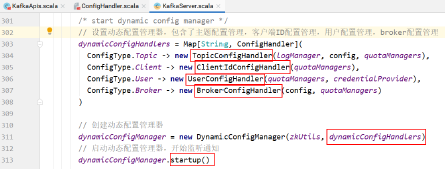
DynamicConfigManager的startup方法的逻辑:
在动态配置管理器启动的时候,首先执行一遍配置更新。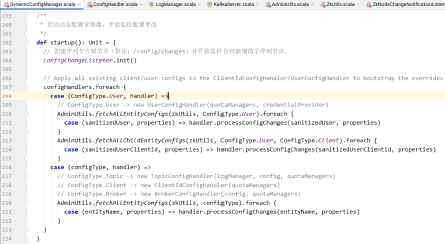
configChangeListener.init()方法的具体实现: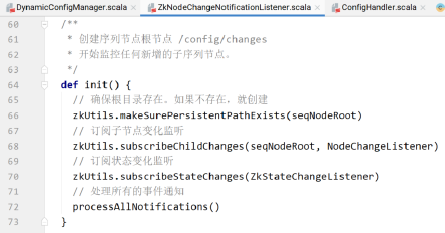
上图中68行订阅子节点个数变化监听器,具体实现: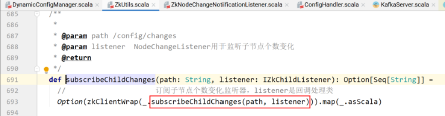
上图中标红框的是订阅子节点个数变化监听器,只要子节点个数发生变化,就回调listener。
listener是哪个?NodeChangeListener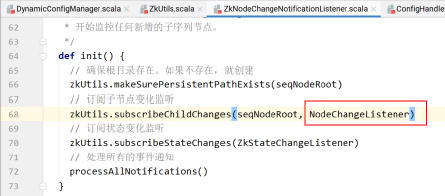
NodeChangeListener的具体实现: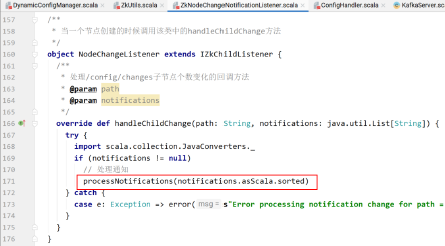
处理通知的实现:
/**
* 处理给定的通知列表中的所有通知
*/
private def processNotifications(notifications: Seq[String]) {
  // 如果通知非空
  if (notifications.nonEmpty) {
    info(s"Processing notification(s) to $seqNodeRoot")
    try {
      val now = time.milliseconds
      // 遍历通知集合
      for (notification <- notifications) {
        // 获取通知的编号
        val changeId = changeNumber(notification)
        // 对比最后执行的修改通知编号,如果当前通知编号大于上次执行的,就执行配置更新
        if (changeId > lastExecutedChange) {
          // /config/changes/config_change_12121
          val changeZnode = seqNodeRoot + "/" + notification
          // 读取该通知节点的内容
          val data = zkUtils.readDataMaybeNull(changeZnode)._1.orNull
          if (data != null) {
            // 如果有需要更改的数据,则执行配置的更新
            notificationHandler.processNotification(data)
          } else {
            logger.warn(s"read null data from $changeZnode when processing notification $notification")
          }
          // 修改上次已执行编号为当前节点编号
          lastExecutedChange = changeId
        }
      }
      // 移除过期的通知
      purgeObsoleteNotifications(now, notifications)
    } catch {
      case e: ZkInterruptedException =>
        if (!isClosed.get)
          throw e
    }
  }
}
上面代码中第22行的实现:
首先,notificationHandler是哪个?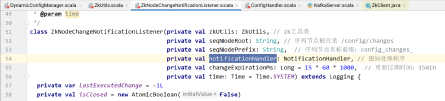
该类在哪里实例化?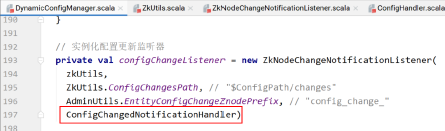
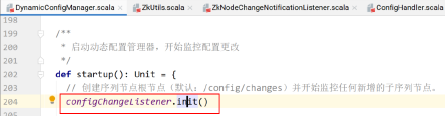
即notificationHandler就是ConfigChangedNotificationHandler类。
notificationHandler.processNotification(data)上面代码的具体实现: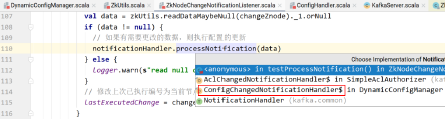
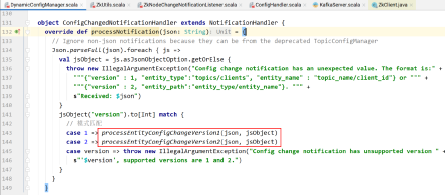
如果版本1,则: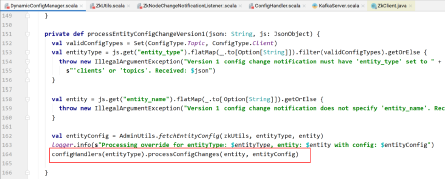
如果版本2,则: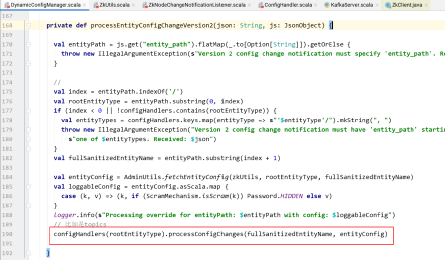
具体实现:
def processConfigChanges(topic: String, topicConfig: Properties) {
  // Validate the configurations.
  // 找出需要排除的配置条目
  val configNamesToExclude = excludedConfigs(topic, topicConfig)
  // 过滤出当前指定主题的所有分区日志
  val logs = logManager.logsByTopicPartition.filterKeys(_.topic == topic).values.toBuffer
  // 如果日志非空
  if (logs.nonEmpty) {
    // 整合默认配置和zk中覆盖默认的配置,创建新的Log配置信息
    val props = new Properties()
    // 添加默认配置
    props ++= logManager.defaultConfig.originals.asScala
    // 遍历覆盖默认配置的条目,如果该条目不在要排除的集合中,则直接put到props中
    // 该操作会覆盖默认相同key的配置
    topicConfig.asScala.foreach { case (key, value) =>
    if (!configNamesToExclude.contains(key)) props.put(key, value)
  }
  // 实例化新的logConfig
  val logConfig = LogConfig(props)
  if ((topicConfig.containsKey(LogConfig.RetentionMsProp) || topicConfig.containsKey(LogConfig.MessageTimestampDifferenceMaxMsProp)) && logConfig.retentionMs < logConfig.messageTimestampDifferenceMaxMs)
    warn(s"${LogConfig.RetentionMsProp} for topic $topic is set to ${logConfig.retentionMs}. It is smaller than " + s"${LogConfig.MessageTimestampDifferenceMaxMsProp}'s value ${logConfig.messageTimestampDifferenceMaxMs}. " + s"This may result in frequent log rolling.")
    // 更新当前主题所有分区日志的配置信息
    logs.foreach(_.config = logConfig)
  }
  def updateThrottledList(prop: String, quotaManager: ReplicationQuotaManager) = {
    if (topicConfig.containsKey(prop) && topicConfig.getProperty(prop).length > 0) {
      val partitions = parseThrottledPartitions(topicConfig, kafkaConfig.brokerId, prop)
      quotaManager.markThrottled(topic, partitions)
      logger.debug(s"Setting $prop on broker ${kafkaConfig.brokerId} for topic: $topic and partitions $partitions")
    } else {
      quotaManager.removeThrottle(topic)
      logger.debug(s"Removing $prop from broker ${kafkaConfig.brokerId} for topic $topic")
    }
  }
  updateThrottledList(LogConfig.LeaderReplicationThrottledReplicasProp, quotas.leader)
  updateThrottledList(LogConfig.FollowerReplicationThrottledReplicasProp, quotas.follower)
}
删除过期配置更新通知节点。通过时间对比,过期时间为:15min。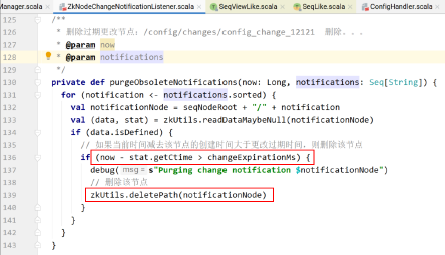
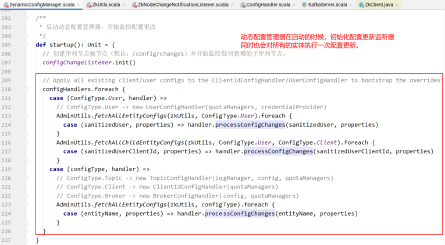
获取指定实体类型中各个实体的配置信息: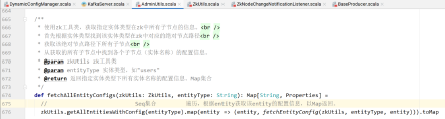
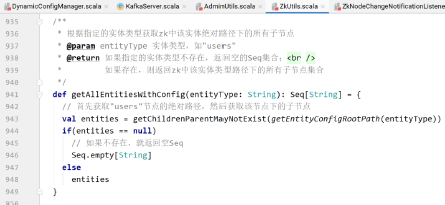
getEntityConfigRootPath(entityType)的具体实现: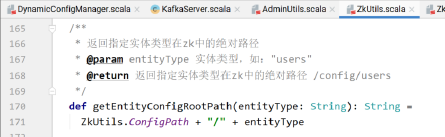
其中,主题配置管理器TopicConfigHandler:
def processConfigChanges(topic: String, topicConfig: Properties) {
  // Validate the configurations.
  // 找出需要排除的配置条目
  val configNamesToExclude = excludedConfigs(topic, topicConfig)
  // 过滤出当前指定主题的所有分区日志
  val logs = logManager.logsByTopicPartition.filterKeys(_.topic == topic).values.toBuffer
  // 如果日志非空
  if (logs.nonEmpty) {
    // 整合默认配置和zk中覆盖默认的配置,创建新的Log配置信息
    val props = new Properties()
    // 添加默认配置
    props ++= logManager.defaultConfig.originals.asScala
    // 遍历覆盖默认配置的条目,如果该条目不在要排除的集合中,则直接put到props中
    // 该操作会覆盖默认相同key的配置
    topicConfig.asScala.foreach { case (key, value) =>
    if (!configNamesToExclude.contains(key))
      props.put(key, value)
  }
  // 实例化新的logConfig
  val logConfig = LogConfig(props)
  if ((topicConfig.containsKey(LogConfig.RetentionMsProp) || topicConfig.containsKey(LogConfig.MessageTimestampDifferenceMaxMsProp)) && logConfig.retentionMs < logConfig.messageTimestampDifferenceMaxMs)
    warn(s"${LogConfig.RetentionMsProp} for topic $topic is set to ${logConfig.retentionMs}. It is smaller than " + s"${LogConfig.MessageTimestampDifferenceMaxMsProp}'s value ${logConfig.messageTimestampDifferenceMaxMs}. " + s"This may result in frequent log rolling.")
    // 更新当前主题所有分区日志的配置信息
    logs.foreach(_.config = logConfig)
  }
  def updateThrottledList(prop: String, quotaManager: ReplicationQuotaManager) = {
    if (topicConfig.containsKey(prop) && topicConfig.getProperty(prop).length > 0) {
      val partitions = parseThrottledPartitions(topicConfig, kafkaConfig.brokerId, prop)
      quotaManager.markThrottled(topic, partitions)
      logger.debug(s"Setting $prop on broker ${kafkaConfig.brokerId} for topic: $topic and partitions $partitions")
    } else {
      quotaManager.removeThrottle(topic)
      logger.debug(s"Removing $prop from broker ${kafkaConfig.brokerId} for topic $topic")
    }
  }
  updateThrottledList(LogConfig.LeaderReplicationThrottledReplicasProp, quotas.leader)
  updateThrottledList(LogConfig.FollowerReplicationThrottledReplicasProp, quotas.follower)
}
Kafka源码剖析之分区消费模式
在分区消费模式,需要手动指定消费者要消费的主题和主题的分区信息。
可以设置从分区的哪个偏移量开始消费。
典型的分区消费:
Map<String, Object> configs = new HashMap<>();
configs.put(ConsumerConfig.BOOTSTRAP_SERVERS_CONFIG, "node1:9092");
configs.put(ConsumerConfig.KEY_DESERIALIZER_CLASS_CONFIG, StringDeserializer.class);
configs.put(ConsumerConfig.VALUE_DESERIALIZER_CLASS_CONFIG, StringDeserializer.class);
configs.put(ConsumerConfig.CLIENT_ID_CONFIG, "mycsmr" + System.currentTimeMillis());
configs.put(ConsumerConfig.AUTO_OFFSET_RESET_CONFIG, "earliest");
// 设置消费组id
// configs.put(ConsumerConfig.GROUP_ID_CONFIG, "csmr_grp_01");
KafkaConsumer<String, String> consumer = new KafkaConsumer<String, String>(configs);
TopicPartition tp0 = new TopicPartition("tp_demo_01", 0);
TopicPartition tp1 = new TopicPartition("tp_demo_01", 1);
TopicPartition tp2 = new TopicPartition("tp_demo_01", 2);

/*
* 如果不设置消费组ID,则系统不会自动给消费者分配主题分区
* 此时需要手动指定消费者消费哪些分区数据。
*/
consumer.assign(Arrays.asList(tp0, tp1, tp2));
consumer.seek(tp0, 0);
consumer.seek(tp1, 0);
consumer.seek(tp2, 0);
ConsumerRecords<String, String> records = consumer.poll(1000);
records.forEach(record -> {
  System.out.println(record.topic() + "t"
    + record.partition() + "t"
    + record.offset() + "t"
    + record.key() + "t"
    + record.value());
});
// 最后关闭消费者
consumer.close();
上面代码中的assign方法的实现: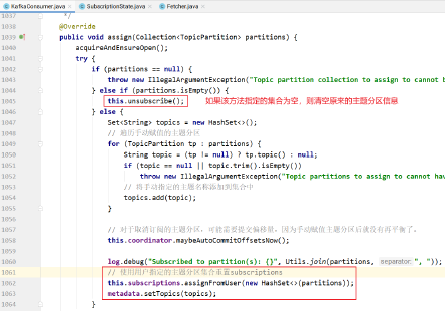
assignFromUser的实现: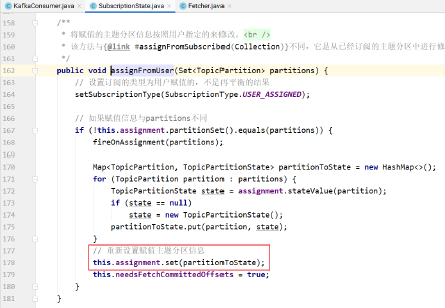
调用seek方法指定各个主题分区从哪个偏移量开始消费: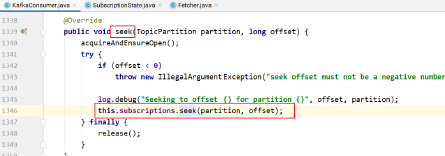
subscriptions的seek方法实现:
上图中seek的实现:
此时poll方法的调用为:

pollOnce方法的实现:
发起请求:
该方法的实现:
创建需要发送的请求对象并发起请求: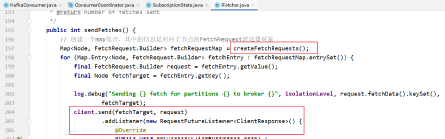
client.send方法添加监听器,等待broker端的响应: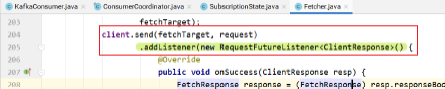
监听的逻辑: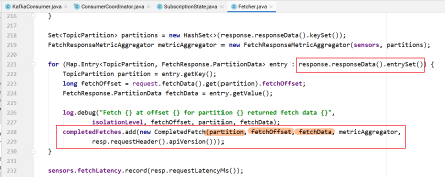
上面方法中createFetchRequests用于创建需要发起的请求: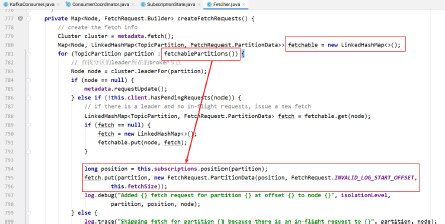
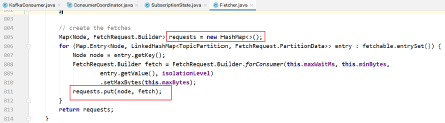
fetchablePartitions方法的实现: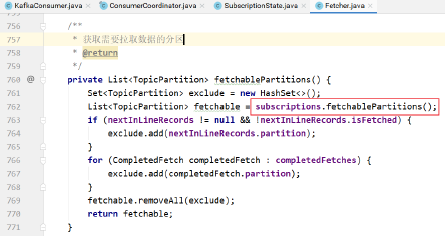
subscriptions.fetchablePartitions()方法的实现: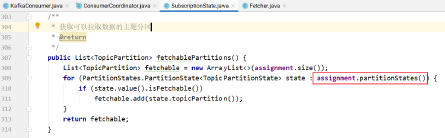
最终,pollOnce方法返回拉取的结果: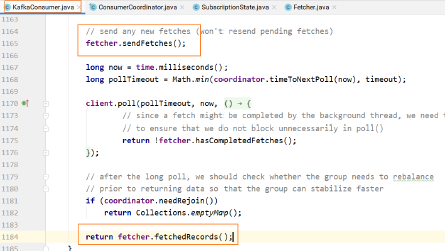
Kafka源码剖析之组消费模式
组消费模式指的是在消费者消费消息的时候,使用组协调器的再平衡机制自动分配要消费的分区(们)。
此时需要在消费者的配置中指定消费组ID,同时如果需要,设置偏移量重置的策略。
然后消费者订阅主题,就可以消费消息了。
Map<String, Object> configs = new HashMap<>();
configs.put(ConsumerConfig.BOOTSTRAP_SERVERS_CONFIG, "node1:9092");
configs.put(ConsumerConfig.KEY_DESERIALIZER_CLASS_CONFIG, StringDeserializer.class);
configs.put(ConsumerConfig.VALUE_DESERIALIZER_CLASS_CONFIG, StringDeserializer.class);
configs.put(ConsumerConfig.CLIENT_ID_CONFIG, "mycsmr" + System.currentTimeMillis());
configs.put(ConsumerConfig.AUTO_OFFSET_RESET_CONFIG, "earliest");
// 设置消费组id
configs.put(ConsumerConfig.GROUP_ID_CONFIG, "csmr_grp_01");
KafkaConsumer<String, String> consumer = new KafkaConsumer<String, String>(configs);
consumer.subscribe(Collections.singleton("tp_demo_01"));
ConsumerRecords<String, String> records = consumer.poll(1000);
records.forEach(record -> {
  System.out.println(record.topic() + "t"
    + record.partition() + "t"
    + record.offset() + "t"
    + record.key() + "t"
    + record.value());
  });
// 最后关闭消费者
consumer.close();
consumer.subscribe方法的实现: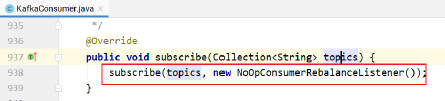
上面方法中第一个参数是订阅的主题集合,第二个参数是一个监听器,当发送再平衡的时候消费者想要执行的操作。
默认是NoOpConsumerRebalanceListener,即什么都不做:
NoOpConsumerRebalanceListener的实现: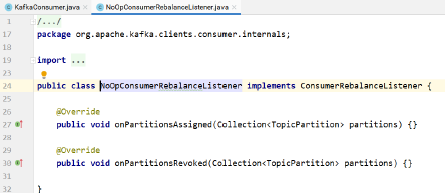
订阅方法的实现: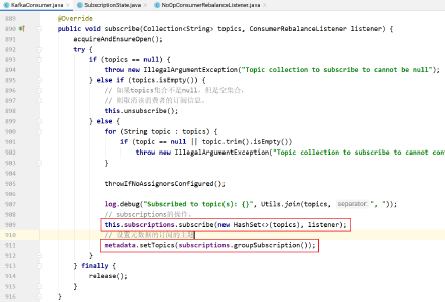
subscriptions的订阅操作实现: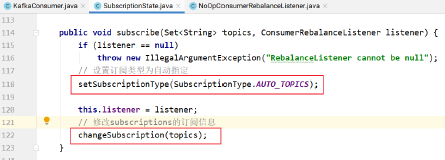
就是对SubscriptionState的操作: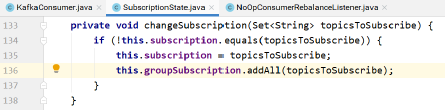
用户的poll的操作调用pollOnce方法: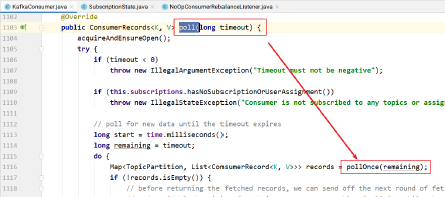
pollOnce的实现: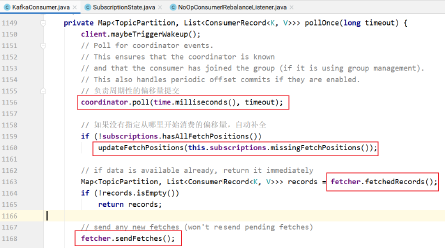
coordinator.poll负责周期性地向broker提交偏移量信息。
上面方法中updateFetchPositions方法表示:如果订阅的主题分区没有偏移量信息,则更新主题分区的偏移量信息,这样就知道消费的时候从哪里开始消费了: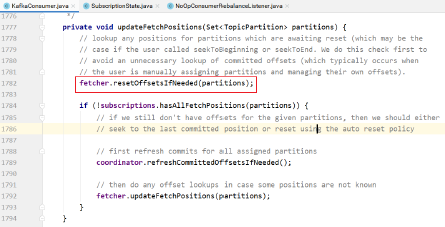
上图中的fetcher.resetOffsetsIfNeeded方法的实现: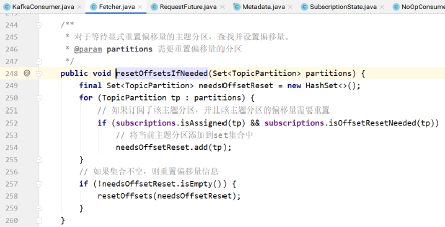
resetOffsets的具体实现: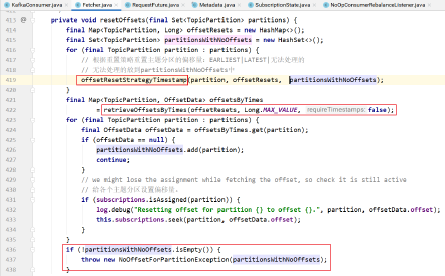
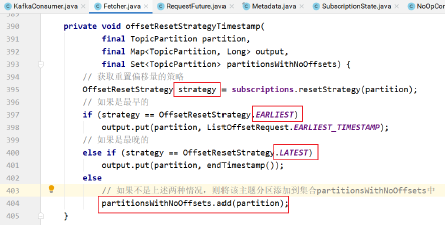
上述的实现表示:首先根据重置策略重置主题分区的偏移量请求类型,然后发送请求,真正从主题的分区中获取偏移量。
其中上图中的
需要向broker发请求,获取主题分区的偏移量,更新偏移量的值: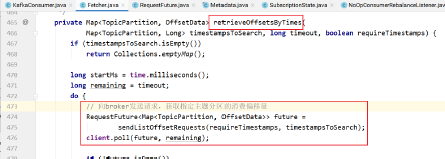
发送请求的实现: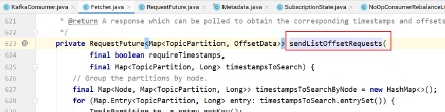
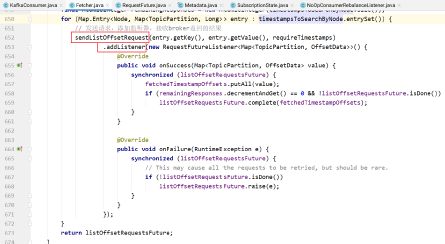
发送的请求是ListOffsetRequest请求: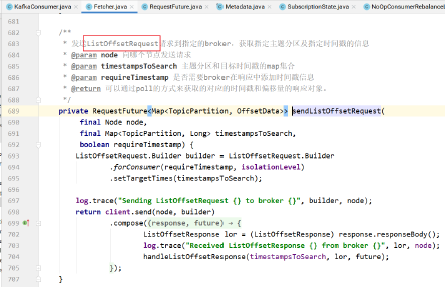
该请求在Broker中的处理: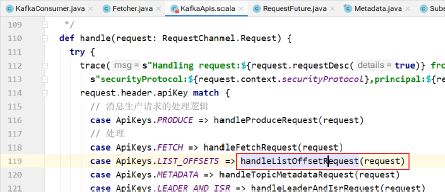
具体处理: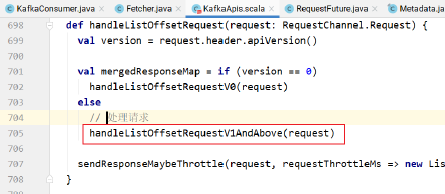
该方法的实现: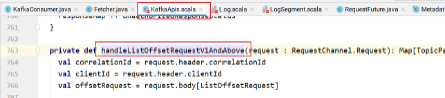
如果是最晚的,直接设置最晚的偏移量,如果不是最晚的,则需要根据主题分区以及时间戳查找: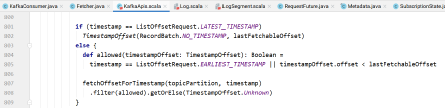
查找的逻辑: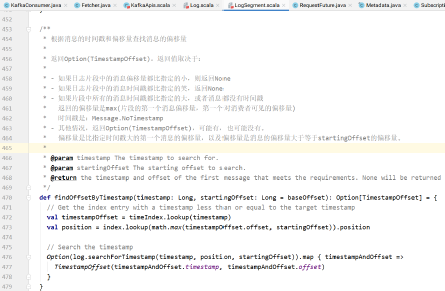
对于消费者,向指定的broker发送ListOffsetRequest请求,获取指定主题分区的偏移量和时间戳信息: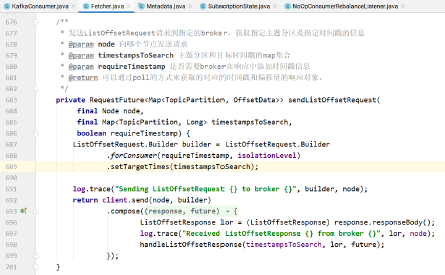
调用handleListOffsetResponse处理获取的偏移量信息: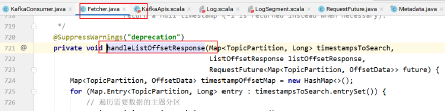
complete方法用于完成请求。当complete方法调用之后,successed方法返回true。
同时偏移量信息可以通过value方法获取: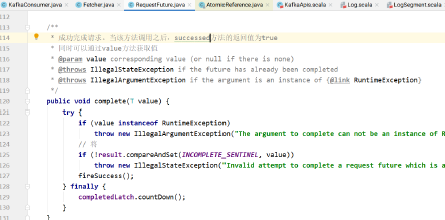
即:变量offsetsByTimes的值就是下图中future.value()的值。此时各个主题分区的偏移量已经设置好了:

pollOnce方法:
在更新主题分区的偏移量之后,就可以发送请求消费消息了: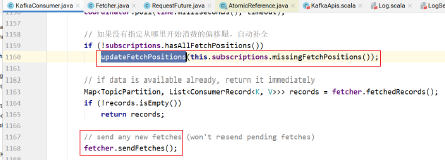
对于组消费,还需要定期将偏移量提交到__consumer_offsets主题中: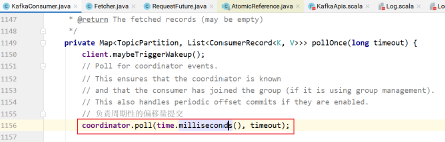
poll方法的实现: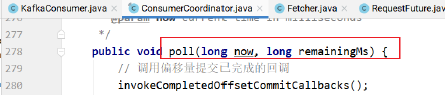
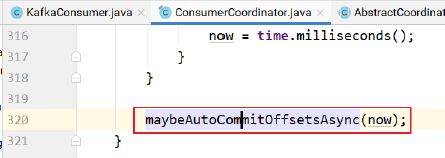
如果是自动提交消费者偏移量到broker的__consumer_offsets主题,则maybeAutoCommitOffsetsAsync的实现: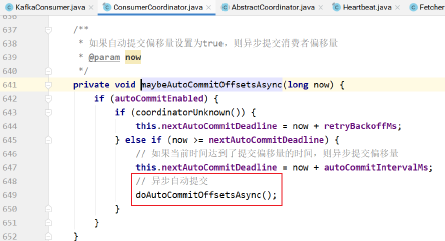
doAutoCommitOffsetsAsync的实现: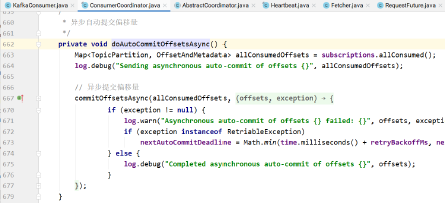
commitOffsetsAsync的实现: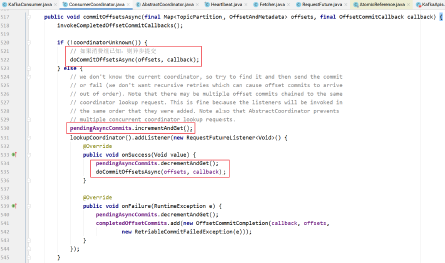
在异步提交消费者偏移量的时候,如果组协调器已知,直接发送
如果未知,则异步提交等待,查找组协调器,等找到之后,异步提交消费者偏移量: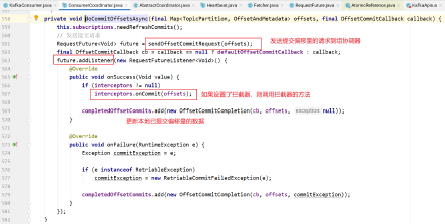
上图中sendOffsetCommitRequest的实现:
- 首先查找消费组协调器
- 然后创建偏移量提交请求对象
发送请求
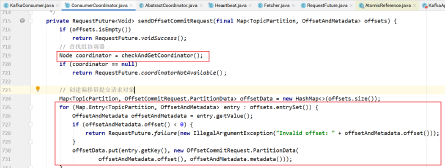
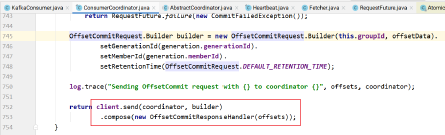
在KafkaServer处理的时候: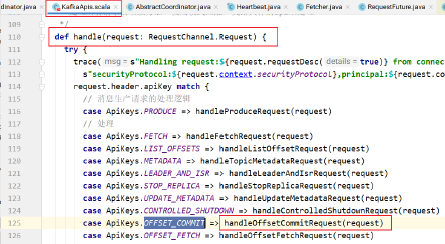
handleOffsetCommitRequest的实现: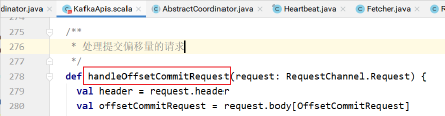
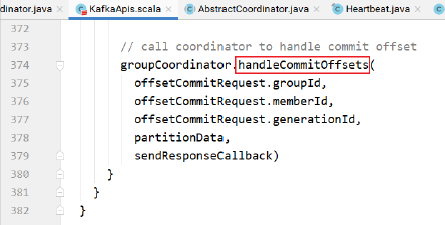
消费组协调器的处理: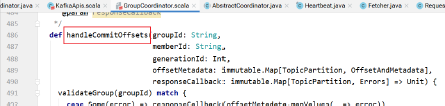

doCommitOffsets的实现: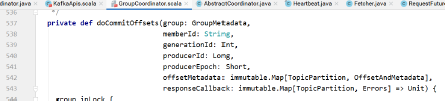
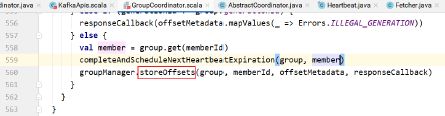
storeOffsets的实现:
其中:


appendForGroup的实现如下,将当前消费组的偏移量消息追加到__consumer_offsets的指定分区中: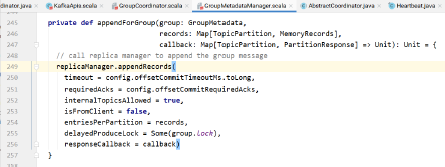
Kafka源码剖析之同步发送模式
消息同步发送的代码:
所谓同步,就是调用Future的get方法同步等待。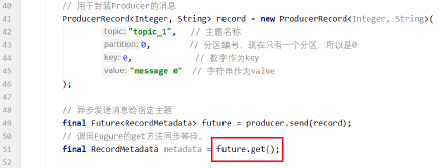
send方法是异步的: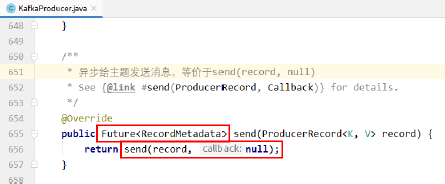
send方法将消息发送给broker,当前线程同步等待broker返回的消息。
send发的实现:
看doSend: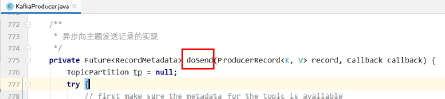
该方法首先将消息放到累加器中
判断是否需要发起请求,如果需要,则唤醒sender线程发送消息
该方法的返回值:RecordApendResult.future: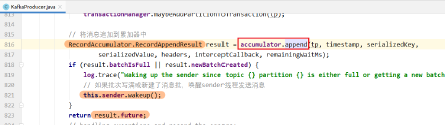
RecordApendResult类: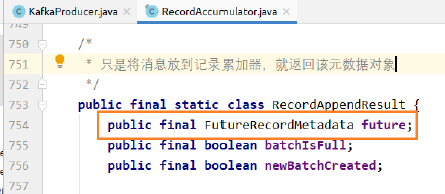
累加器的append方法将消息追加到累加器,并返回追加到累加器的结果: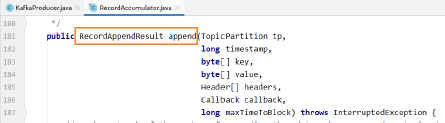
其中主要实现:
tryAppend的实现: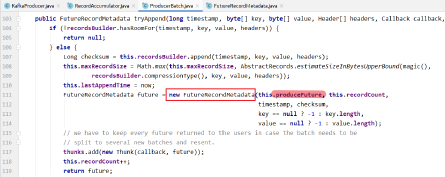
上述方法的返回值是FutureRecordMetadata,而该类的实现: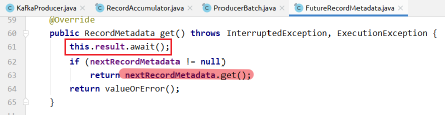
上述方法中,await方法等待broker端返回结果。
result实际上是tryAppend方法赋值的produceFuture对象:
produceFuture对象是: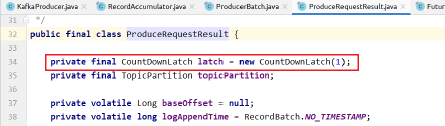
该类中有一个CountDownLatch,future的get方法中的等待实际上就是该CountDownLatch的等待。
最终我们的producer.send方法的返回值就是FutureRecordMetadata对象。
future.get就是在等待该CountDownLatch的countDown的触发: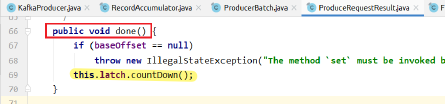
该方法何时调用?
completeFutureAndFireCallbacks方法调用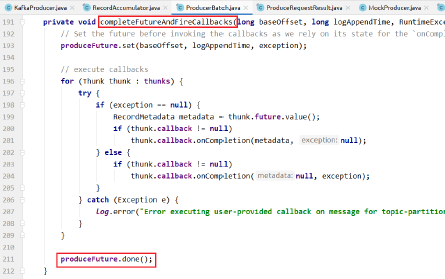
(Alt+F7 查看元素的使用位置)
completeFutureAndFireCallbacks方法何时调用?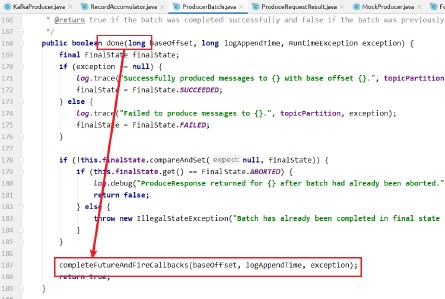
done方法何时调用?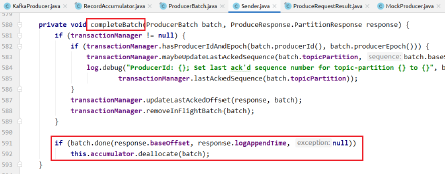
在completeBatch方法的最后,如果batch.done,则释放累加器的空间。
completeBatch方法何时调用?
在该方法中:
completeBatch何时调用?
在handleProduceResponse中如果有响应,则解析,并调用completeBatch方法
如果没有响应,表示是acks=0的情形,不需要解析响应,直接调用completeBatch方法即可。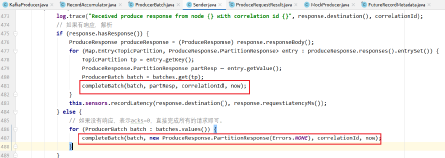
handleProduceResponse何时调用?
Sender线程创建回调,回调中调用了handleProduceResponse方法,创建生产请求对象,该对象中封装了回调对象
发送请求,等待回调的触发。
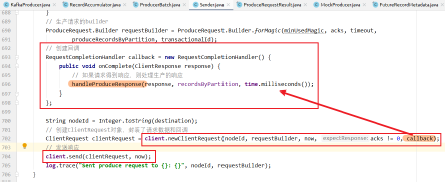
sendProduceRequest的调用: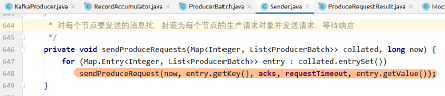

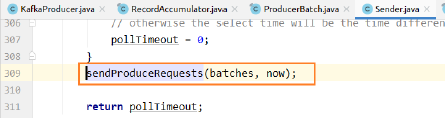
sendProducerData的调用: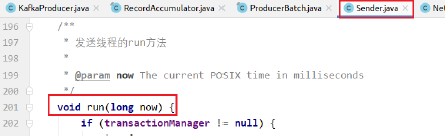
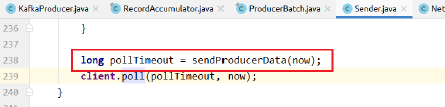
总结:
所谓同步调用,指的是生产者调用producer.send(record).get()方法。
该方法首先将要发送的消息发送到消息累加器
判断累加器中的消息批次是否达到,或者当前批次没写满,但是加入当前消息会让消息批大于消息批最大值,则创建新的批次。
如果需要发送消息批次,则唤醒sender线程,让sender线程发送消息。
sender线程会返回一个future对象给生产者客户端线程。
若生产者调用该future的get方法,则该方法使用CountDownLatch阻塞,直到收到broker响应,触发CountDownLatch的countDown方法
此时生产者线程的get方法返回,得到发送的结果。Kafka源码剖析之异步发送模式
异步发送消息
在发送消息的时候设置回调函数: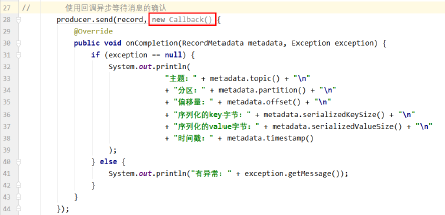
调用KafkaProducer的send方法,该方法接收要发送的消息批,同时接收回调对象:
doSend的实现: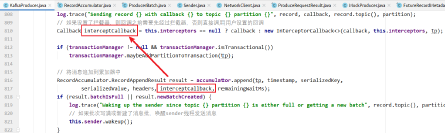
累加器append的实现: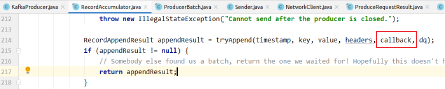
tryAppend的实现:
tryAppend的实现: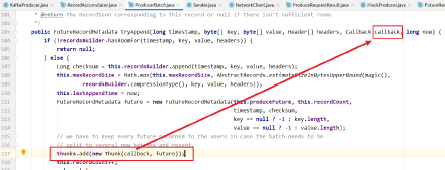
Sender的run方法调用: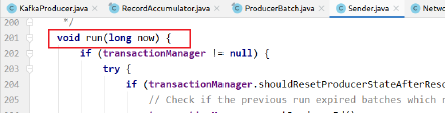

sendProducerData的实现:
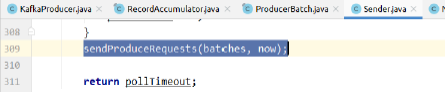
sendProducerRequests的实现: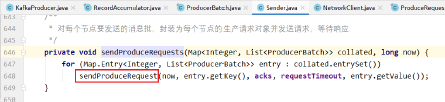
sendProduceRequest的实现:
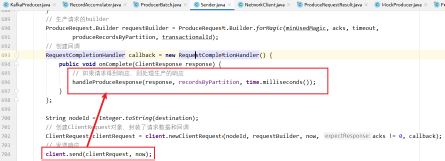
上述方法如果得到broker的响应,就回调handleProduceResponse方法:
该方法对响应的处理: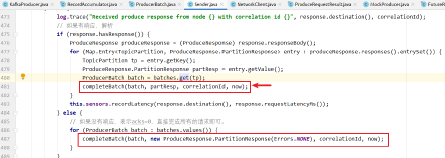
completeBatch的实现:

completeBatch的实现: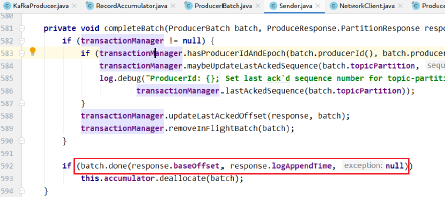
batch的done方法: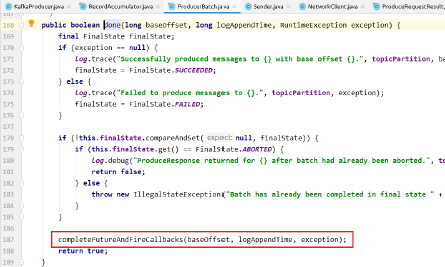
触发回调函数的执行: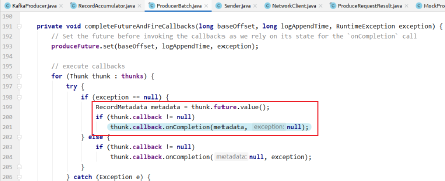
上图中执行用户设置的callback函数的onCompletion方法: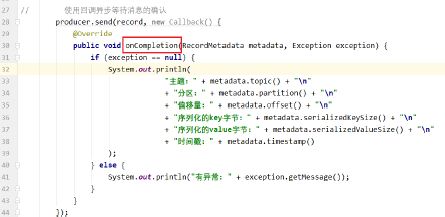
由于上述方法都是在Sender线程中调用,因此回调的onCompletion方法的执行也是异步的,跟用户的producer.send方法不在同一个线程。
回调的异步执行即是生产的异步发送模式。
评论已关闭